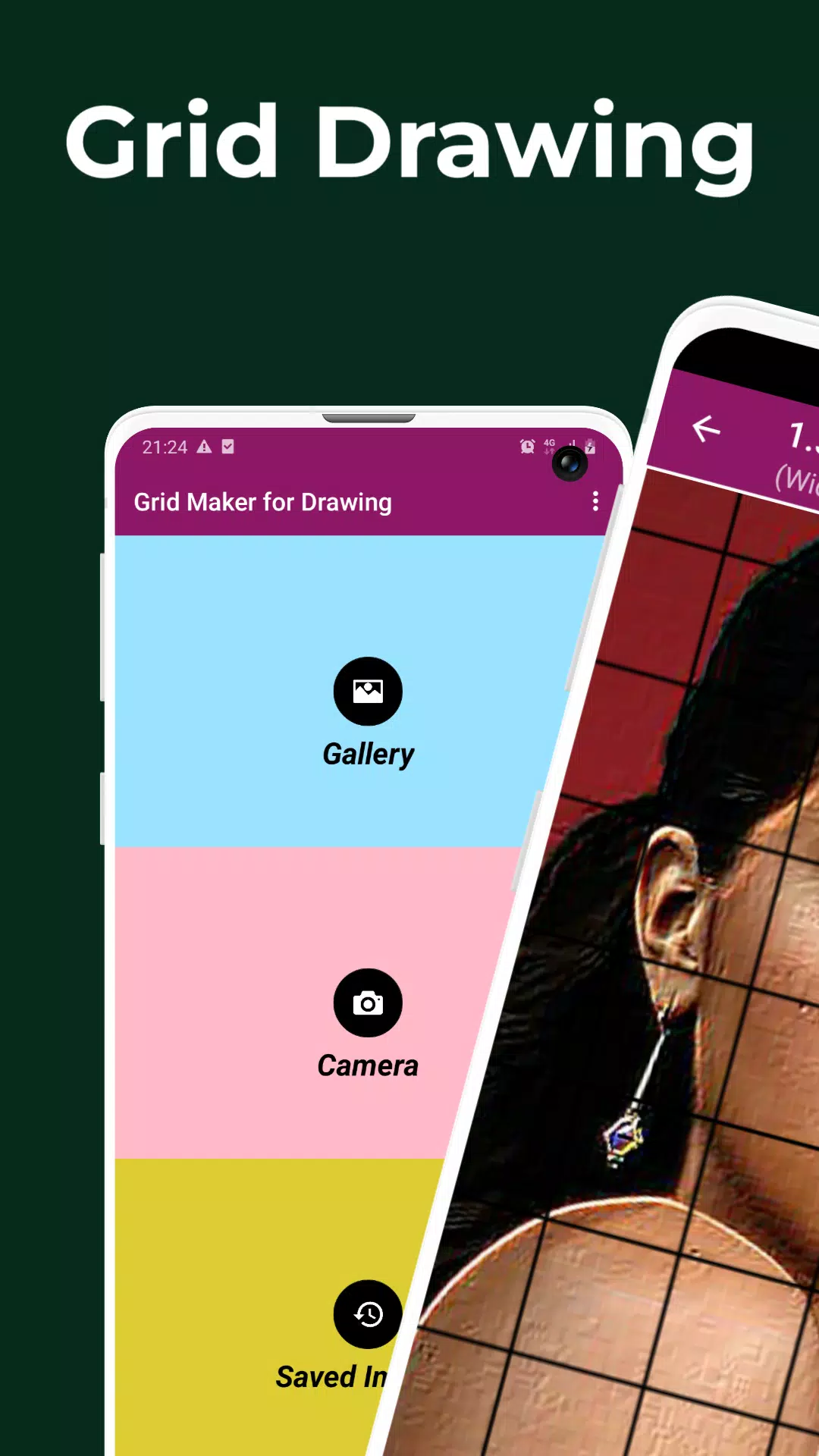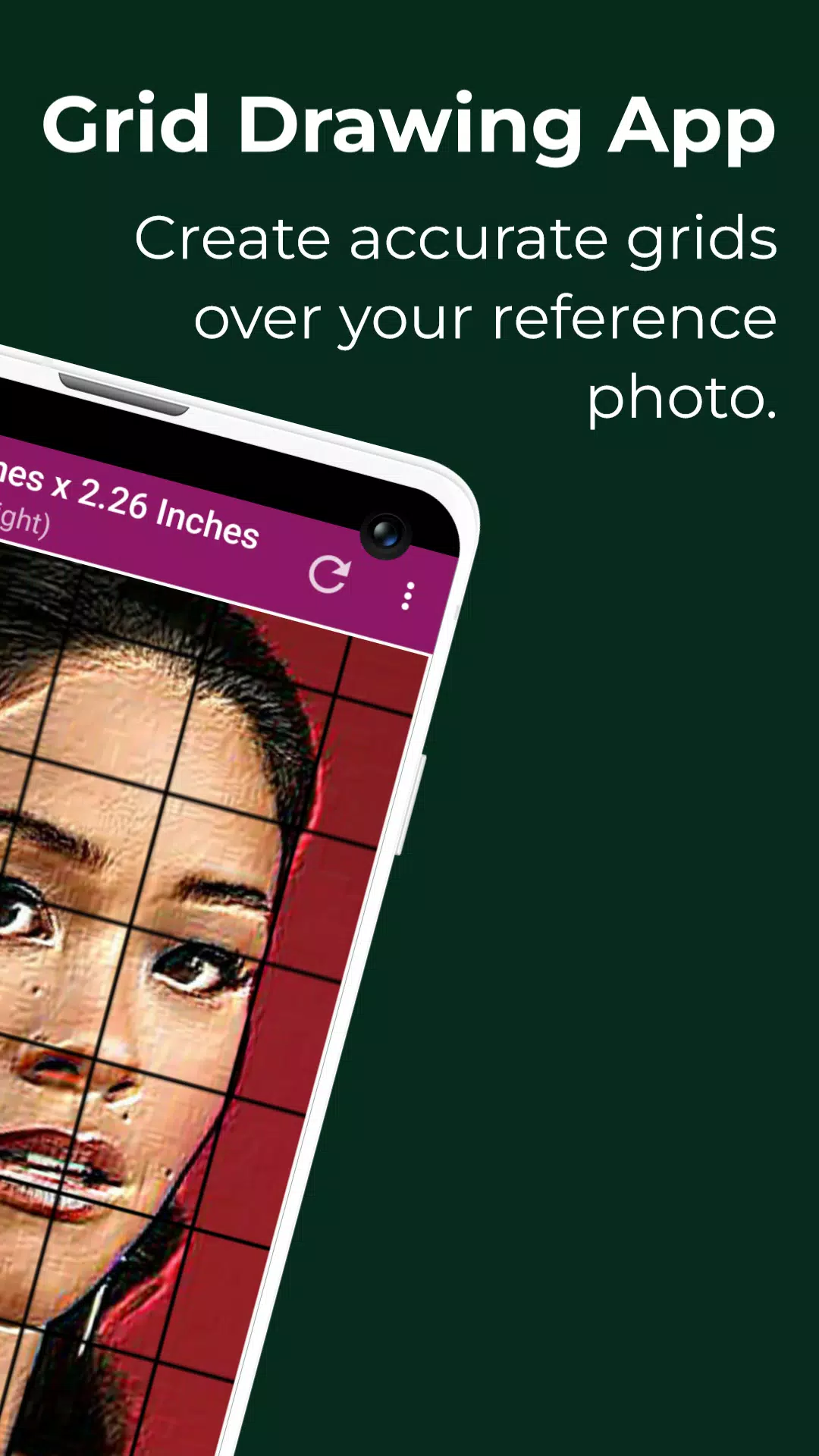
Grid Drawing is a powerful technique used in art and illustration, where artists overlay a grid on their reference photo and replicate it on their work surface, such as wood, paper, or canvas. By focusing on one square at a time, artists can meticulously transfer or reproduce the entire image. This method is not only practical but also highly effective in enhancing an artist's drawing skills and artistic abilities, ensuring the recreated image is both accurate and proportional. Grid Drawing serves as an essential learning tool for artists at any stage of their career.
The advantages of employing the Grid Drawing technique are numerous. It ensures proportional accuracy, allows for modifications in scale and size, simplifies complex images, sharpens observational skills, boosts hand-eye coordination, and builds confidence in the artist's abilities.
The Grid Maker for Drawing Android app facilitates this process by dividing the reference photo into smaller, manageable squares (rows and columns). Each square contains a segment of the overall picture, which the artist can then recreate on a larger scale with exceptional precision. The app also aids in maintaining proportions and capturing intricate details, making it an invaluable tool for skill development.
The Grid Drawing app is equipped with a variety of tools and customizations that enhance the accuracy and efficiency of transferring the reference photo to the work surface. It is designed to cater to both beginners and advanced artists, helping them refine their observational and drawing skills.
Key Features of Grid Maker for Drawing with Measurements
- Capture a new image using your camera, supporting JPEG, PNG, and WEBP formats.
- Choose an existing image from your gallery, compatible with JPEG, PNG, and WEBP formats.
- Select or share an image from your preferred file manager or apps, supporting JPEG, PNG, and WEBP formats.
- Create square grids.
- Create rectangular grids.
- Enable or disable grid drawing over the picture.
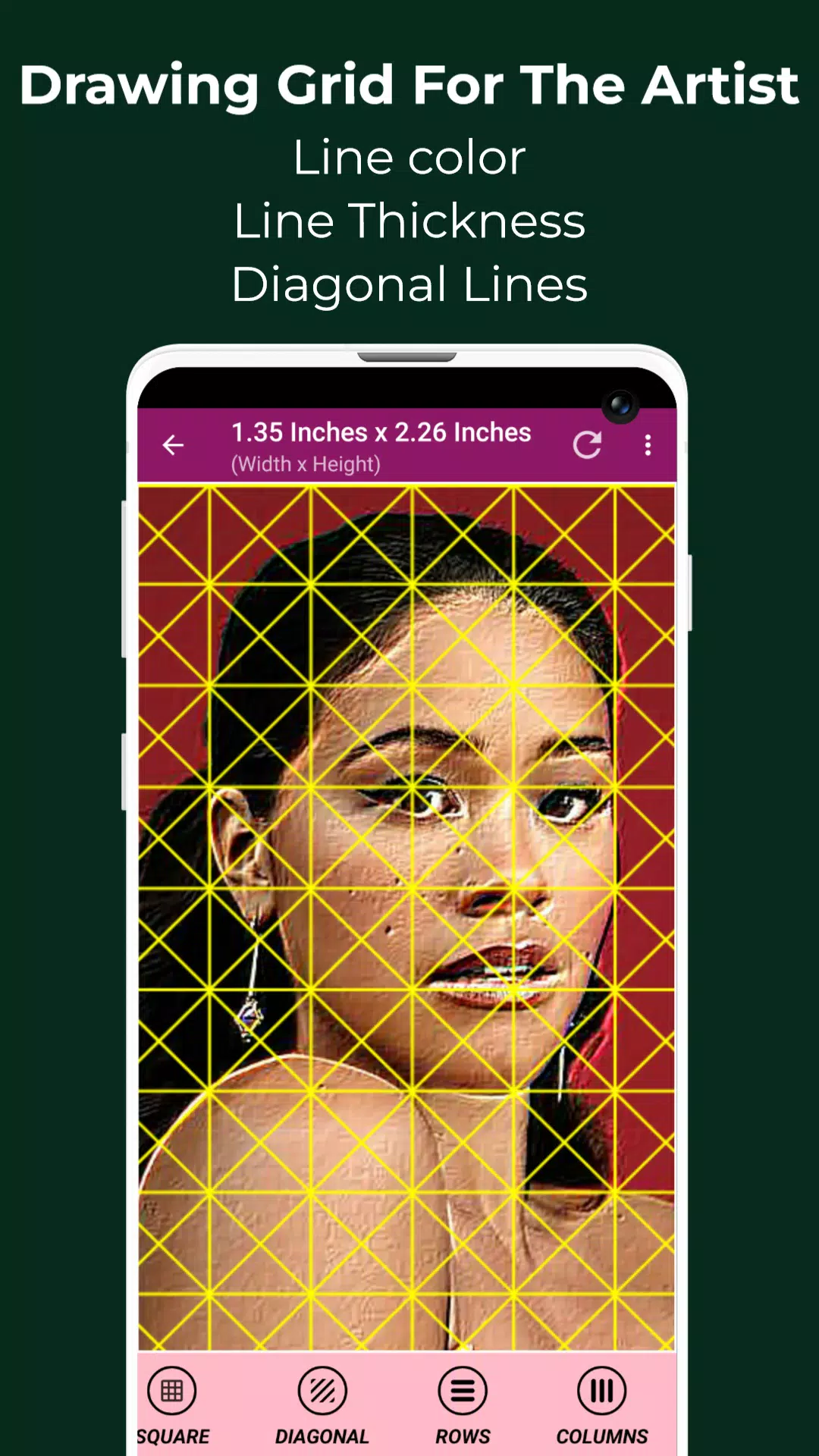
- Draw diagonal grids.
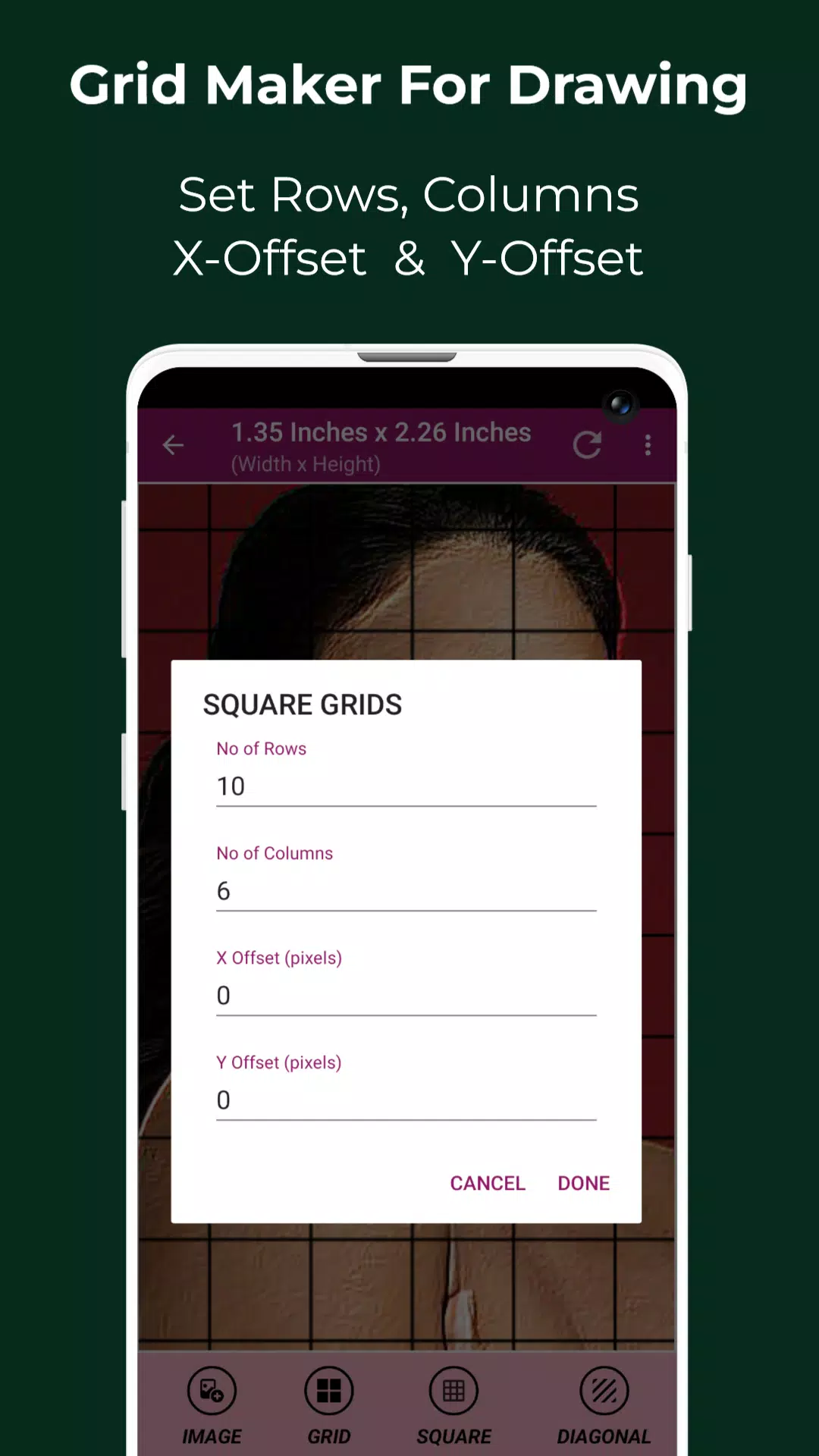
- Specify the number of rows and Y-axis offset.
- Specify the number of columns and X-axis offset.
- Choose the color of the grid.
- Enable or disable grid labeling.
- Adjust label size and alignment (top, bottom, left, and right).
- Modify the thickness of grid lines.
- Measure the image size in various units: Pixels (px), Inches (in), Millimeters (mm), Points (pt), Picas (pc), Centimeters (cm), Meters (m), Feet (ft), Yards (yd).
- Measure the cell size in various units: Pixels (px), Inches (in), Millimeters (mm), Points (pt), Picas (pc), Centimeters (cm), Meters (m), Feet (ft), Yards (yd).
- Use full-screen mode for a better view.
- Compare your drawing in real-time with the reference picture.
- Lock the screen to prevent accidental changes.
- Get the HEXCODE, RGB & CMYK values of a selected pixel on the reference photo.
- Zoom in and out of the image up to 50x.
- Enable or disable zooming functionality.
- Apply various effects such as Black and White, Bloom, Cartoon, Crystal, Emboss, Glow, Gray Scale, HDR, Invert, Lomo, Neon, Old School, Pixel, Polaroid, Sharpen, and Sketch.
- Crop the image to fit, square, 3:4, 4:3, 9:16, 16:9, 7:5, or custom dimensions.
- Rotate the image up to 360 degrees.
- Flip the image vertically and horizontally.
- Adjust the brightness, contrast, saturation, and hue of the image.
- Save, share, and print gridded images.
- Access all your saved grids conveniently.
Grid Drawing is the ultimate app for artists seeking to enhance their skills, achieve precision, and ensure accuracy in their artwork. Whether you're a beginner or an advanced artist, this app is designed to support your artistic journey.
If you have any questions or suggestions, please feel free to contact us. Thank you.