MC Skin Editor for Minecraft is your ultimate tool for crafting dream skins for Minecraft versions 1.20 and 1.21+, featuring captivating animations. With this powerful skin editor, you can customize your Minecraft skins, upload your own designs, generate AI-driven random skins, and preview your creations in a realistic 3D environment. You can even create stunning skin packs tailored for Minecraft Bedrock Edition.
Dive into a vast collection of over 1000 HD skins created by fellow Minecraft skin enthusiasts. Unleash your creativity by blending your unique ideas to forge dream skins for MCPE that reflect your hobbies and character.
Features:
- Save your crafted skins and images directly to your gallery.
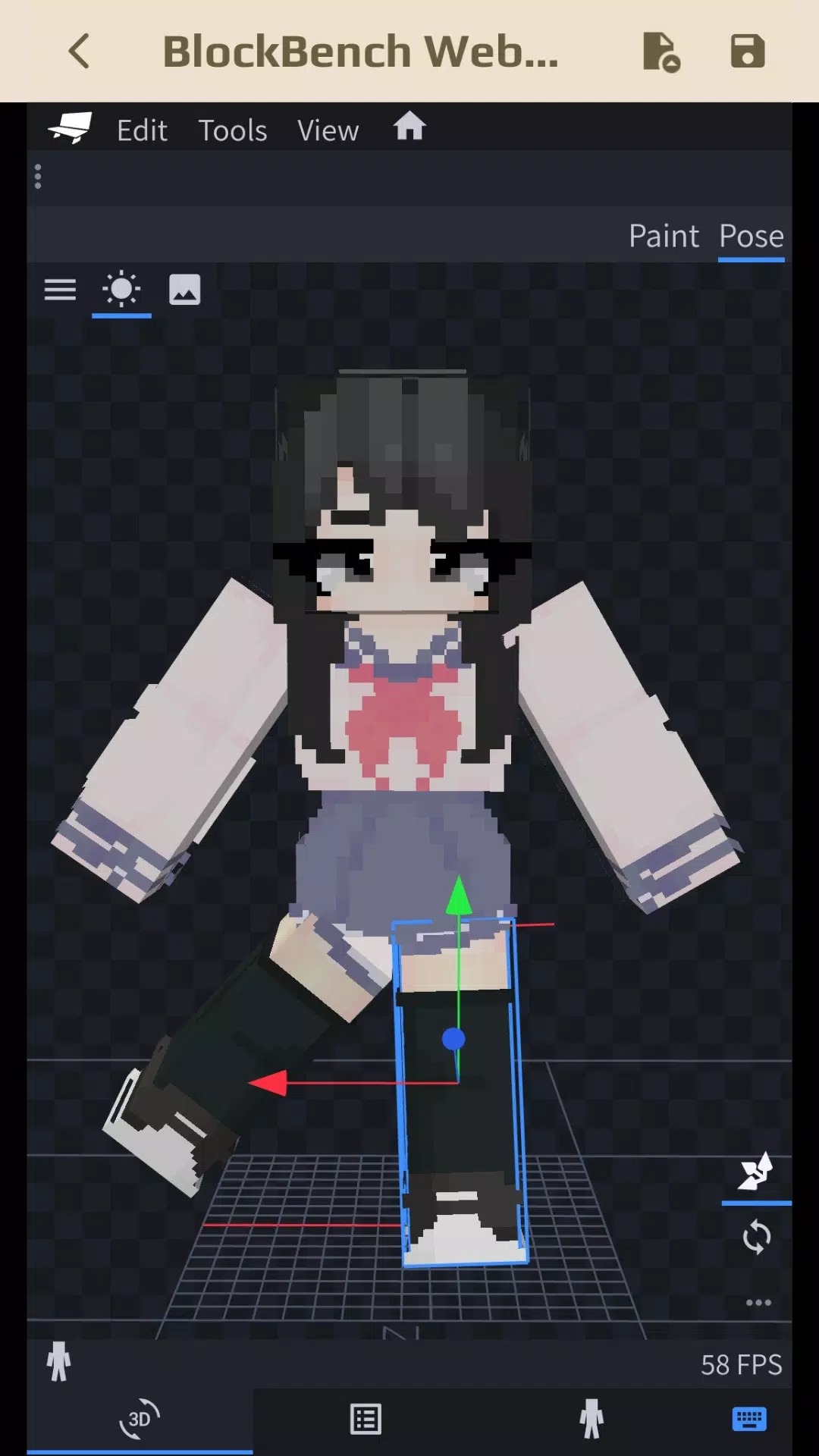
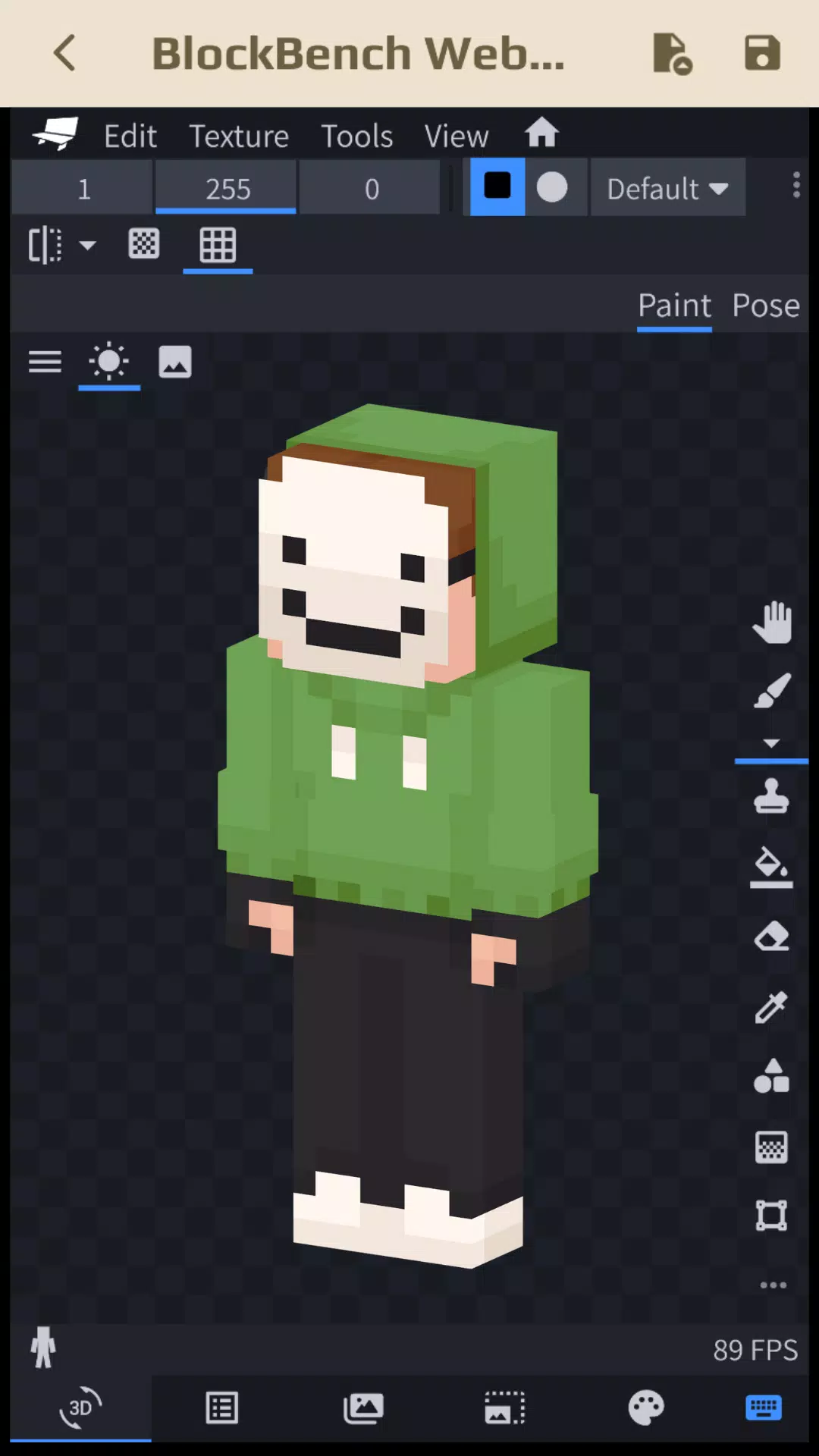
- Utilize Blockbench to enhance your skins editor experience for Minecraft.
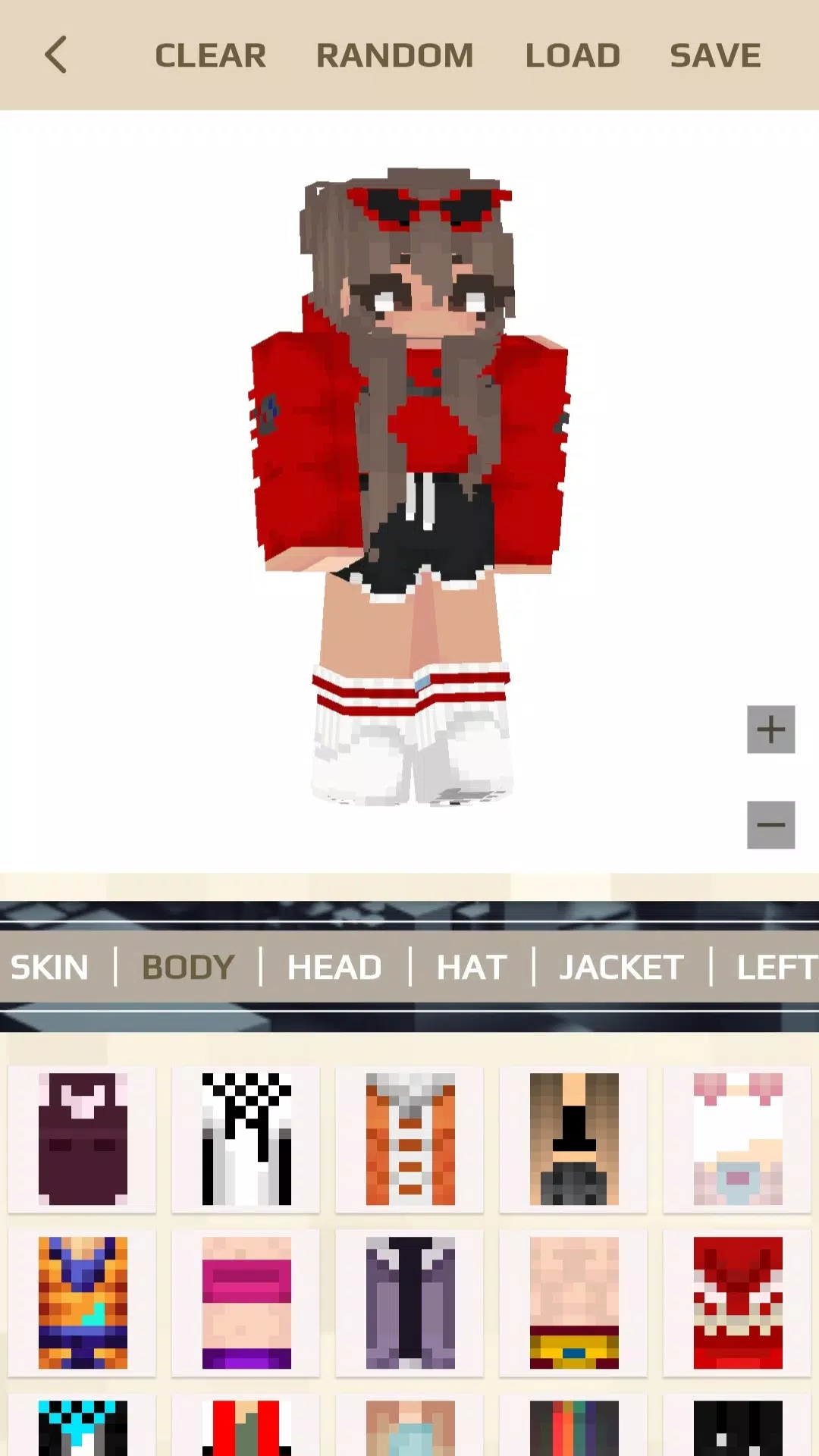
- Generate creative AI skins with the simple press of a [RANDOM BUTTON].
- Modify each part of your skin with a variety of available details for MCPE.
- Remake Minecraft skins according to your personal style.
- Upload and customize your skins in a 3D editor.
- Realistically preview your skins in 3D.
- Transform your 3D skin creations into skin packs and import them directly into the Minecraft game.
- Share your unique skin ideas within the community.
- Seamlessly import and export skins into Minecraft with just one click. Explore importing your skins into other games that support third-party tools for editing behavior and resource packs, such as Crafting and Building, Eeskcraft, and Craftsman.
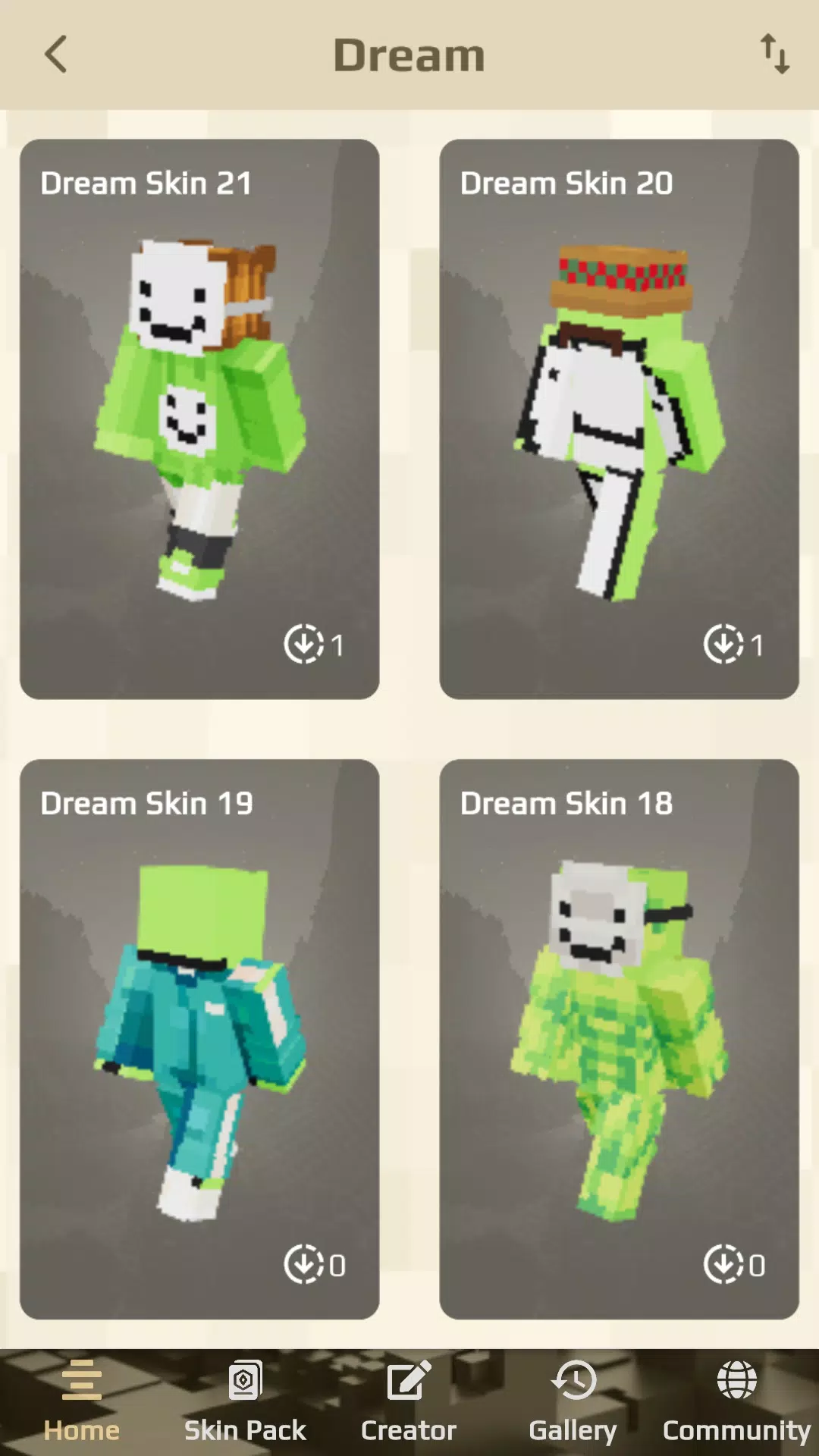
Explore popular skin categories suggested by the editor, including Dream, Anime, Aesthetics, Boys and Girls, Movies, Games, Fantasy, Mobs, Jenny, and more 3D skins for Minecraft.
MC Skin Editor for Minecraft keeps your skin collection fresh with auto-updates tailored to the seasons, including summer skins, spring skins, winter skins, autumn skins, and special event skins for occasions like Christmas, New Year, and Halloween.
How to Create Skins for Minecraft 1.20 and 1.21:
- Tap on Creator and select Create new skin.
- Utilize two amazing tools for editing:
- Skin View 3D: Choose from three options to personalize your skin—select a Random skin, Upload your own, or Choose from available skins. Preview your skin with realistic animations like idle, walk, run, and fly.
- Blockbench: Beyond skin creation, you can adjust models and poses to add a humorous touch.
Download MC Skin Editor for Minecraft now and unlock endless possibilities to make your Minecraft character truly unique and vibrant.
---- DISCLAIMER ----
This is an unofficial application for Minecraft Pocket Edition. It is not affiliated with Mojang AB. The Minecraft Name, Brand, and Assets are properties of Mojang AB or their respective owners. All rights reserved. According to http://account.mojang.com/documents/brand_guidelines.