Home Apps Communication Screen Mirroring
Screen Mirroring

Screen Mirroring

3.9
Application Description

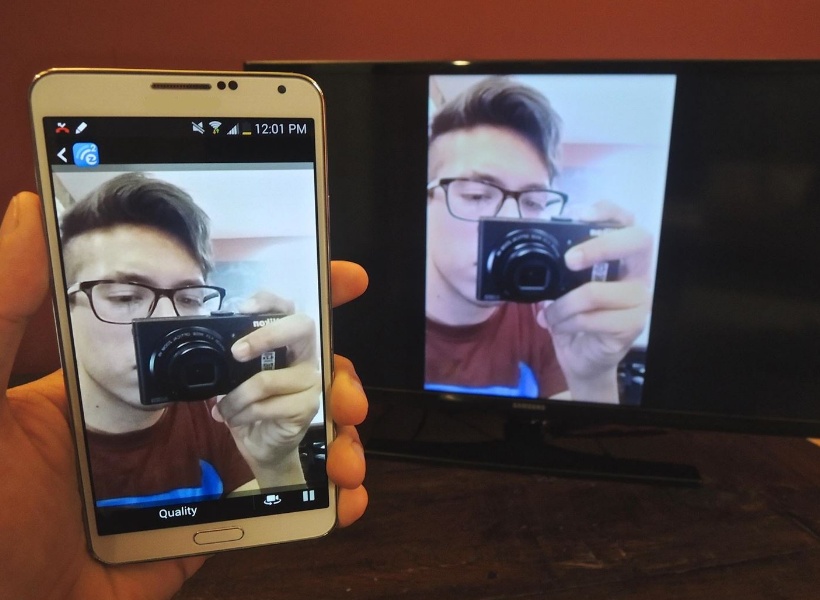
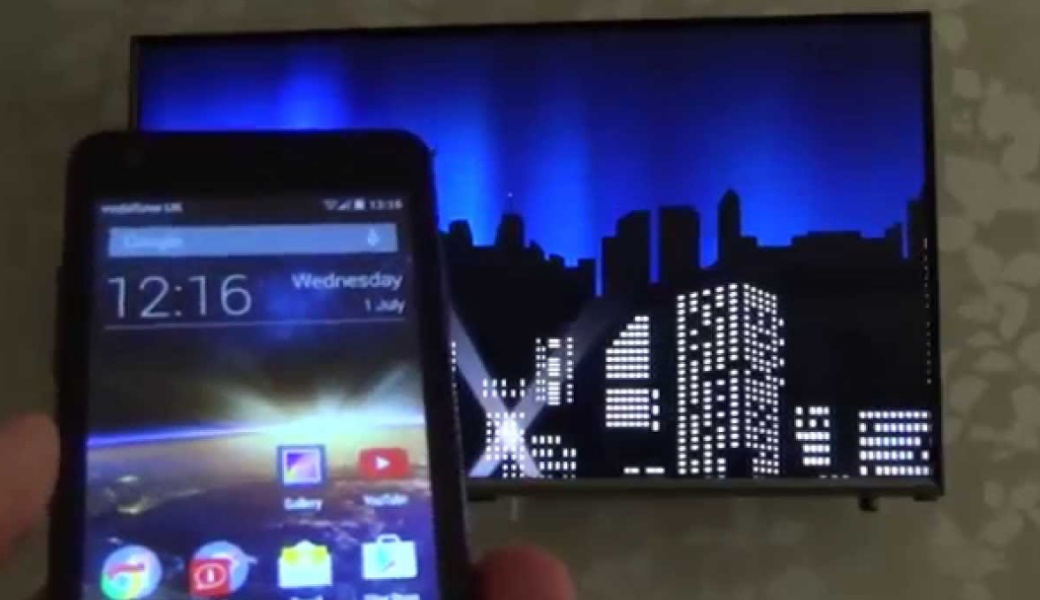
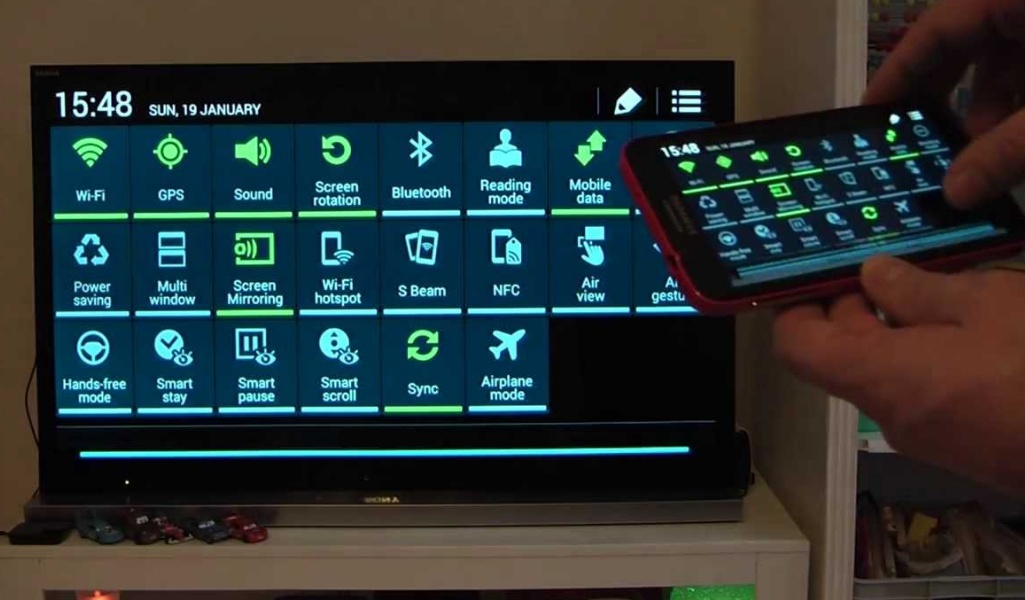
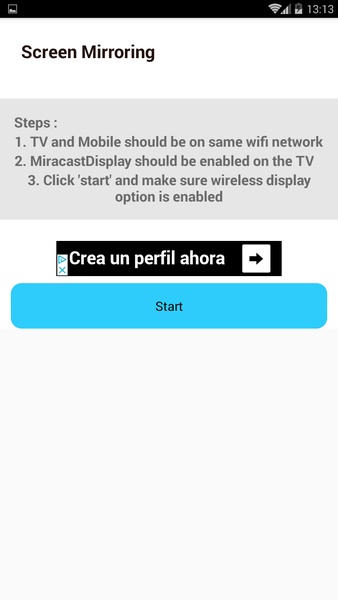
Screen Mirroring is a handy app that lets you seamlessly stream any video from your smartphone to your TV. This works whether the videos are stored locally on your phone or hosted on platforms like YouTube or Vimeo. To use Screen Mirroring, simply connect your smartphone and TV to the same Wi-Fi network and enable the receiver's Miracast Display option. After that, a single click of the 'Start' button begins playback.

Advertisement

Screen Mirroring also provides basic remote control functionality, including volume adjustment and channel changing.

Requirements (Latest Version)

Android 4.2 or higher required.

Screenshot
  • Screen Mirroring Screenshot 0
  • Screen Mirroring Screenshot 1
  • Screen Mirroring Screenshot 2
  • Screen Mirroring Screenshot 3
Reviews Post Comments
Latest Articles
  • LG Evo C4 OLED TV Drops Below $1,200 on Prime Day

    ​Prime Day is nearing its end, and Amazon's sale on the market-leading LG Evo C4 OLED TV is about to conclude at midnight. The 65-inch model is available for just $1,196.99, while the spacious 77-inch version sells for $1,796.99—both with complimentar

    by David Dec 17,2025

  • Prime Day: Apple Deals Slash AirPods, Watch, iPad Prices

    ​Amazon Prime Day enters its second day today. While additional surprise deals may still emerge, Apple enthusiasts no longer need to wait – the best discounts have already arrived. This is your chance to secure unprecedented pricing on iPads, Apple Wa

    by Aiden Dec 16,2025