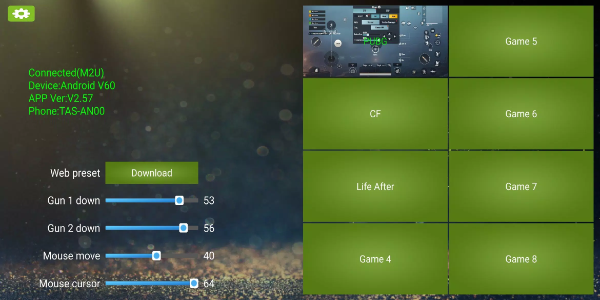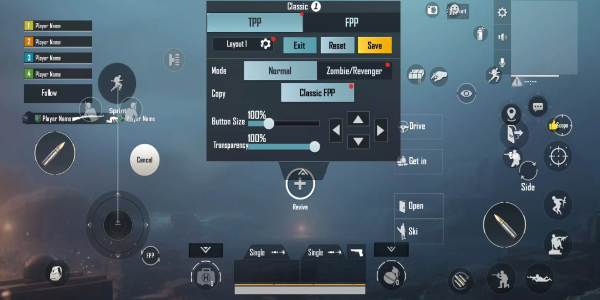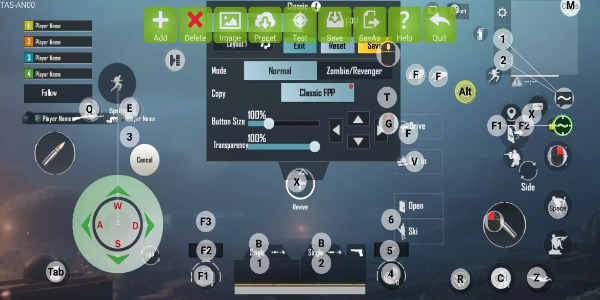
KuGamer is a powerful application designed for configuring mouse and keyboard converters. Users can personalize key bindings, store custom profiles, and update device firmware with ease. Perfect for gamers and professionals who demand accurate control and streamlined performance in gaming or work environments.
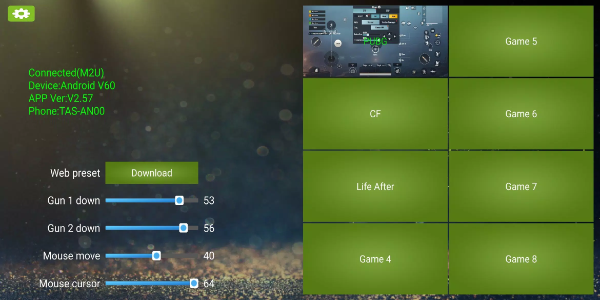
How to Use KuGamer
Editing Key Mapping
Open the KuGamer app and go to the key mapping area.
Choose the specific keys or buttons on your converter that you want to modify.
Assign your preferred actions or commands to each selected key.
Store your customized key mappings for later use across various applications.
Saving and Managing Configurations
Once you’ve adjusted your key maps, use the “Save” or “Save As” option to keep your setup.
Create separate configurations for different games or workflows, saving each profile individually.
Quickly switch between your saved profiles directly from the app’s main screen.
Updating Firmware
Look for firmware updates in the KuGamer app settings or specialized firmware section.
Follow the displayed steps to download and install the newest firmware for your converter.
Keep your device connected to the internet while updating to ensure a smooth installation.
Navigating the User Interface
KuGamer offers a straightforward user interface for easy navigation.
Find key mapping tools, profile management, and firmware updates via clearly labeled menus and icons.
Use integrated tooltips or help sections for extra support on specific features.
Optimizing Performance
Test various key mapping layouts to find what works best for your play style or work tasks.
Adjust settings to improve control and speed in your preferred games or software.
Leverage KuGamer's flexibility to adapt your setup for any situation—boosting both performance and enjoyment.
Features of KuGamer
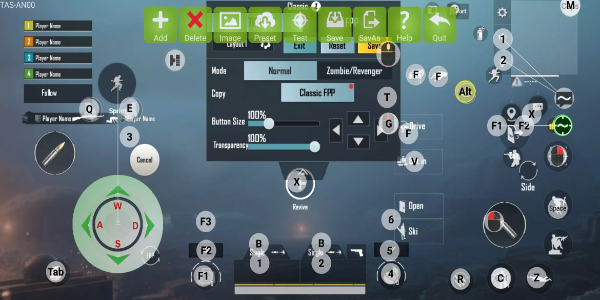
Customizable Key Mapping
KuGamer gives users full control to remap keys for gaming or productivity setups. Whether refining game controls or simplifying complex workflows, this personalization ensures every input matches your style for greater speed and effectiveness.
Save and Manage Configurations
KuGamer lets you save and organize multiple key mapping profiles. For switching between game genres or software, instantly load your preferred setup—no need to manually adjust each time.
Firmware Update Capability
Keep your hardware current with KuGamer’s built-in firmware updates. These regular releases improve device stability, compatibility, and introduce new features for a top-tier experience.
Intuitive User Interface
KuGamer features a clean and user-friendly interface that makes customizing settings straightforward. Simple menus and helpful prompts let beginners and experts alike personalize their gear without confusion.
Compatibility and Support
KuGamer works with a wide variety of mouse and keyboard converters across brands and models. This broad compatibility allows integration into diverse gaming or office setups.
Enhanced Control and Performance
Through smart key mapping, KuGamer improves control precision and responsiveness. Adjust your setup to execute commands faster and boost accuracy for both gaming and work applications.
Unlock Precision and Efficiency with KuGamer
Elevate your gaming and productivity with KuGamer. Personalize key mappings, organize multiple profiles, and keep your converter updated effortlessly. Install KuGamer today and enhance your setup to achieve your best performance.