Experience seamless browsing with Microsoft Edge, the official browser from Microsoft, boasting a refreshed interface and powerful features designed with your needs in mind. Enjoy a fast and secure browsing experience that prioritizes your data protection and helps you save both time and money.
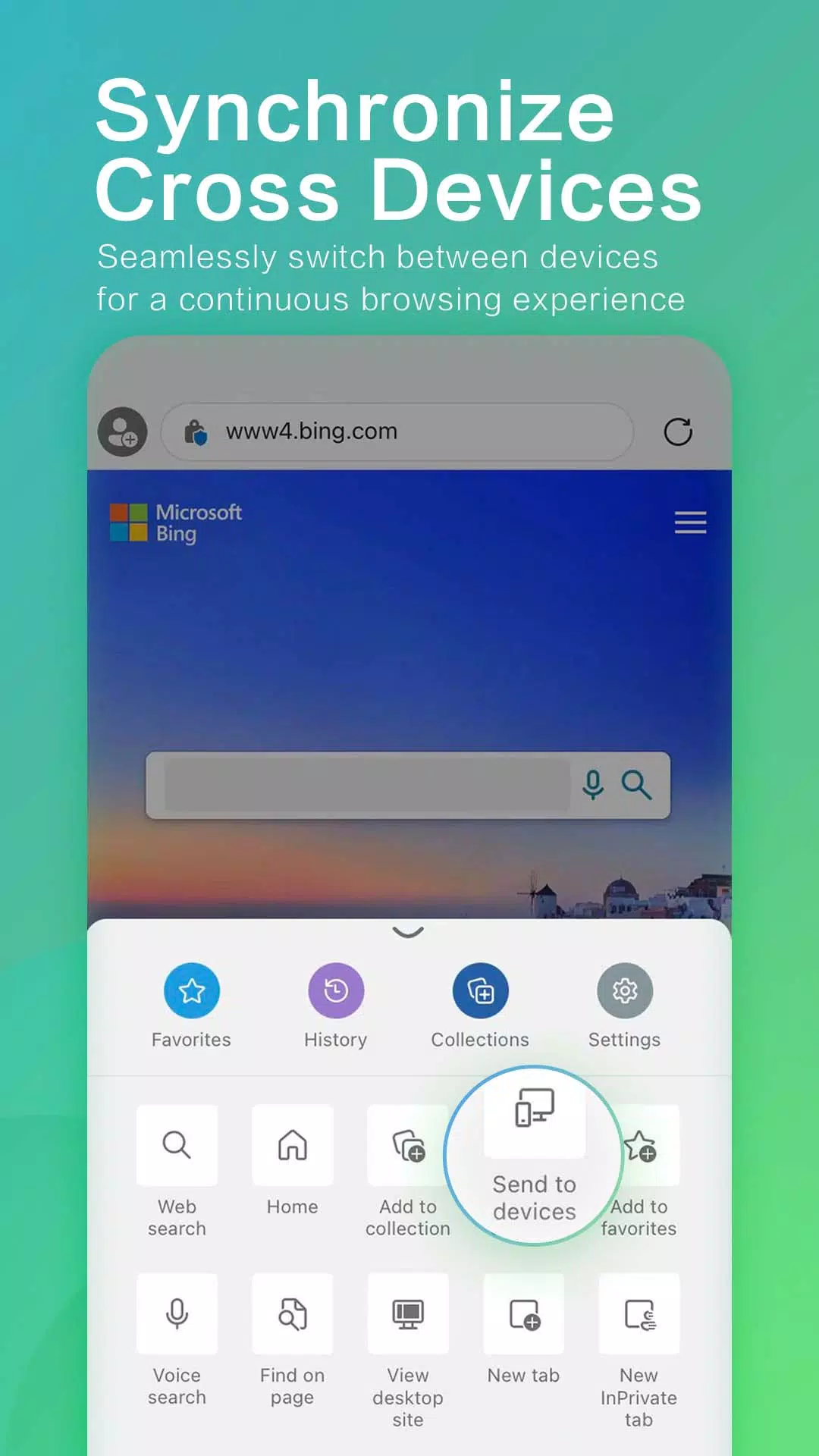
Access your browsing experience seamlessly across all your devices – phone, computer, and others – with a single, unified account.
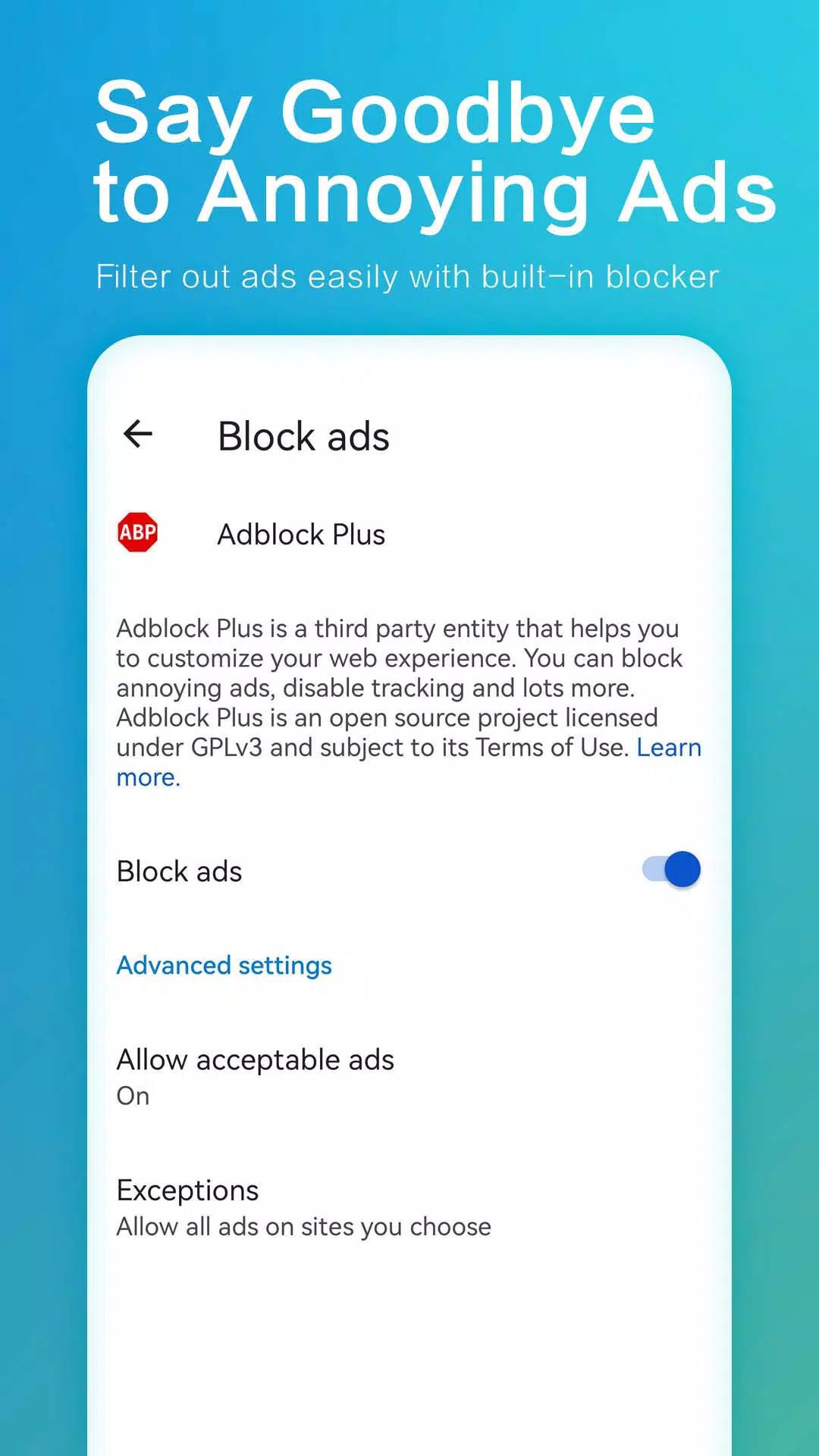
Microsoft Edge is committed to your online privacy and security. It offers a robust suite of protective features including tracking prevention, an integrated ad blocker (AdBlock Plus), InPrivate browsing, and InPrivate search. Maintain a safer browsing history and enhance your online privacy with this secure web browser.
Effortlessly organize your online experience and cut through the clutter. Microsoft Edge simplifies finding, viewing, and managing your content on the go, allowing you to easily save your favorites and keep everything conveniently at hand.
Browse with confidence knowing your security and privacy are prioritized. Microsoft Edge delivers a secure and speedy browsing experience designed to save you time and money.
Key Features of Microsoft Edge:
Save Time & Money:
- Optimized for online shopping, with integrated tools to help you save time and money.
- Quickly find and apply coupons directly within the browser.
- Earn rewards while searching with Microsoft Bing and discover shopping deals online and in local stores.*
Enhanced Productivity & Security:
- Securely syncs bookmarks, passwords, Collections, and other saved data across all your signed-in devices.
- Enjoy visual and voice search powered by Microsoft Bing.
- Redesigned navigation for quicker access to favorites, reading lists, and more.
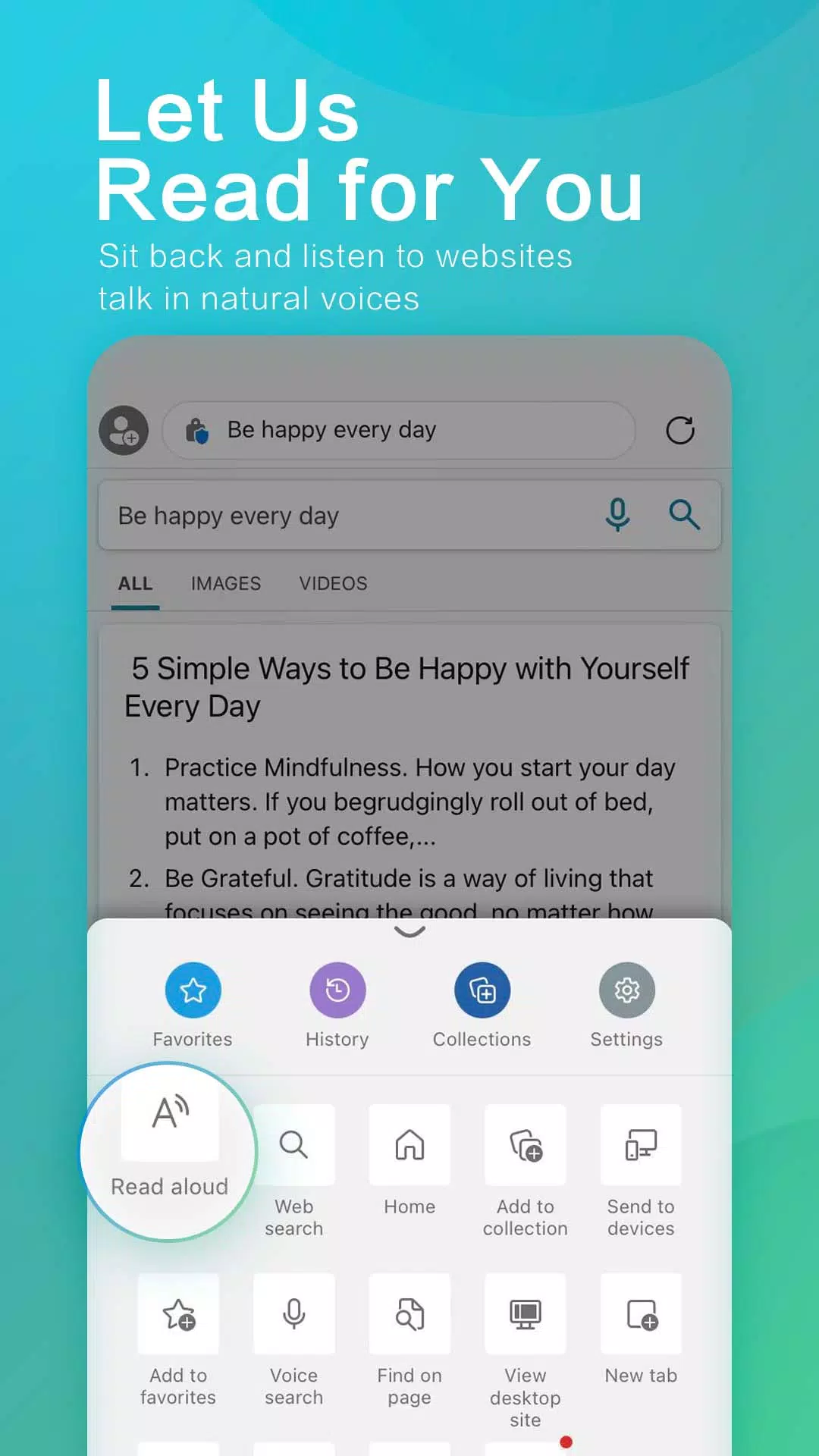
- Immersive Reader eliminates distracting content for a focused reading experience.
Private Browsing (InPrivate):
- Protects your online privacy.
- InPrivate tabs do not store browsing history (cookies, history, autofill data, temporary files).
- Maintain private search history with InPrivate search in Microsoft Bing. Your search history won't be saved to Microsoft Bing or linked to your Microsoft account.
Secure Browsing:
- Take control of your data with robust security features.
- Protects you and your family online.
- Tracking prevention is enabled by default for enhanced privacy.
- Safeguards sensitive information from trackers.
Ad Blocker:
- Integrated AdBlock Plus helps block unwanted ads.
- Easily enable AdBlock in the browser settings.
- Removes distracting content for a cleaner browsing experience.
Organization & Collections:
- Streamlines content organization across your devices.
- Collections makes it easy to gather and manage web content.
Download Microsoft Edge today – the fast, secure browser that protects your data and saves you time and money.
*This shopping feature is currently only available in the United States.