Home Apps Auto & Vehicles CL Theme S2
CL Theme S2

CL Theme S2

2.5
Application Description

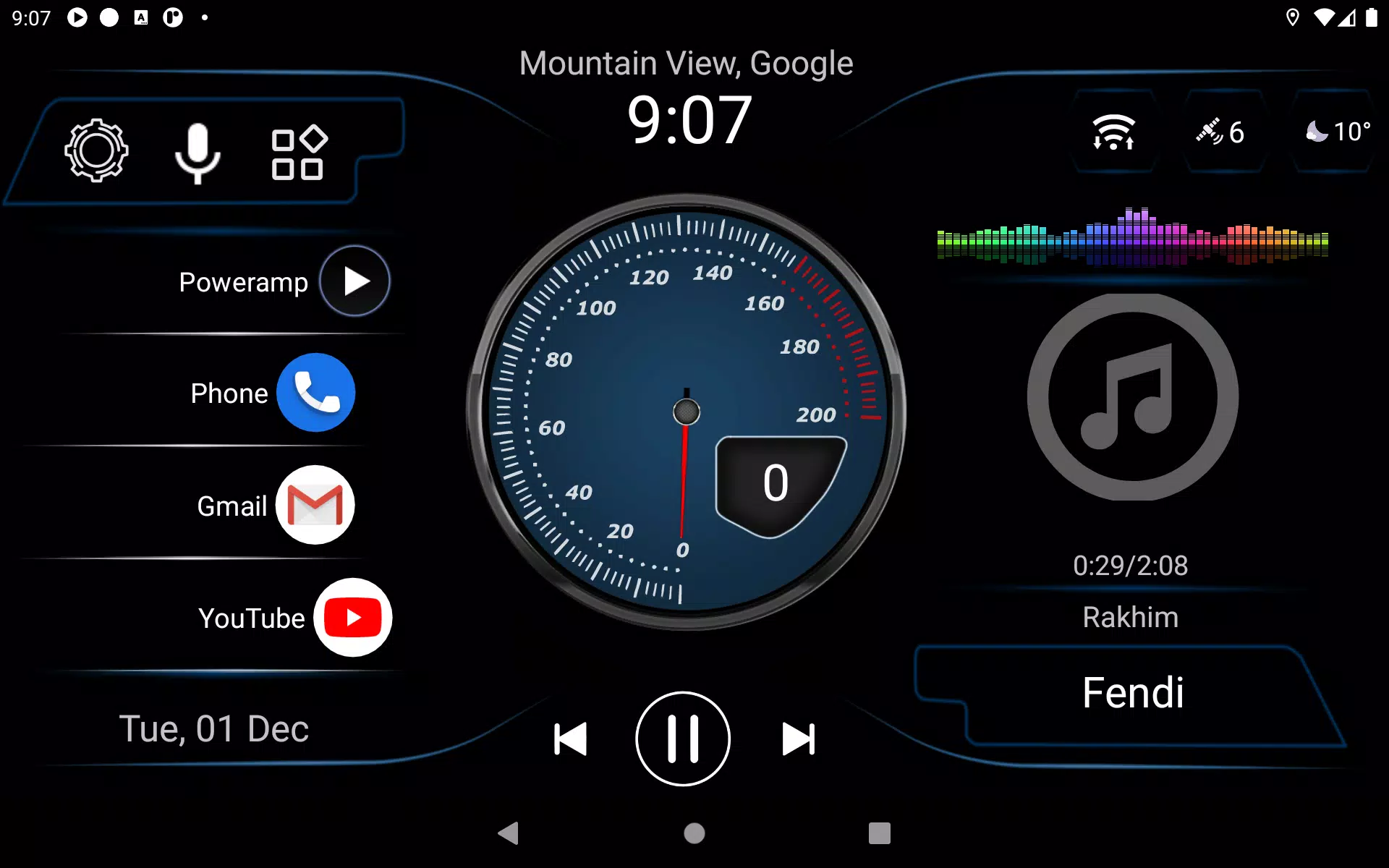
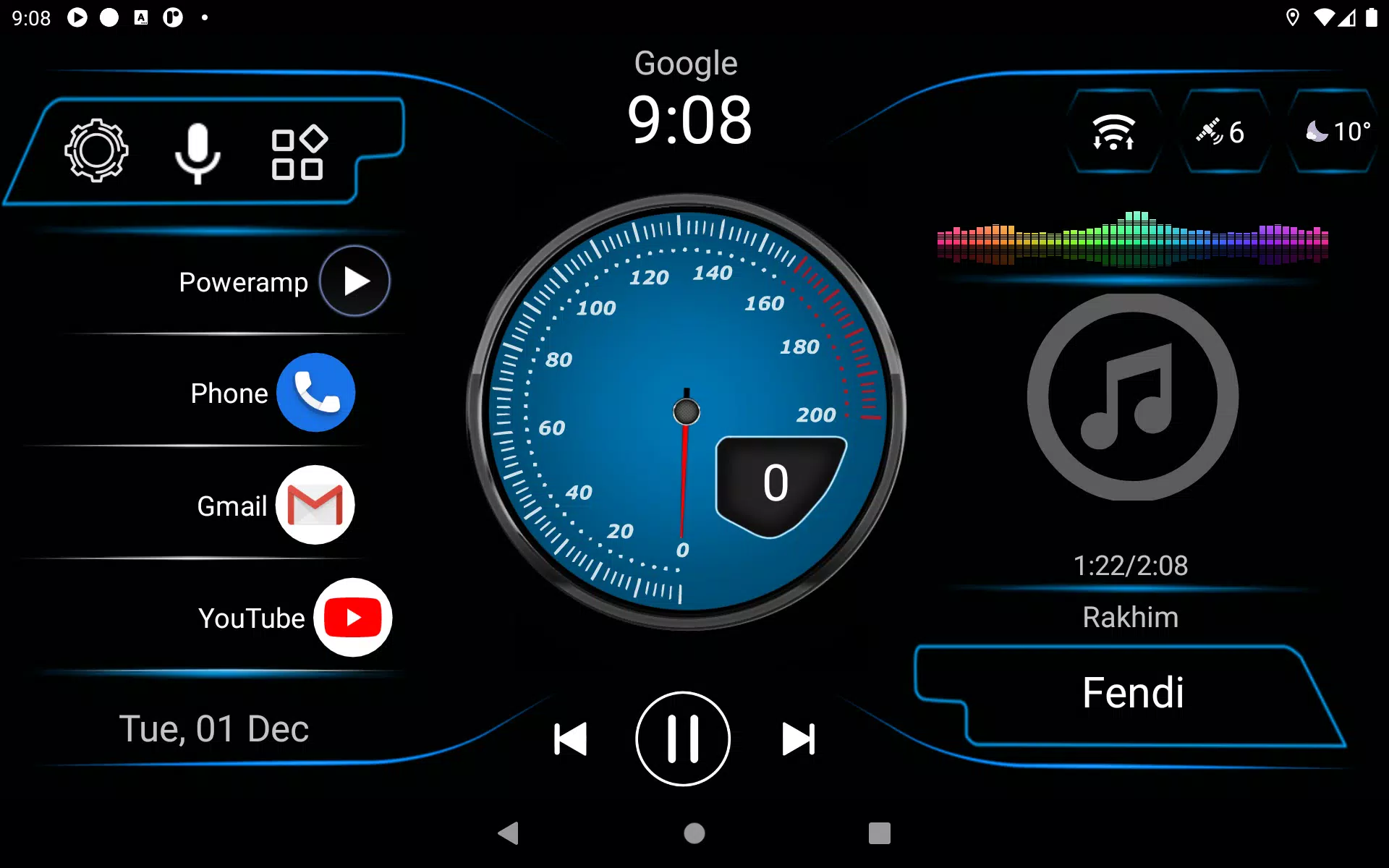
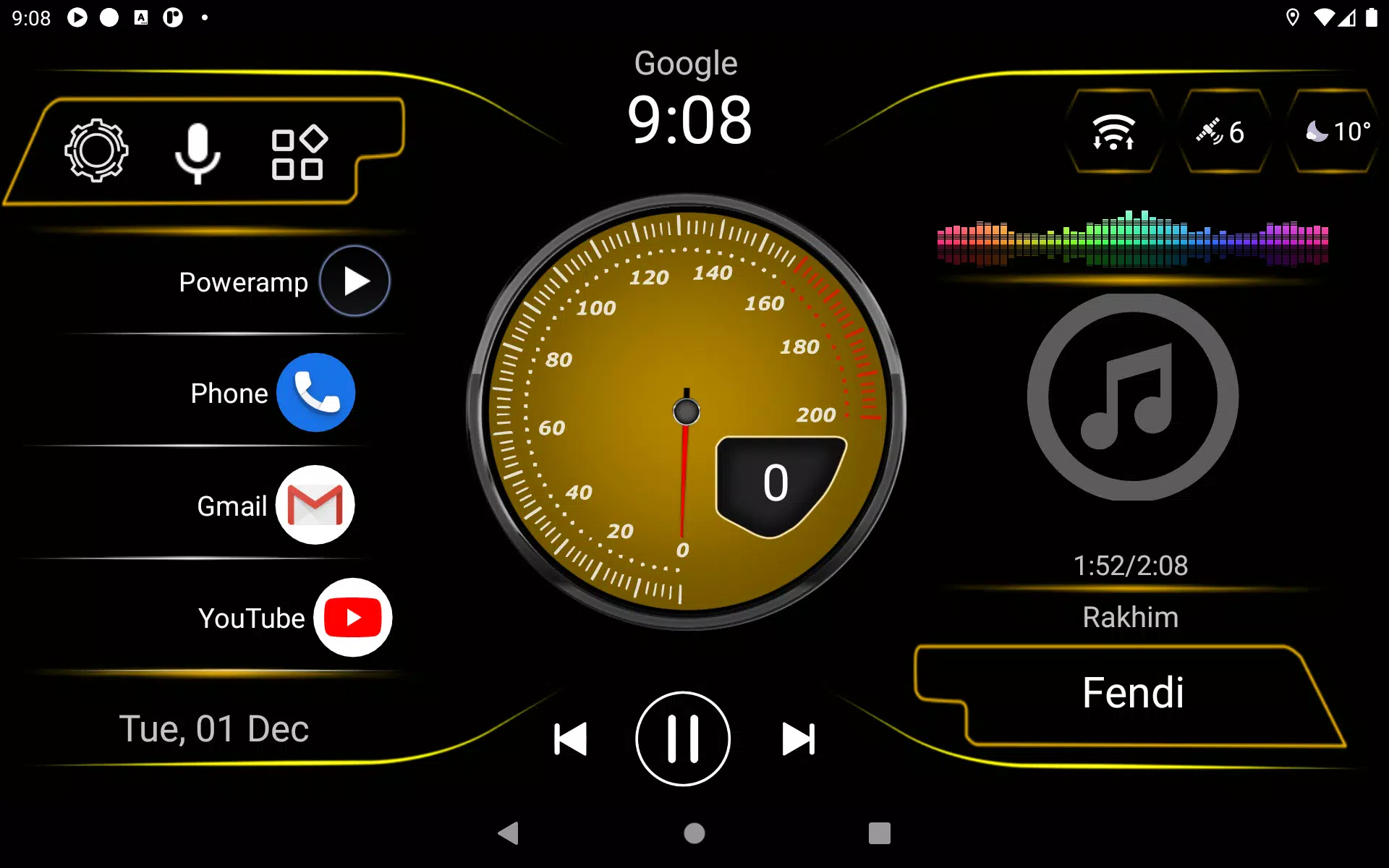
We are excited to introduce a new theme for Car Launcher v3, enhancing your driving experience with a fresh look and feel. Please note, this is not a standalone application but a theme designed specifically for Car Launcher.

How to Install the Theme:

To get started with this new theme, follow these simple steps:

  1. Open Car Launcher (CL): Launch the Car Launcher app on your device.

  2. Access Settings: Navigate to the settings menu within Car Launcher.

  3. Select a Theme: Find and click on the "Choose a theme" option, then select the new theme designed for Car Launcher v3.

By following these steps, you'll be able to enjoy the new theme and transform your driving interface effortlessly.

Screenshot
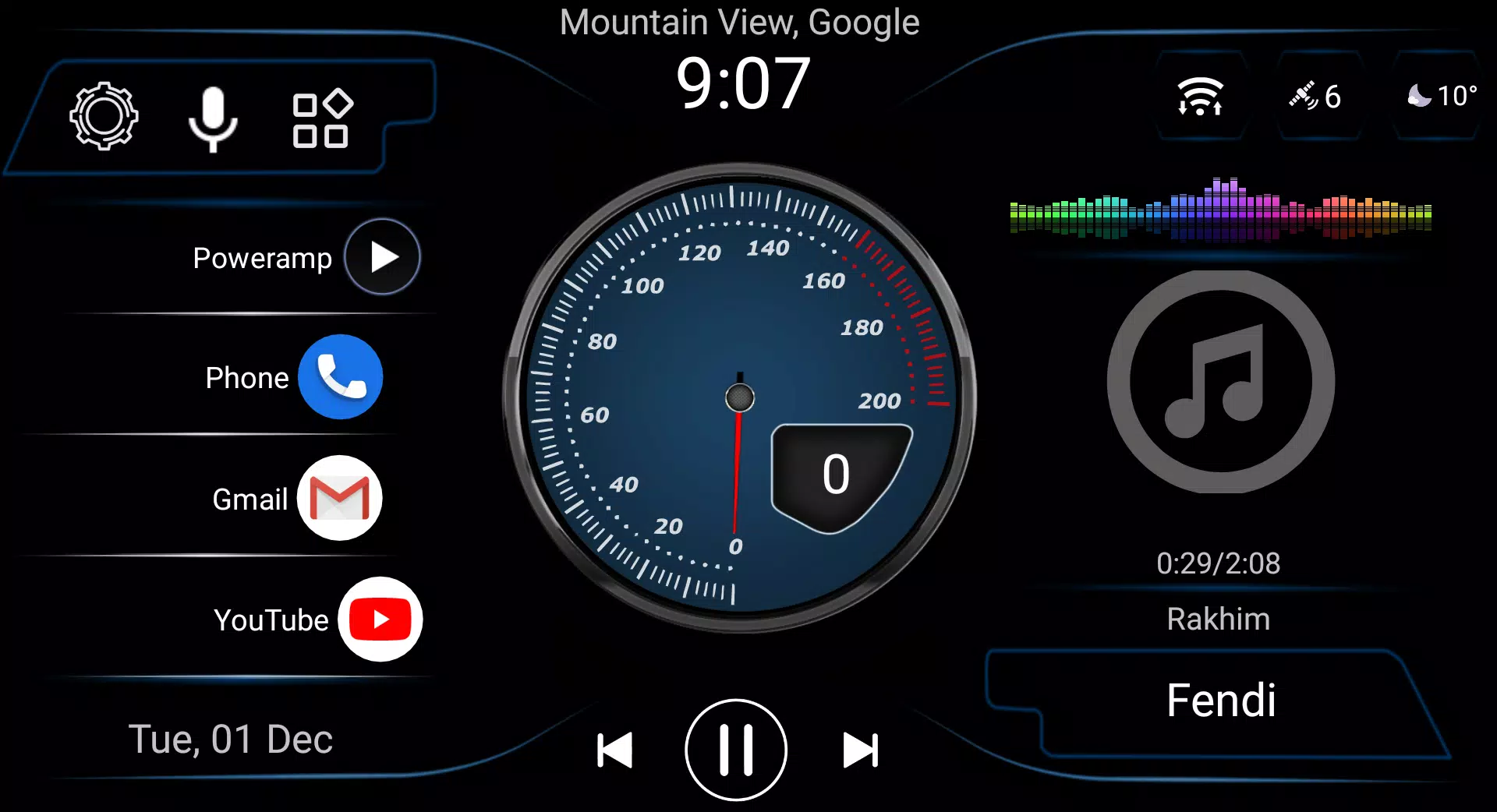
  • CL Theme S2 Screenshot 0
  • CL Theme S2 Screenshot 1
  • CL Theme S2 Screenshot 2
  • CL Theme S2 Screenshot 3
Reviews Post Comments
Latest Articles
  • Silver Palace: Preorder Now

    ​Soar through the skies on your flying mount in Silver Palace! Discover how to preregister or preorder, available platforms, and pricing details.← Return to Silver Palace main articleSilver Palace Pre-RegisterPreregistration has been open since the ga

    by Grace Dec 20,2025

  • Berserker: Khazan Pre-Orders & DLC Revealed

    ​The First Berserker Khazan Deluxe EditionPre-order the Deluxe Edition of The First Berserker Khazan for $69.99 and receive these exclusive bonuses:・Three-day early access ・Digital art collection ・Hero's Armor Set ・Hero's Weapon SetThe First Berserker

    by Sebastian Dec 19,2025