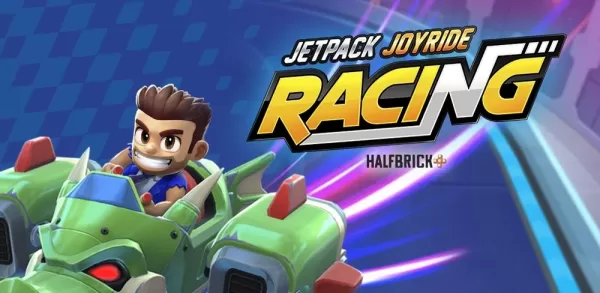
Jetpack Joyride Racing Brings a Fresh Spin to the Barry Steakfries Series
Jetpack Joyride Racing introduces an exciting twist to the beloved Barry Steakfries franchise, featuring high-speed ship races, dynamic wall boosts, and powerful special ability zones. While optimized for touchscreens, playing on PC via BlueStacks elevates the experience with crisp visuals, consistent performance, precise controls, and fluid gameplay. This guide will help you install and launch Jetpack Joyride Racing on your PC using BlueStacks, ensuring you’re fully prepared for every race mode.

Experience the Thrill of Jetpack Joyride Racing on PC
Jetpack Joyride Racing is crafted for fast-paced, arcade-style competition—and BlueStacks brings this vision to life with enhanced clarity and responsiveness. Enjoy sharper graphics, faster input response, and an expansive screen that captures every moment of thruster-fueled action. Simply install BlueStacks, pre-order or join the beta for Jetpack Joyride Racing, and dive into the ride exactly as Halfbrick designed it—right from your PC or laptop.