Application Description
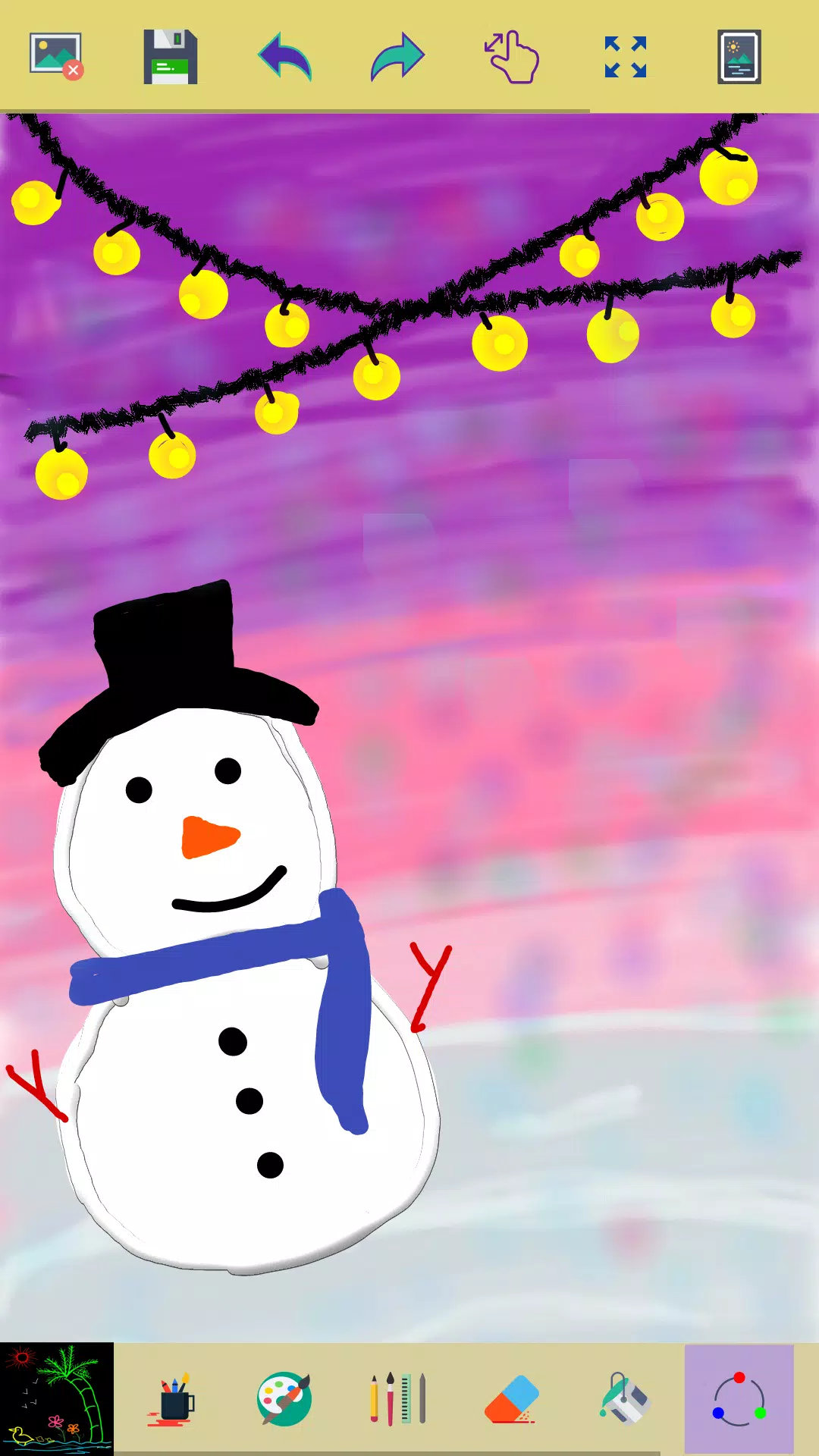
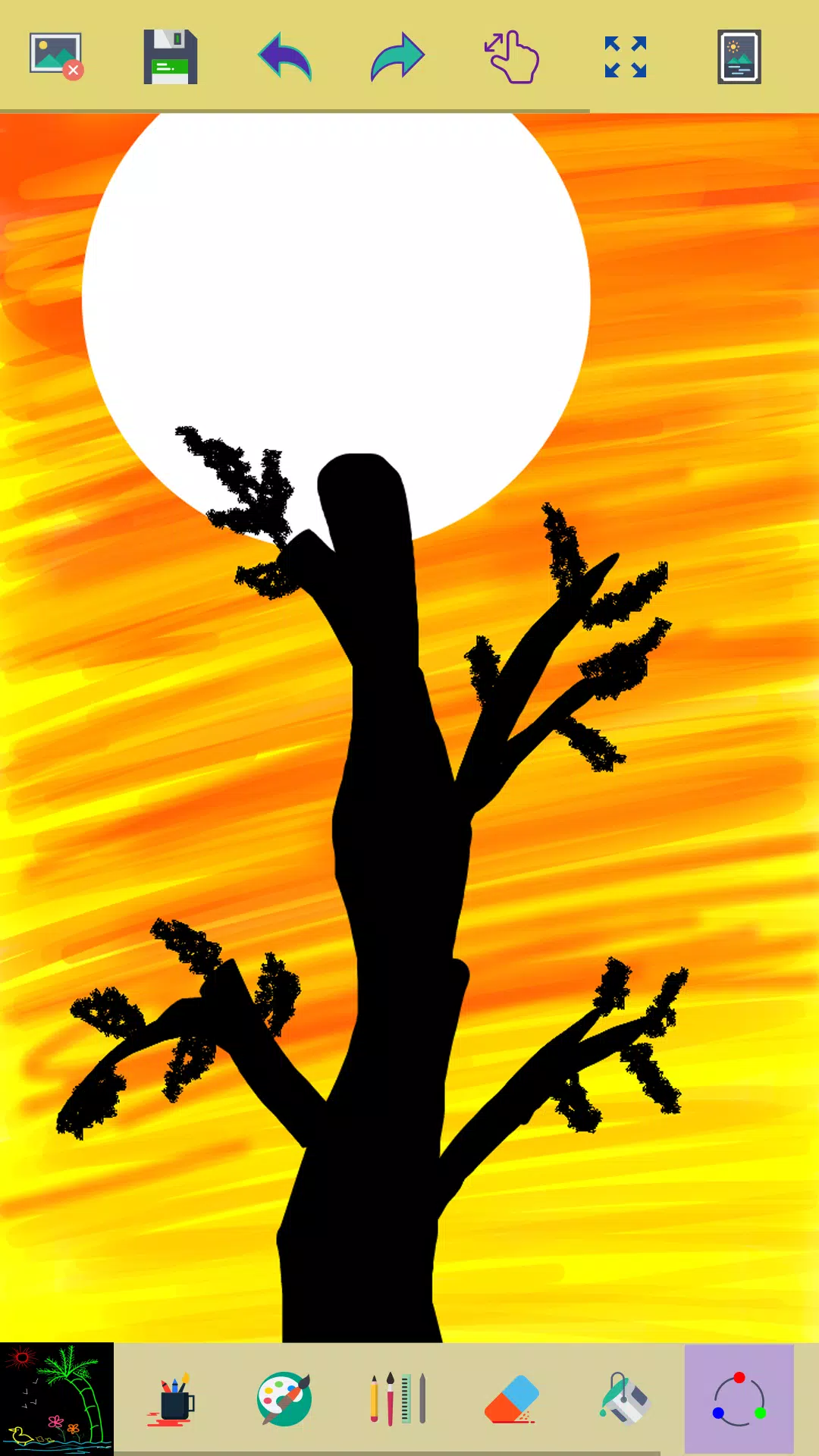
Unleash your creativity with our simple yet powerful paint app, designed for creative professionals and enthusiasts eager to transform their ideas into stunning visuals. Whether you're sketching on the go or perfecting detailed artwork, this app is your perfect companion.
Key Features of Our Painting App
- Fresh Start: Begin your masterpiece with a simple click on the clear button to start a new drawing.
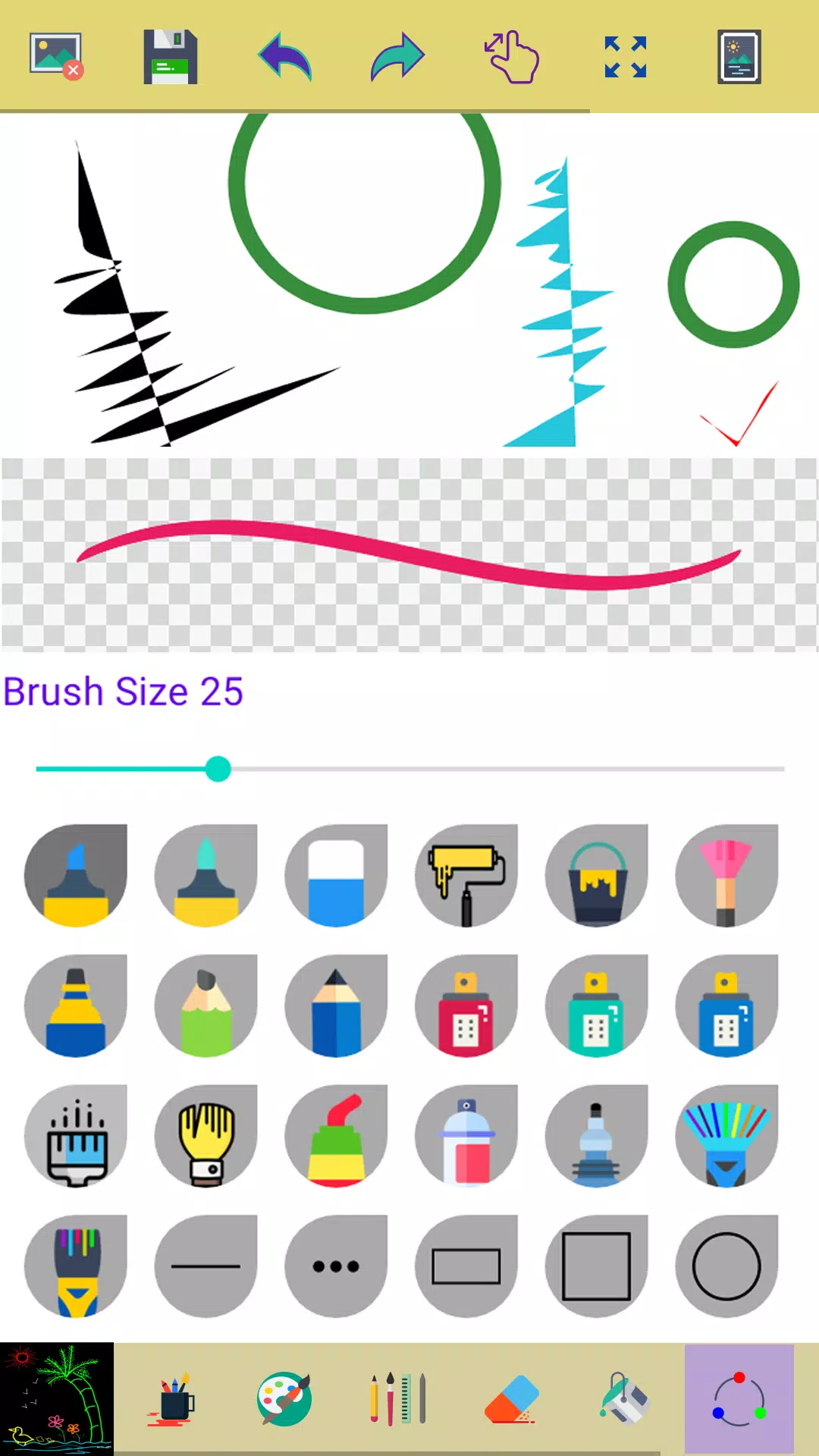
- Creative Tools: Utilize a diverse range of brushes and painting tools to create intricate and vibrant pictures.
- Smooth Drawing Experience: Enjoy a seamless drawing experience with your fingers or a stylus, feeling the fluidity of every stroke.
- Versatile Tools: Choose from multiple brushes, pens, and pencils to suit your creative needs.
- Customizable Width: Adjust the width of brushes and erasers easily with a slider bar for precise control.
- Erase and Correct: Make necessary corrections by erasing parts of your drawing effortlessly.
- Zoom for Precision: Zoom in and out to make fine adjustments and detailed work with ease.
- Reset Zoom: Click the reset zoom button to ensure your entire drawing fits perfectly on the screen.
- Art Gallery: All your creations are saved and accessible in My Art Gallery for future reference and inspiration.
- Color Variety: Activate the random brush color feature to add dynamic and colorful strokes to your artwork.
- Undo/Redo: Correct your last actions or undo a few strokes to refine your work.
- Background Fill: Select any area on the canvas and fill it with your chosen background color.
- Image Editing: Enhance and edit images or photos directly within the app.
- Save Your Art: Your drawings are automatically saved into your photo gallery for easy access and sharing.
- Color Picker: Use the easy color picker tool to choose your brush and background colors effortlessly.
- Share Your Creations: Share your finished artworks with friends and family to showcase your talent.
Permissions Note:
To ensure you can save and display your artwork seamlessly, the app requires storage permission to access your device's storage.
Don't keep the magic of our "Paint" app to yourself! Help us grow by sharing it with others. Your support means the world to us!
Encountered an issue? Before leaving negative feedback, reach out to us at [email protected]. We're here to help and make your experience better.
Screenshot