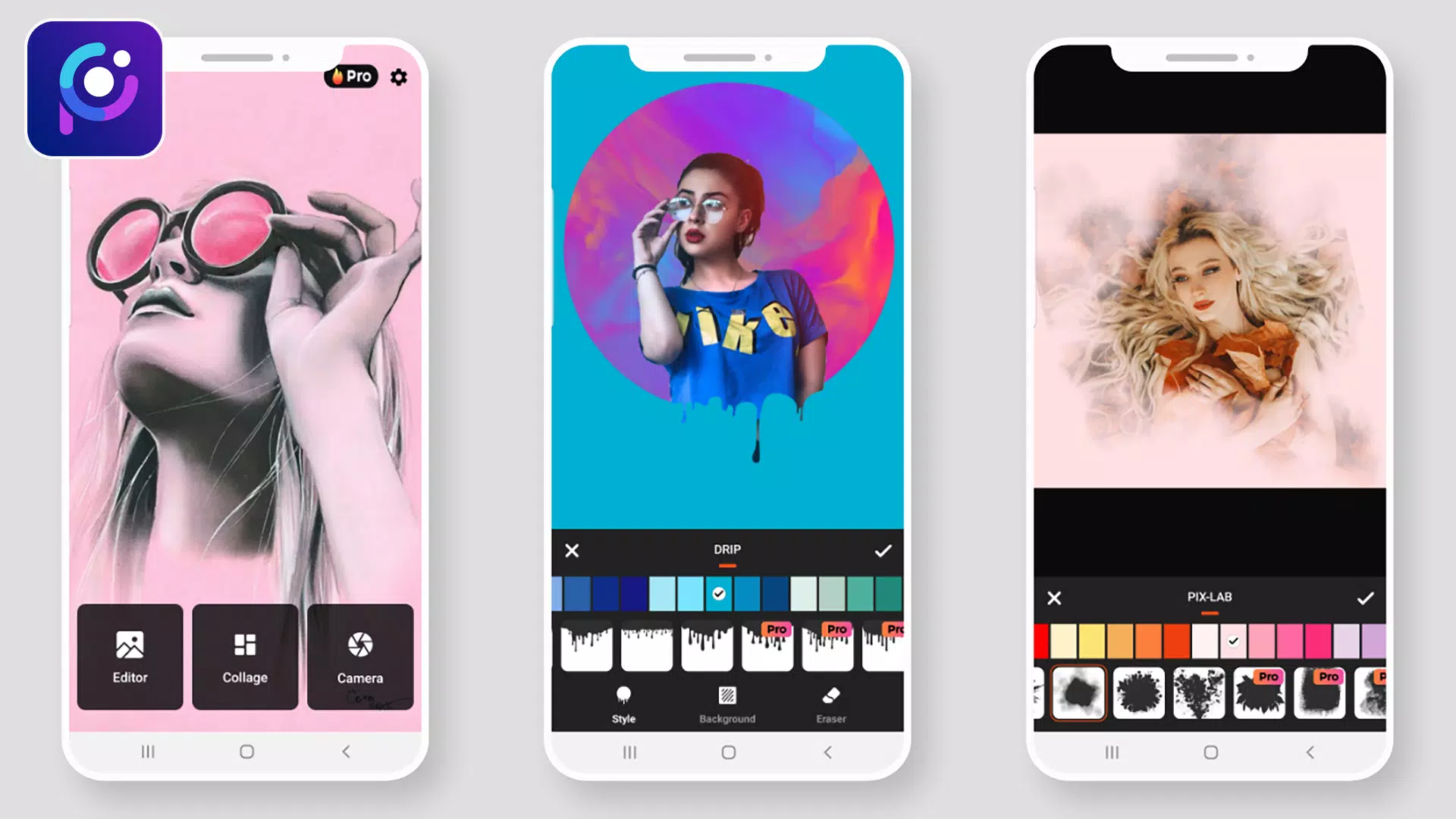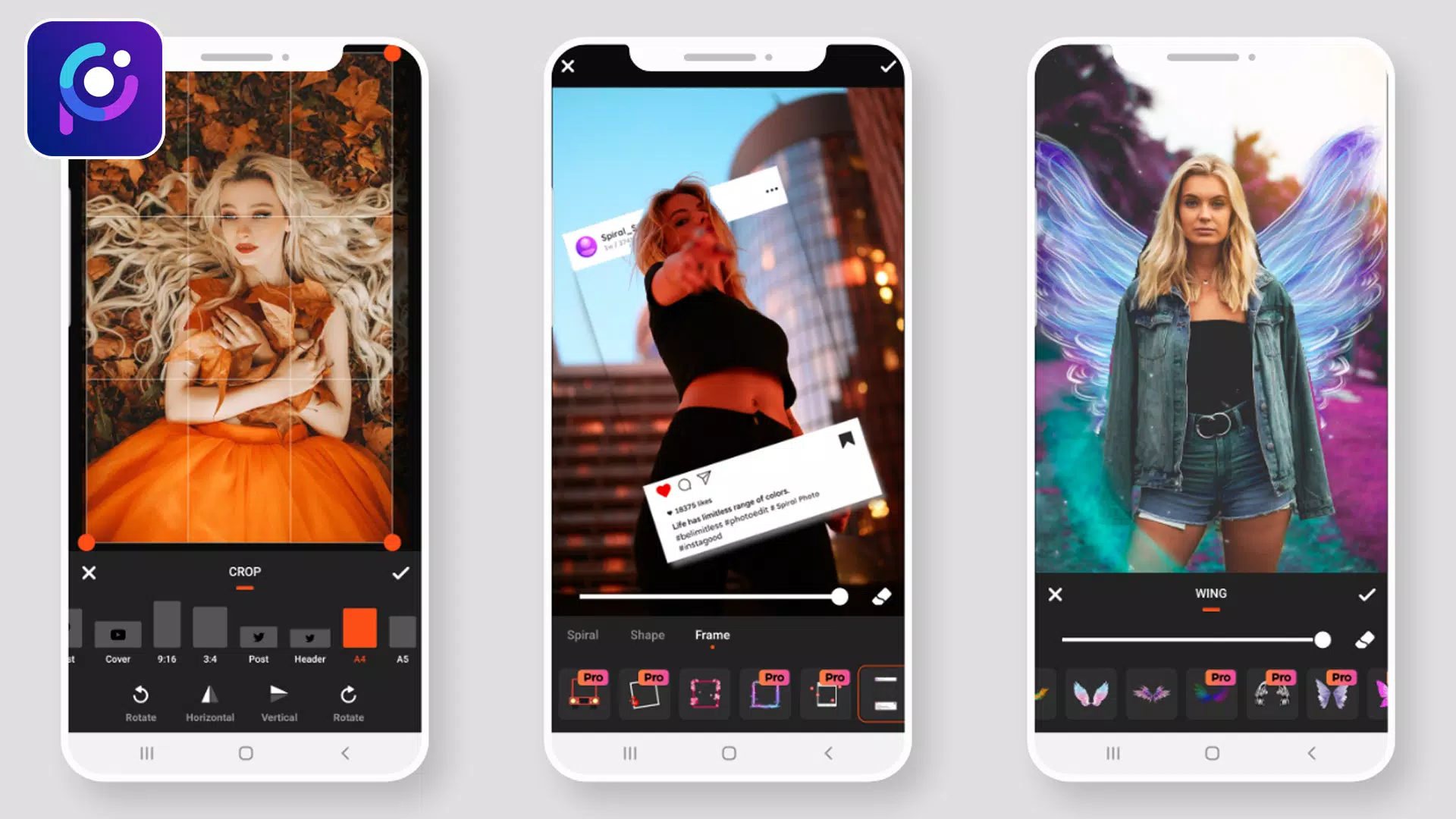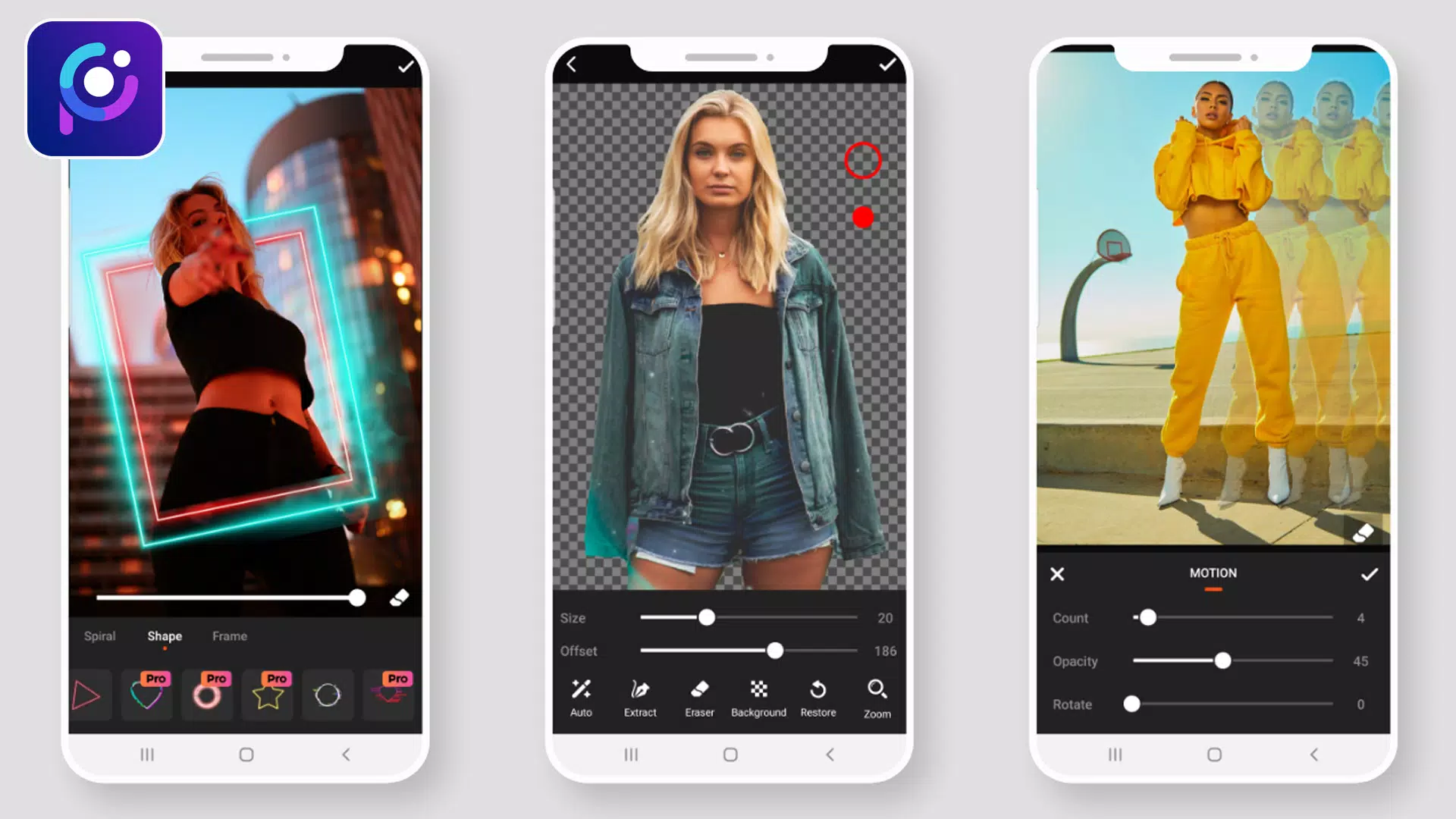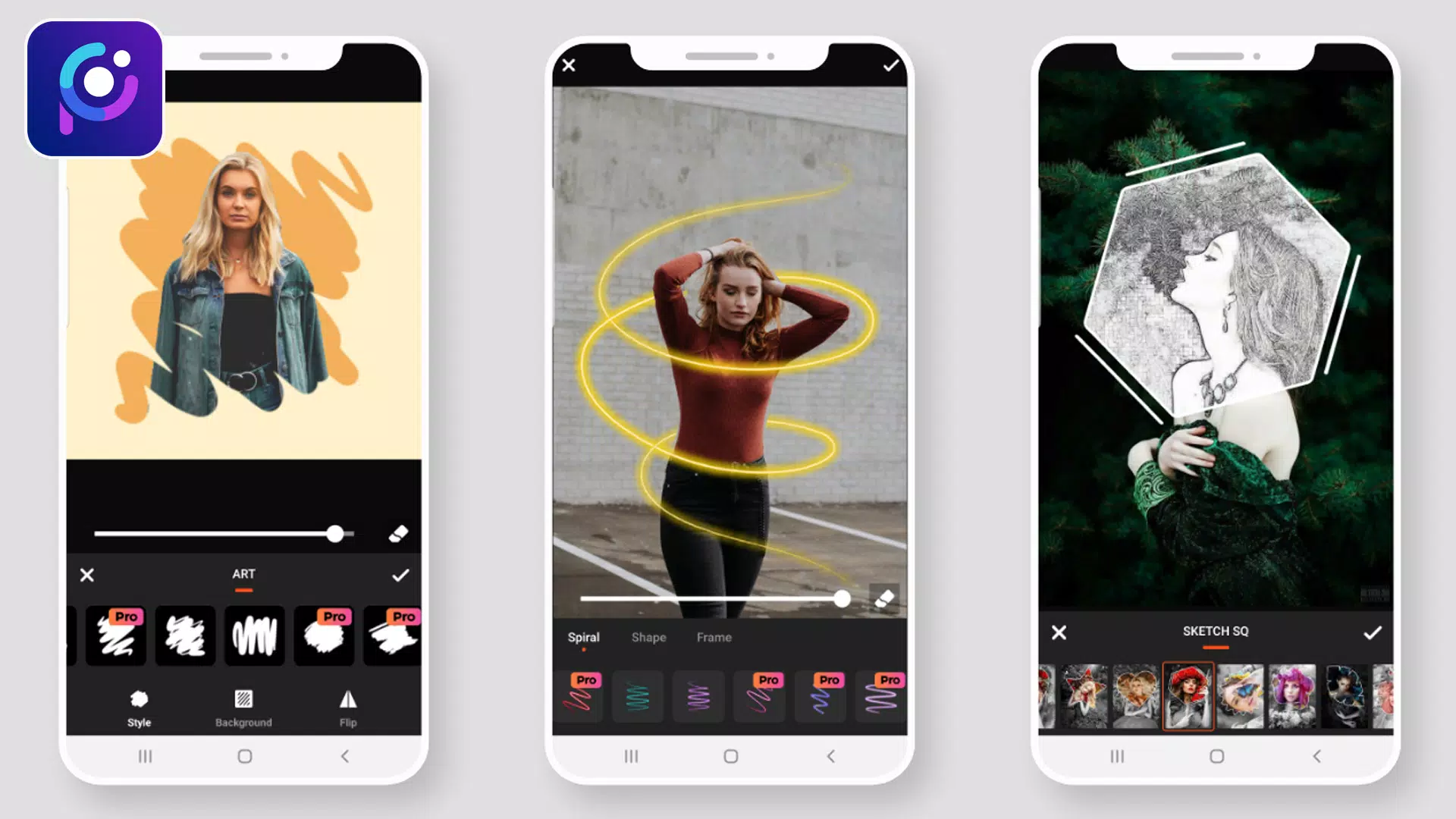
Introducing Photo Editor Pro: Pic Collage Maker – your all-in-one solution for creating stunning photo collages and applying professional-level edits. Whether you're a seasoned photo editor or a complete beginner, our intuitive interface and powerful tools make it easy to transform your pictures into works of art.
Photo Editor Pro provides everything you need to enhance your photos. A wide array of stylish effects, filters, grids, and drawing tools are at your fingertips, allowing you to create eye-catching images with ease. Share your creations directly to Instagram, WhatsApp, Facebook, and more—show off your creativity to the world!
Photo Editor Pro offers professional-quality editing tools that are both easy to use and completely free. Enhance your photos with a variety of filters and effects, and fine-tune details using tools like brightness, contrast, saturation, and color adjustments. It's the ultimate photo editing experience.
Beyond basic enhancements, Photo Editor Pro includes a comprehensive suite of tools to make your photos truly stand out. Utilize blur effects, cropping tools, text overlays, stickers, drawing capabilities, mosaic effects, and much more to add your personal touch. It’s the best free photo editor available.
Perfect Selfie Editor
Get your selfies social-media ready with our dedicated selfie editor. Benefit from powerful beautifying features including facelifts, teeth whitening, skin smoothing, and more. Capture stunning selfies with our trendy camera filters and effects.
Create Awesome Collages
Unleash your creativity and design memorable photo collages to share on social media. Experiment with a variety of layouts to create something truly special. With Photo Editor Pro, you'll effortlessly attract attention with your visually captivating collages.
Apply Stylish Filters for Pictures
Elevate your photos with our extensive collection of high-quality filters. Photo Editor Pro offers dozens of free filters, ranging from classic film effects and vintage looks to sparkling, old-movie styles, and Polaroid effects. Find the perfect filter to match your aesthetic.
Photo Filters & Effects:
- Overlay Effects: 90+ effects with adjustable opacity for refined photo enhancement.
- Neon Photo Effects: Add vibrant neon accents around your photos with a variety of colors.
- Splash – Black & White: Create striking black and white photos with various filter options.
- Drip Effects: Apply trending drip effects to add a unique and stylish touch.
- Stickers: Extensive sticker packs categorized for easy browsing and high-resolution quality.
- Blur Photo – DSLR Effect: Achieve professional-looking depth of field with selective blurring.
- Drip Art Effects: Add drip art elements for a truly unique look.
- Photo Frames: Colorful and gradient frames with customizable border sizes.
- Crop & Rotate: Rotate images 360°, flip vertically or horizontally, and crop to various aspect ratios.
- Add Text: Add text with customizable font, size, alignment, opacity, and color.
- Draw – Paint & Neon: Draw directly onto your images using paint or neon tools with adjustable colors and sizes.
- Adjustments: Fine-tune your photos by adjusting brightness, contrast, warmth, hue, HSL, and saturation.
We welcome your feedback! If you have any questions or suggestions regarding Photo Editor Pro: Pic Collage Maker, please don't hesitate to contact us. Your input is valuable and helps us improve our app.
What's New in Version 1.1.0
Last updated July 10, 2021
Minor bug fixes and improvements. Download the latest version for the best experience!