Radio Codes: Unlock Your Car Radio or Navigation System
Need to retrieve the activation code for your car radio or navigation system? This generator supports numerous car brands and calculates the code instantly. All you need is the serial number.
Finding Your Serial Number
The serial number is usually located on a label on the side of your radio unit. You may need to partially remove the unit to access it. Take a clear picture once you locate it; the serial number is often near the barcode.
Serial Number Examples:
- V003261 - Ford V-series radio code
- M066558 - Ford M-series radio code
- VF1CB05CF25198337 - Renault radio code (by VIN)
- UU1BSDPJ558566907 - Dacia radio code (by VIN)
- A128 - Renault radio code
- BP051577068510 - Blaupunkt radio code
- BP011577068310 - Alfa Romeo radio code
- A2C03730700191103 - Fiat Continental radio code
- C7E3F0791A1521656 - Ford Travelpilot navigation
- BP011577068310 - Lancia radio code
- AKK030109 - Ford (Made in Brazil)
- VCOAKZ12110527 - Ford Figo radio code
- 2853805465 - Ford (Australia & India models)
- SKZ1Z2I8261923 - Skoda radio code
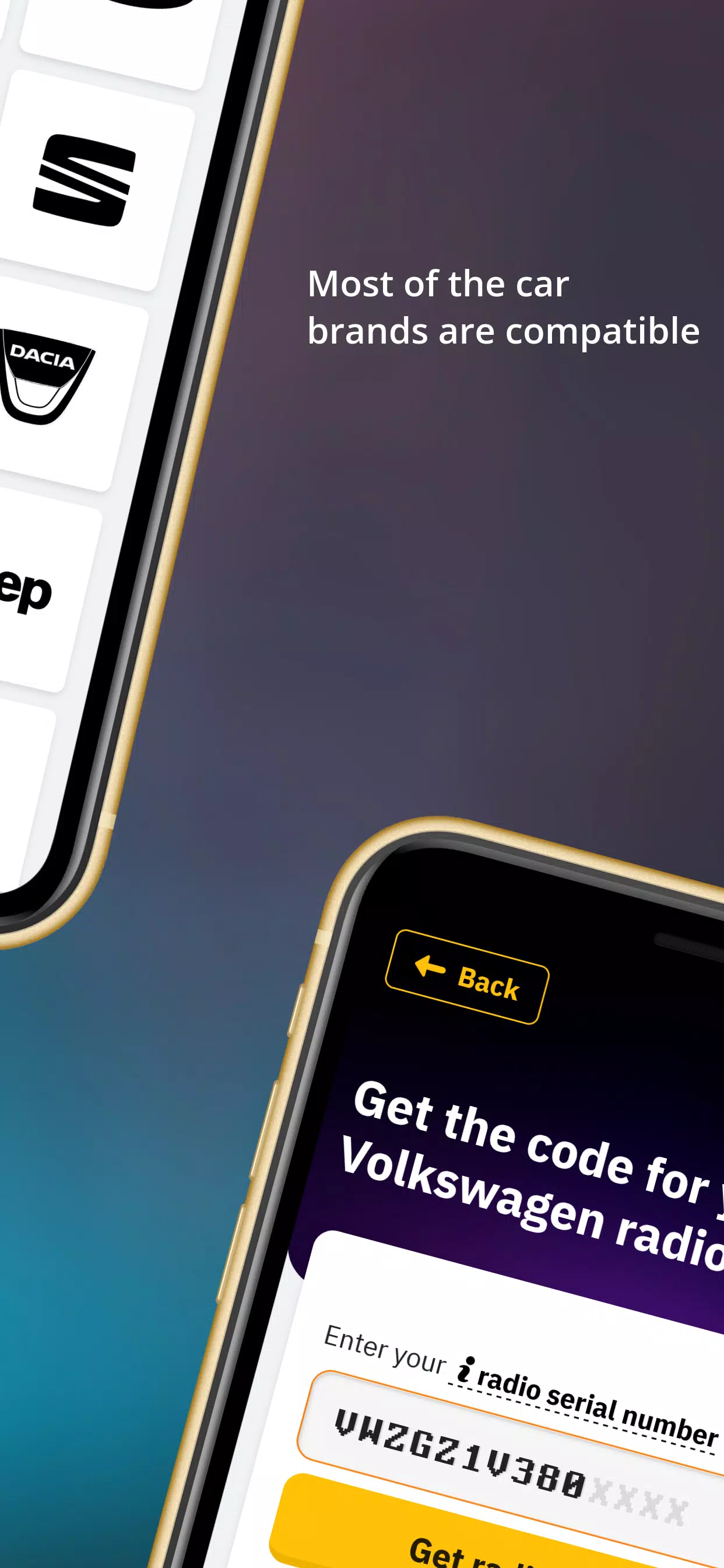
- VWZ7Z2W9393627 - Volkswagen radio code
- AUZ2Z3C1172249 - Audi radio code
- SEZ5Z2A13344023 - Seat radio code
- 38218289 - Nissan radio code
- TQ1AA1501A15382 - Chrysler radio code
- U2201L1290 - Honda radio code (new)
- 32011191 - Acura radio code (new)
- AL2910Y0690315 - Alpine radio code
- 15092056 - Mercedes-Benz radio code
- Y23012031 - Becker radio code
Wide Range of Compatibility
Regardless of your car make, we likely can unlock your code. Supported brands include: Ford, Renault, Dacia, Alfa Romeo, Lancia, Fiat, Volkswagen (VW), Nissan, Audi, Honda, Acura, Seat, Chrysler, Jeep, Mercedes, Volvo, and more. Popular radio models include: Blaupunkt, Becker, Alpine, 6000CD, 6006CD, SONY, 4500RDSE-O-N, 5000RDS, 3000RDS, Travelpilot, RNS MDF, Concert, Gamma, Symphony, RNS300/RNS310/RNS500/RNS510, MF2910.
Entering Your Code
- Press the pre-determined button (usually 1) repeatedly until the first digit of the code appears on the screen.
- Repeat this process for buttons 2, 3, and 4, entering each digit sequentially.
- Confirm the code. The confirmation button varies by model (e.g., 5, , >). For example, Ford 6000CD uses 5, Sony uses , and most VW, Audi, Skoda, and Seat models use > (right arrow).
Troubleshooting: SAFE/LOCKED/WAIT/ERROR Messages
Radios have anti-theft protection. After three incorrect attempts, your radio might block.
- Ford: "WAIT" – Leave the radio powered on for 30 minutes. "LOCKED" or "LOCKED10" – Hold button 6 for ten seconds. "LOCKED13" indicates a semi-permanent block requiring dealer assistance.
- VW (Volkswagen): "SAFE" or "SAFE2" – Leave the unit on for 60 minutes to retry.
Need Help?
While we strive for a seamless experience, feel free to contact us via chat if you have any questions or encounter problems. Our team provides prompt and helpful support.