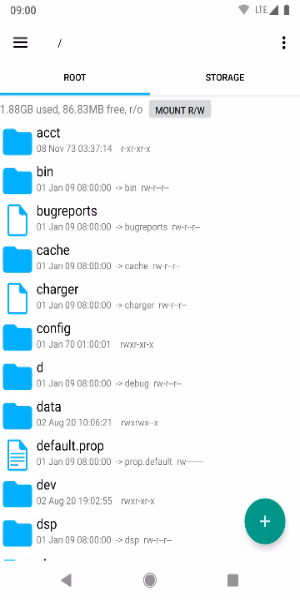
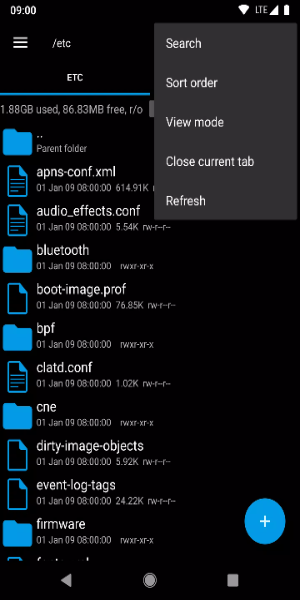
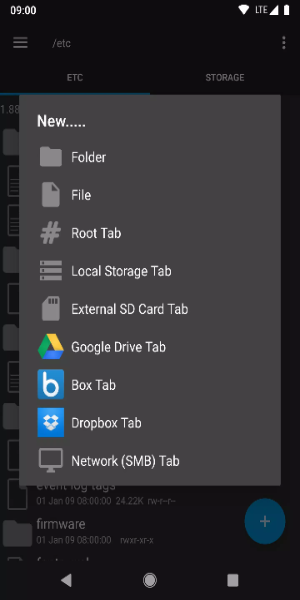
Experience the ultimate file management solution with Root Explorer, designed to give Android users advanced tools for navigating, managing, and customizing their device's file system with ease. Whether you're a tech enthusiast wanting detailed control or a casual user aiming to organize files effectively, Root Explorer provides a complete solution right at your fingertips.
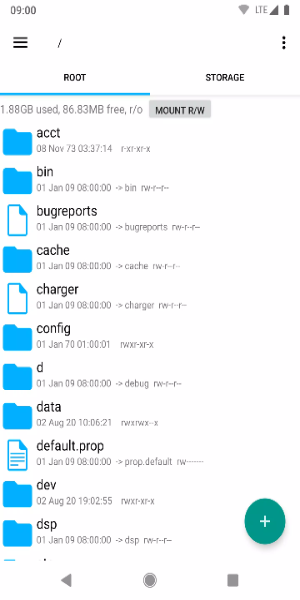
Key Features:
· Full Root Access: Unlock complete access to system files and folders, allowing deep customization and adjustments for your Android device.
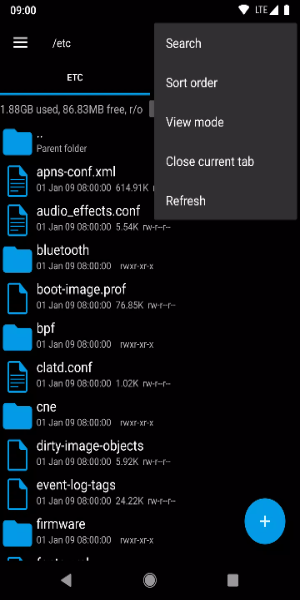
· Easy File Management: Seamlessly copy, paste, move, rename, and delete files using a user-friendly interface built for speed.
· Archive Support: Compress and extract files in ZIP and RAR formats, making file organization and storage more efficient.
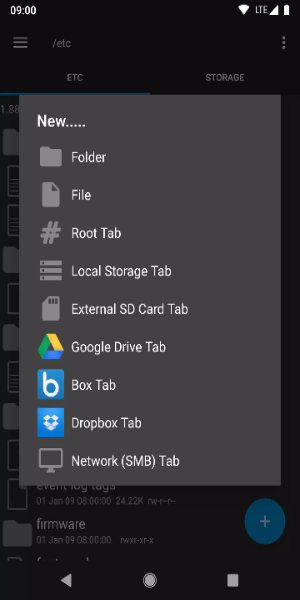
· Remote File Access: Manage files stored on cloud platforms like Google Drive, Dropbox, and OneDrive directly from the app.
· Integrated Viewer and Editor: Preview images, documents, and text files, and edit text files within the app without needing extra software.
Required Permissions:
Full network access - used for network and cloud services. No data is transmitted to us over the internet.
Add or remove account - used by the Google Drive SDK to add a new account when necessary. No changes are made to existing accounts, and no detailed account information is accessed individually.
Find accounts on device - used to display available accounts for signing into Google Drive.
Prevent sleep - used to keep the device awake during lengthy operations to prevent interruptions.
User Tips:
- Backup System Files: Always back up important system files before making changes. This safety measure ensures you can restore your device if any unintended modifications occur during file management or customization.
- Use the Search Function: Make the most of Root Explorer's powerful search tool to quickly find specific files in large directories. This feature saves time and boosts productivity by locating files based on keywords or criteria, simplifying navigation through your device's file system.
- Customize Favorite Locations: Improve workflow efficiency by bookmarking frequently used folders in Root Explorer. This option lets you create quick shortcuts to important directories, enabling instant access without repeated navigation.
- Set Permissions Carefully: When working with system files, be cautious about changing permissions. Incorrect settings can cause system instability or security risks. Always review and understand the effects of permission adjustments before applying them.
- Keep the App Updated: Regularly update Root Explorer to access new features, improvements, and security updates. Staying current enhances functionality and protects against vulnerabilities, ensuring a smooth and secure file management experience on your Android device.
Get Root Explorer for Android Today
Root Explorer is an essential tool for Android users who want unmatched control over their device's file system. With powerful features like full root access, intuitive file management, archive support, remote file access, and built-in editing tools, it meets the needs of both everyday users and tech-savvy individuals. Enhance your Android experience now with Root Explorer, where convenience meets customization everywhere.