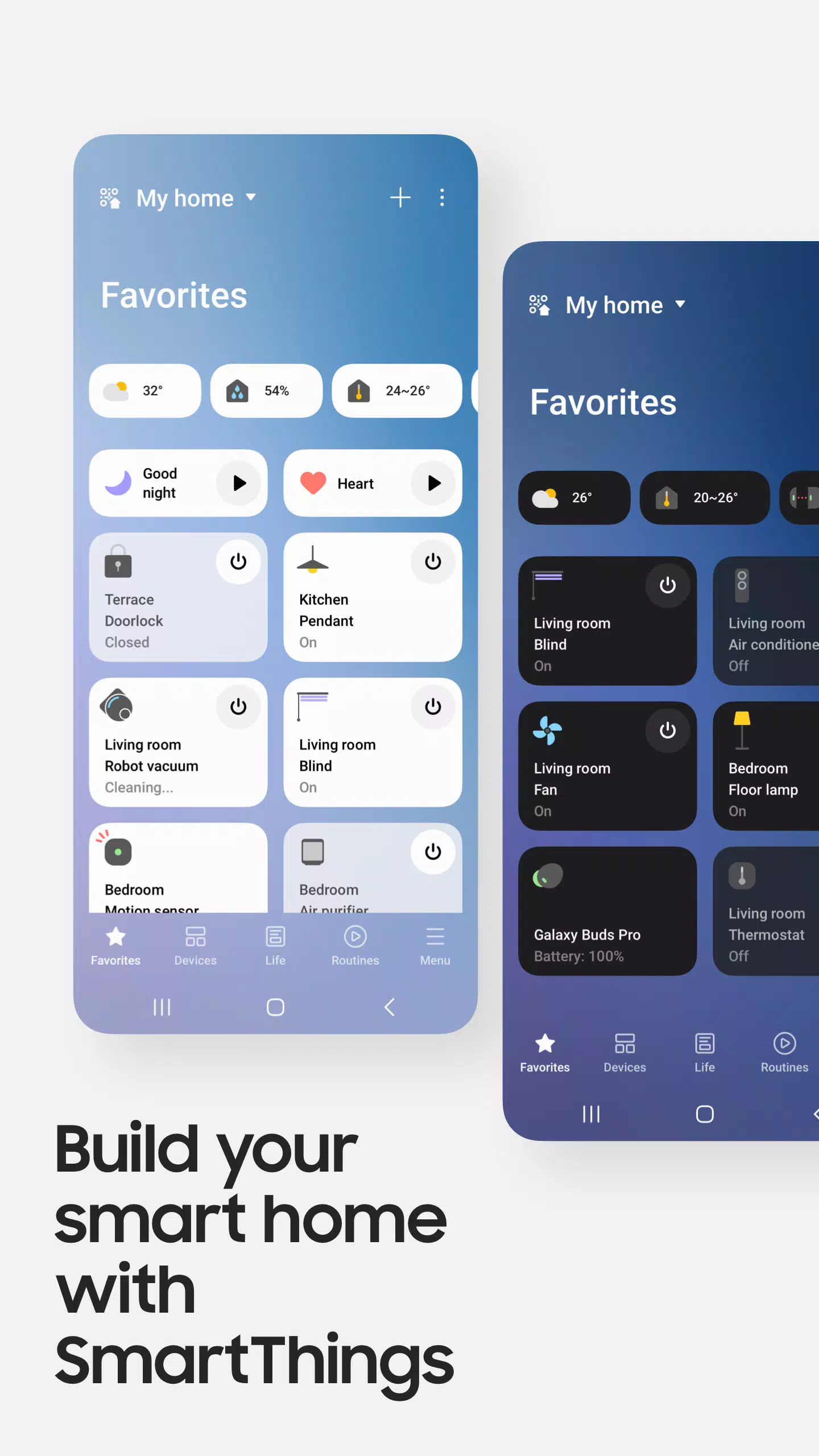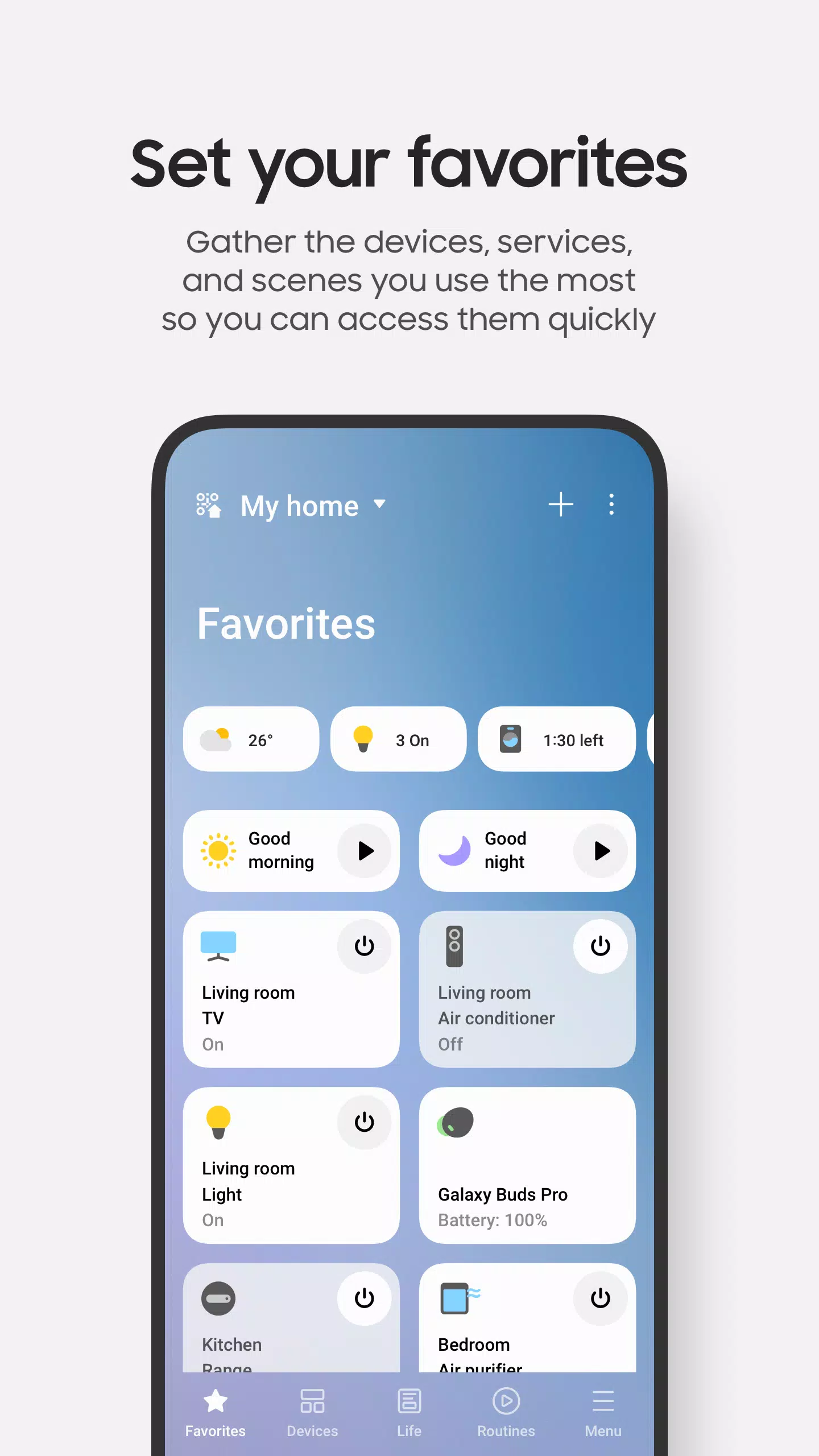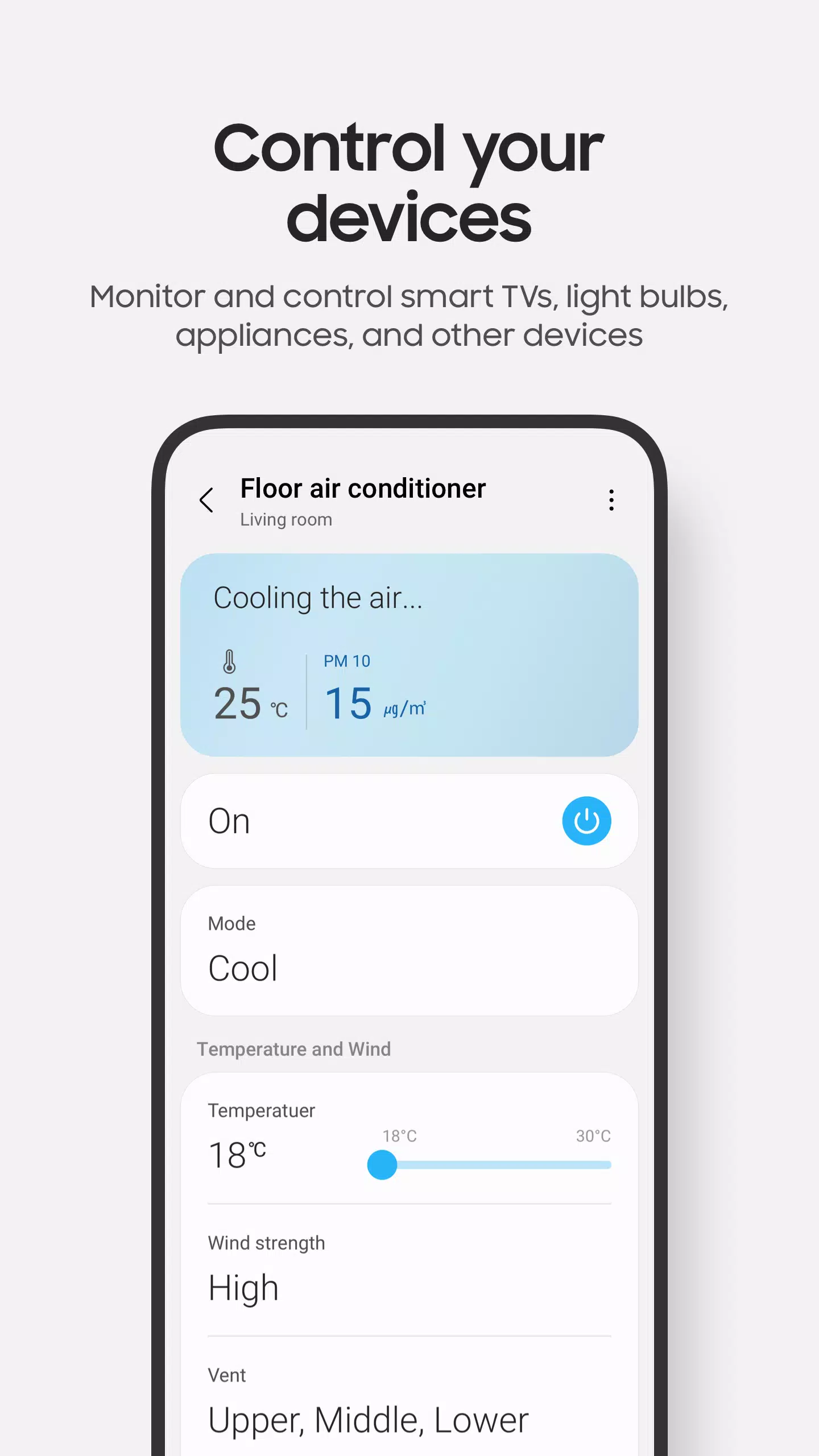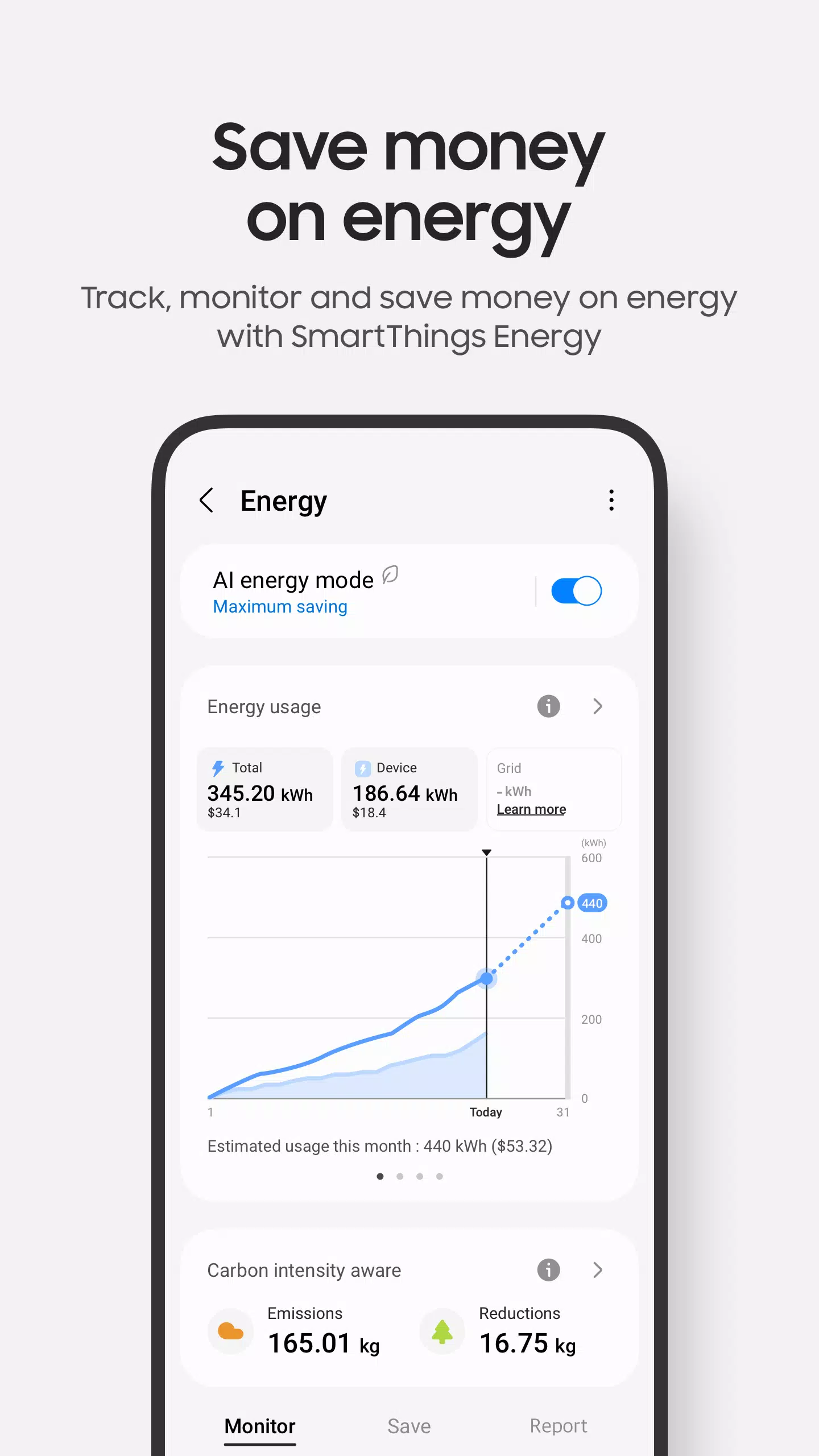
Effortlessly manage your smart home ecosystem with Samsung SmartThings. Whether it's your Samsung Smart TV, appliances, or a range of SmartThings-compatible devices, you can control everything from one convenient hub. SmartThings integrates seamlessly with hundreds of smart home brands, allowing you to orchestrate your entire setup, including devices from Ring, Nest, and Philips Hue, all within a single application.
With SmartThings, connecting, monitoring, and controlling your smart devices becomes quicker and more intuitive. You can link your Samsung smart TVs, appliances, and smart speakers, and even utilize voice commands through assistants like Alexa, Bixby, and Google Assistant for hands-free operation.
Key Features
- Remotely manage and monitor your home from any location.
- Set up routines triggered by time, weather, or device status to ensure your home operates efficiently behind the scenes.
- Share control with family members or guests by granting them access to your SmartThings network.
- Stay informed with real-time status updates and automated notifications about your devices.
While SmartThings is optimized for Samsung smartphones, some features might be limited on other devices. Additionally, availability of certain features may vary by country. For added convenience, SmartThings can also be installed on Wear OS-based watches, providing quick access to routines and device control directly from your wrist.
App Requirements
To ensure compatibility, your mobile device should have at least 2GB of RAM. For Samsung Galaxy users, Smart View is required for screen mirroring functionality.
App Permissions
SmartThings requires certain permissions to function fully. While you can use the app without granting optional permissions, some features may be limited:
- Location: Enables device location, location-based routines, and Wi-Fi scanning for nearby devices.
- Nearby Devices: (Android 12 and above) Allows scanning for nearby devices using Bluetooth Low Energy (BLE).
- Notifications: (Android 13 and above) Provides updates on SmartThings devices and features.
- Camera: Facilitates QR code scanning for easy addition of members and devices.
- Microphone: Used for adding certain devices via high-frequency sounds.
- Storage: (Android 9-11) Allows data saving and content sharing.
- Files and Media: (Android 12) Enables data saving and content sharing.
- Photos and Videos: (Android 13 and above) Allows playback on SmartThings devices.
- Music and Audio: (Android 13 and above) Enables sound and video playback on SmartThings devices.
- Phone: (Android 9) Supports calling on smart speakers and displaying information about shared content.
- Phone: (Android 10 and above) Supports calling on smart speakers.
- Contacts: (Android 9) Retrieves contact phone numbers for text notifications and displays names of content senders.
- Contacts: (Android 10 and above) Retrieves contact phone numbers for text notifications.
- Physical Activity: (Android 10 and above) Detects the start of pet walks.