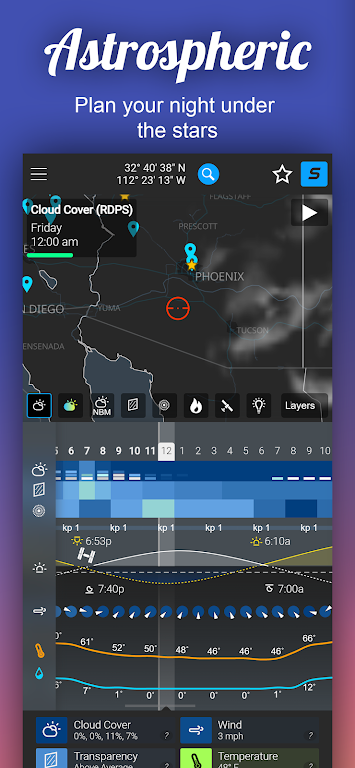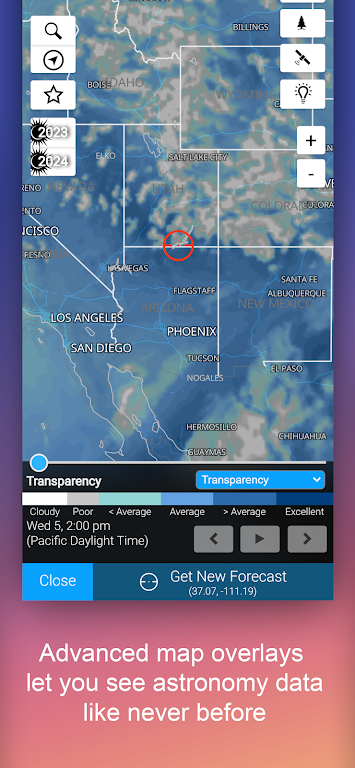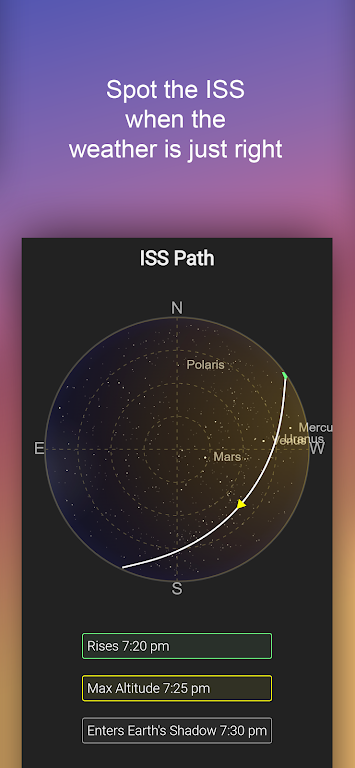
Astrospheric is a cutting-edge weather tool tailored specifically for astronomers and astrophotographers across the Continental US and Canada. This app delivers an extensive 84-hour, hour-by-hour forecast, with data refreshed every six hours. It's renowned for its unique Ensemble cloud forecast, which allows for easy comparison of major forecast models, and its innovative integration of smoke forecasts into transparency reports. Additional standout features include the Kp index for Aurora viewing, ISS flyover paths, and precise rise and set times for the sun and moon. Astrospheric also fosters a vibrant community where astronomical societies can connect, share, and plan.
Features of Astrospheric:
❤ Detailed 84-hour hour-by-hour forecast
❤ Exclusive CMC astronomy data updated every 6 hours
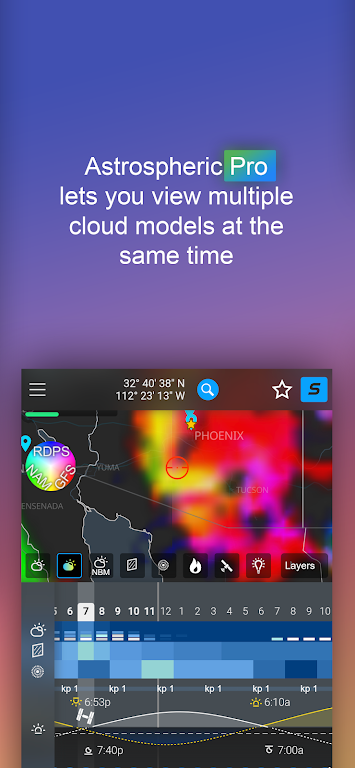
❤ Ensemble cloud forecast for easy comparison of major models
❤ Kp index for Aurora viewing and ISS flyover paths
❤ Integration of smoke forecast into transparency report
❤ Societies can stay connected with chat, image sharing, and event planning
Conclusion:
Astrospheric offers an array of advanced weather tools designed specifically for professional astronomers and astrophotographers. With detailed forecasts, exclusive data updates, and cloud comparison tools, it's the ideal companion for those passionate about stargazing. Engage with fellow enthusiasts through the app's robust society features and never miss a celestial event thanks to weather alerts and precise rise/set times. Elevate your astronomy experience by upgrading to Astrospheric Professional, which unlocks even more powerful tools and features. Download now and take your stargazing to new heights!
How to use this app?
Download and Install: Obtain Astrospheric from your device's app store.
Launch the App: Open the app and allow the necessary permissions.
Set Your Location: Ensure your location is correctly set to receive precise local forecasts.
Explore the Forecast: Dive into current and future forecasts, including cloud cover, transparency, and seeing conditions.
Use Pro Features: If you're using the Pro version, take advantage of features like weather alerts and the Ensemble cloud forecast.
Connect with Others: Join the community to share images, engage in discussions, and coordinate events.
Site Mode: Utilize this mode to gather essential data for setting up your GOTO tracking mount.
Check for Updates: Regularly update the app to access new features and improvements.
Troubleshooting: If you encounter any issues, refer to the help section on the Astrospheric website.
Privacy Considerations: Familiarize yourself with the app's privacy policy and data handling practices.