Unleash Retro Gaming on Your Steam Deck: A Comprehensive Guide to EmuDeck and Game Boy Emulation
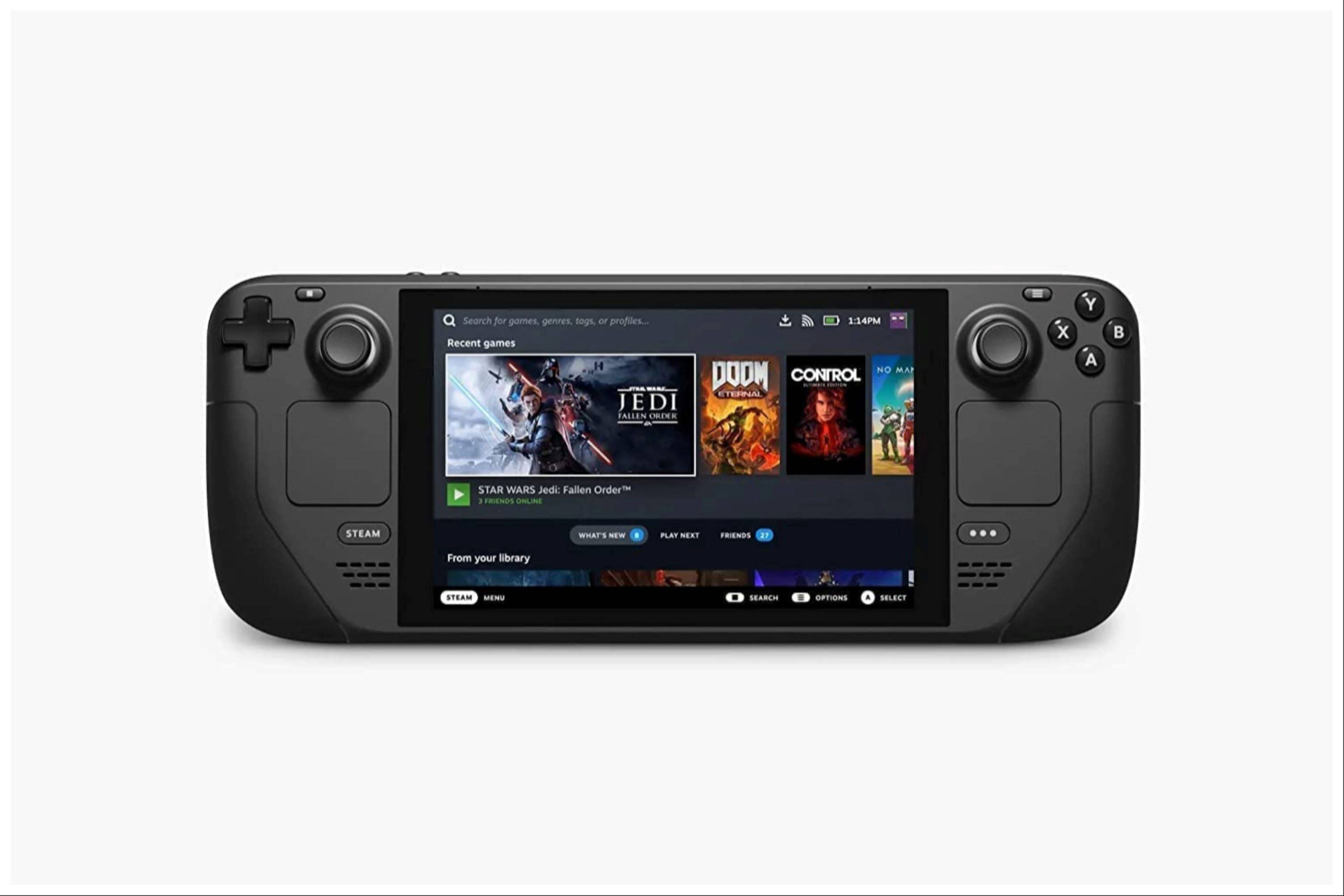
The Steam Deck's versatility extends beyond modern titles; its PC-like architecture makes it a powerhouse for retro gaming. This guide details how to install EmuDeck and play Game Boy games on your Steam Deck, optimizing performance for a superior experience. We'll cover everything from initial setup to advanced performance tweaks.
Before You Begin:
 Before diving in, ensure you have:
- A fully charged Steam Deck.
- An A2 microSD card for game and emulator storage.
- Legally obtained Game Boy ROMs.
- A Bluetooth or wired keyboard and mouse (recommended for easier navigation).
Enabling Developer Mode:
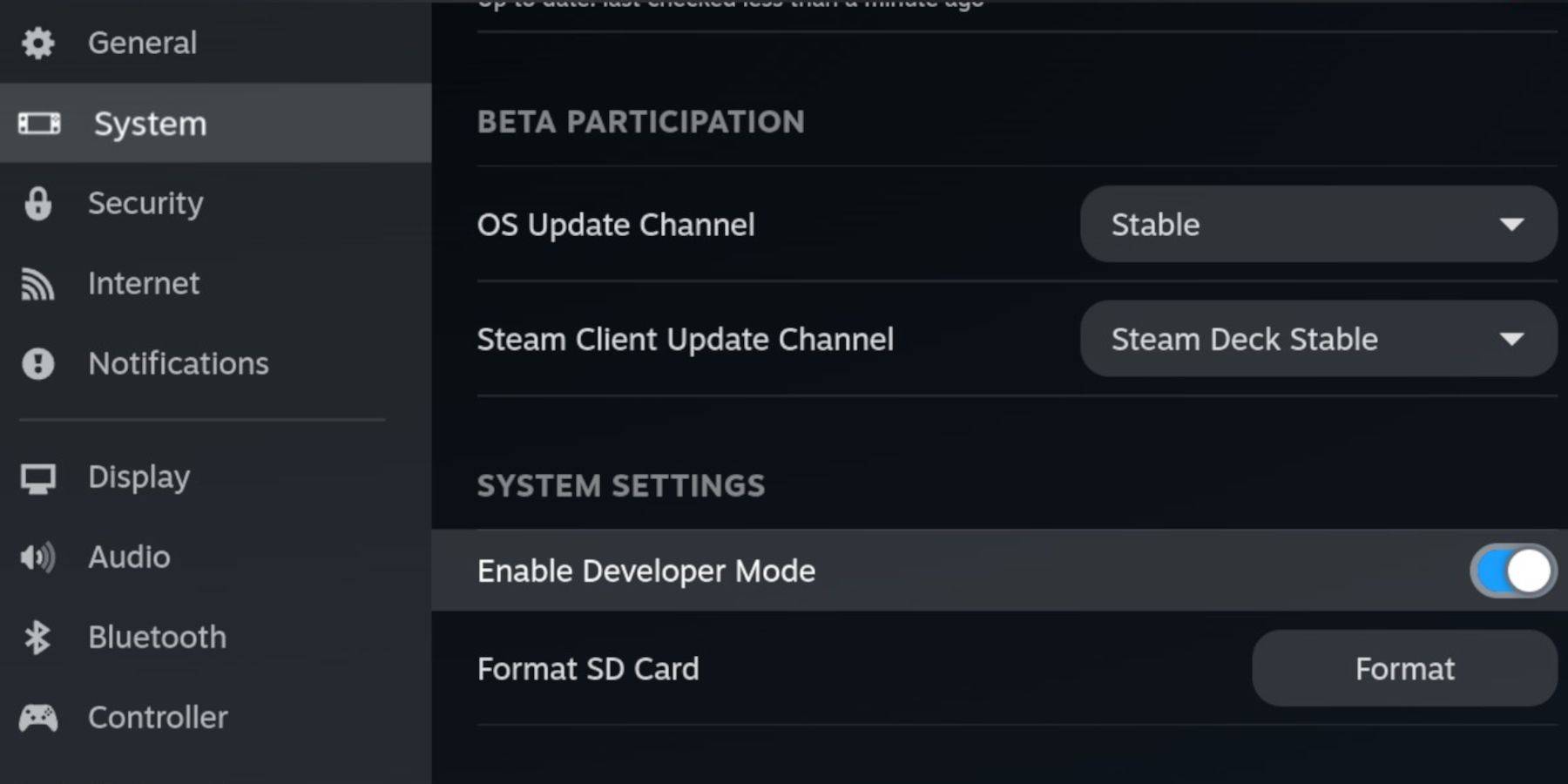
- Press the Steam button.
- Navigate to System > Developer and enable Developer Mode.
- Enable CEF Debugging within the Developer menu.
- Power > Switch to Desktop Mode.
Installing EmuDeck:
- Connect your keyboard and mouse.
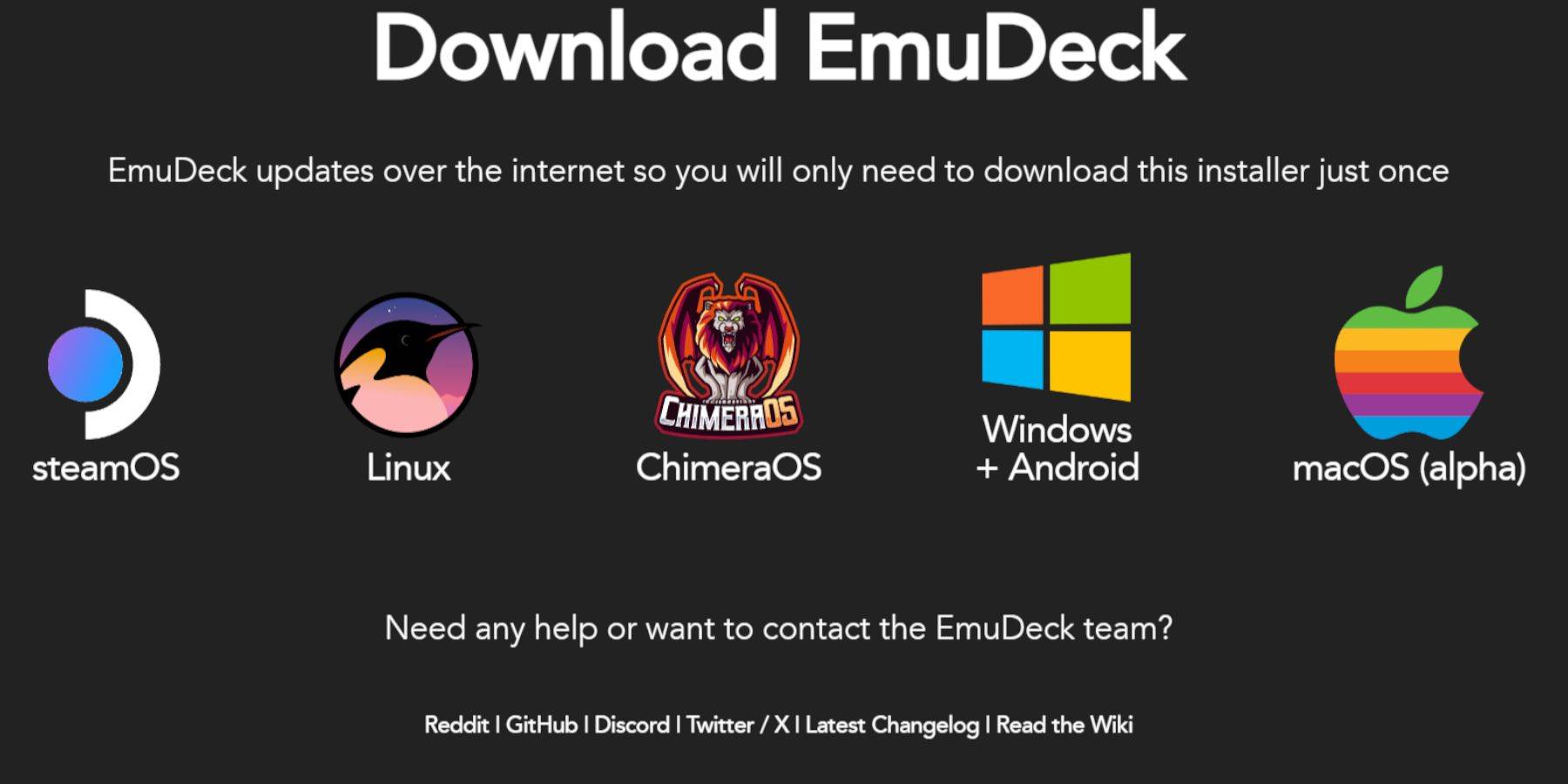
- In Desktop Mode, download EmuDeck using a browser like Firefox or DuckDuckGo.
- Choose SteamOS and download for free.
- Select Recommended Settings then Custom Install.
- Choose your SD card (Primary) as the installation location.
- Select desired emulators (RetroArch, Emulation Station, Steam ROM Manager recommended).
- Enable Auto Save.
- Complete the installation.
Optimizing EmuDeck Settings:
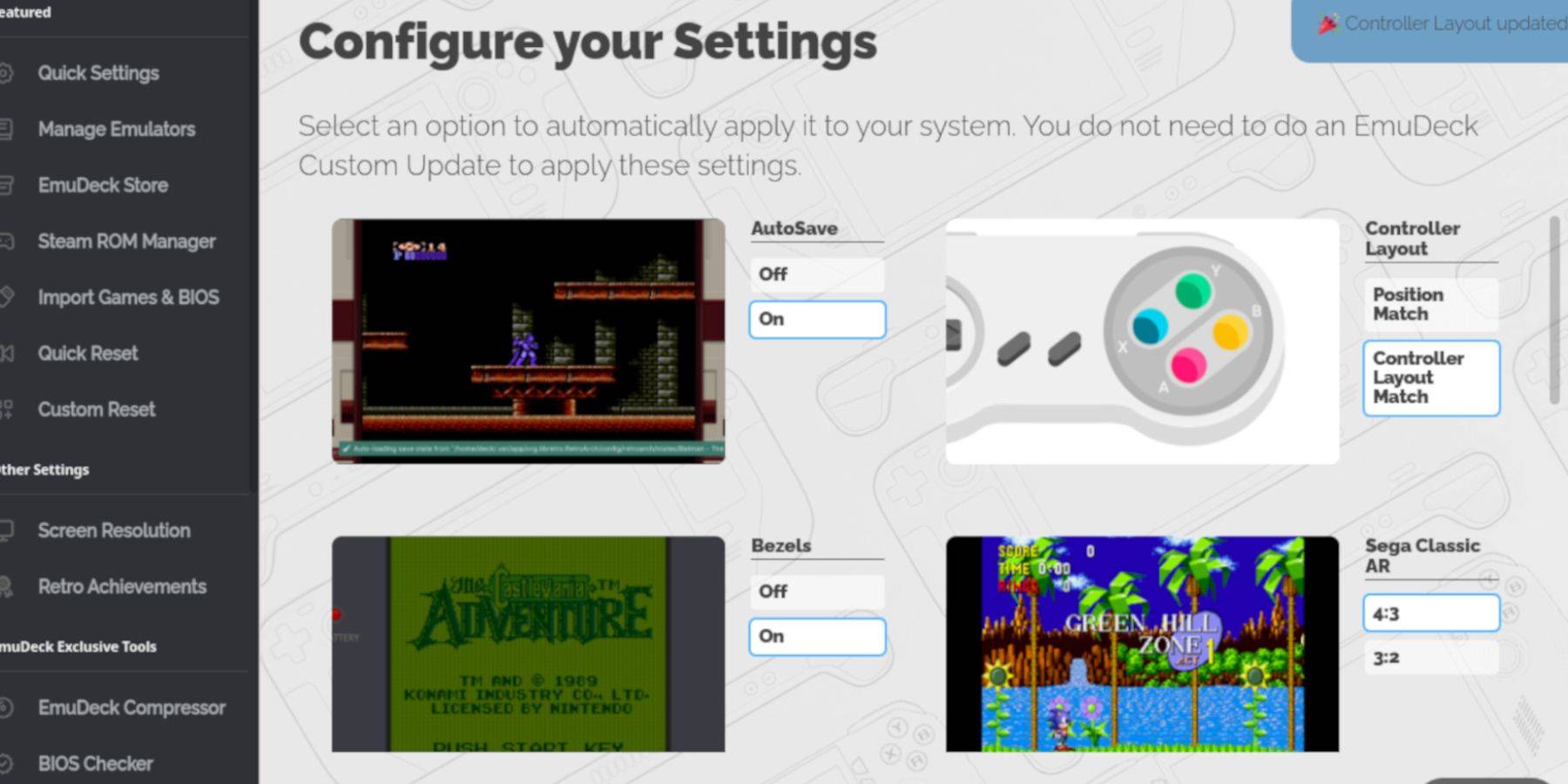
- Open EmuDeck and access Quick Settings.
- Enable AutoSave, Controller Layout Match, Bezels, Nintendo Classic AR, and LCD Handhelds.
Adding Your Game Boy Games:

- Use Dolphin File Manager to access your SD card (Primary).
- Navigate to Emulation > ROMs > gb.
- Transfer your correctly named Game Boy ROMs (.gb extension) to this folder.
Integrating with Steam ROM Manager:
- Open EmuDeck and select Steam ROM Manager.
- Close the Steam client if prompted.
- Disable Toggle Parsers.
- Add your Game Boy games.
- Save to Steam.
Playing Your Games:
- Press the Steam button.
- Go to Library > Collections.
- Select your Game Boy collection and launch a game.
Customizing Game Colors (RetroArch):
While not all games support it, some offer color options.
- Launch a game.
- Open the RetroArch menu (Select + Y).
- Navigate to Core Options > GB Colorization.
- Choose Auto or Off for color customization.
Using Emulation Station:
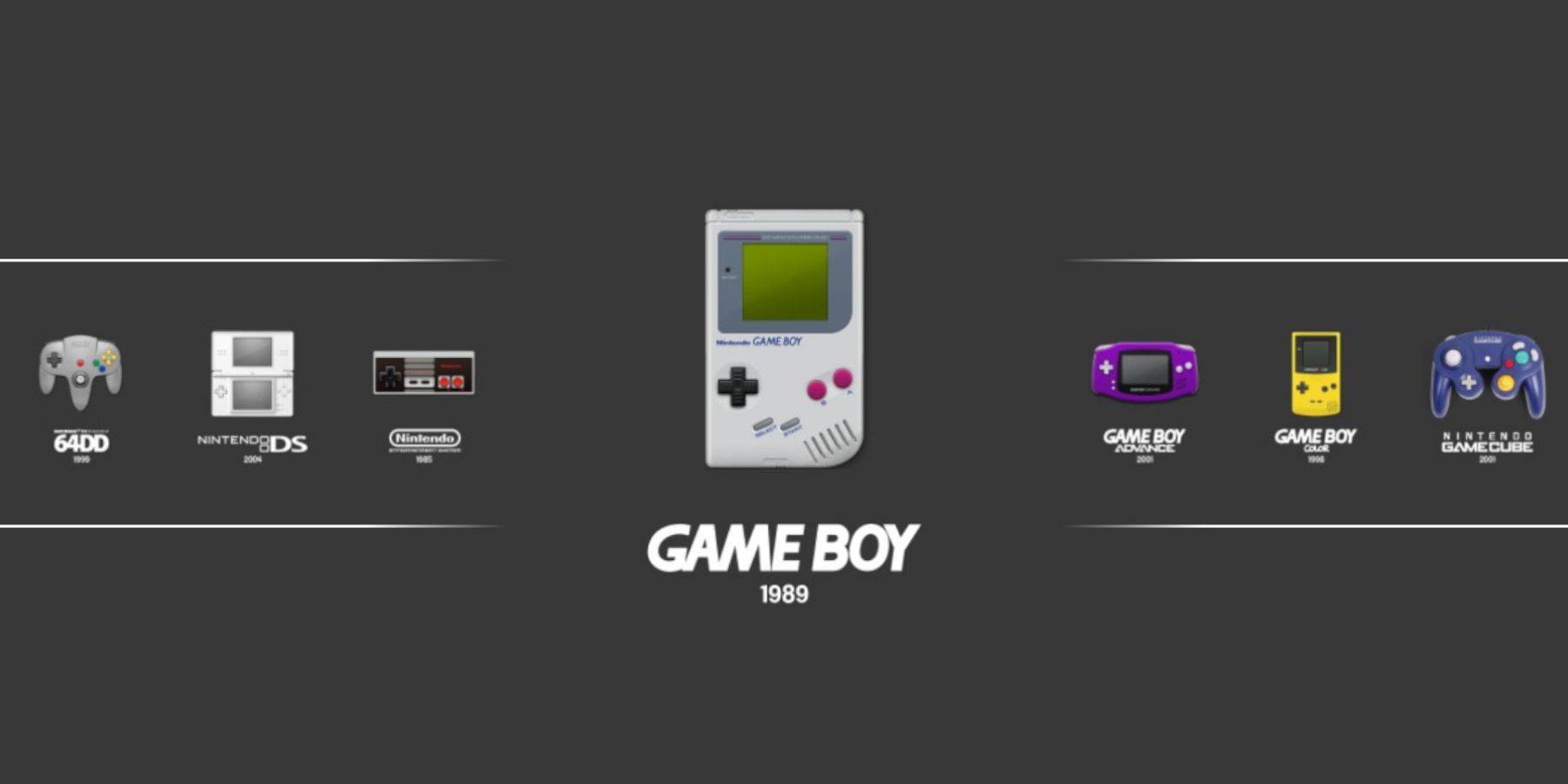
- Press the Steam button.
- Go to Library > Collections > Emulators > Emulation Station.
- Select Game Boy and launch your games. The RetroArch menu (Select + Y) remains accessible.
Boosting Performance with Decky Loader and Power Tools:
 For optimal performance, install Decky Loader and the Power Tools plugin:
- In Desktop Mode, download Decky Loader from its GitHub page.
- Install using the Recommended Install option.
- Restart in Gaming Mode.
- Access the Decky Store via the QAM and install Power Tools.
- In Power Tools, disable SMTs, set Threads to 4, and adjust GPU clock settings as needed (e.g., 1200 MHz). Enable Per Game Profile for individual game optimization.
Recovering Decky Loader After a Steam Deck Update:
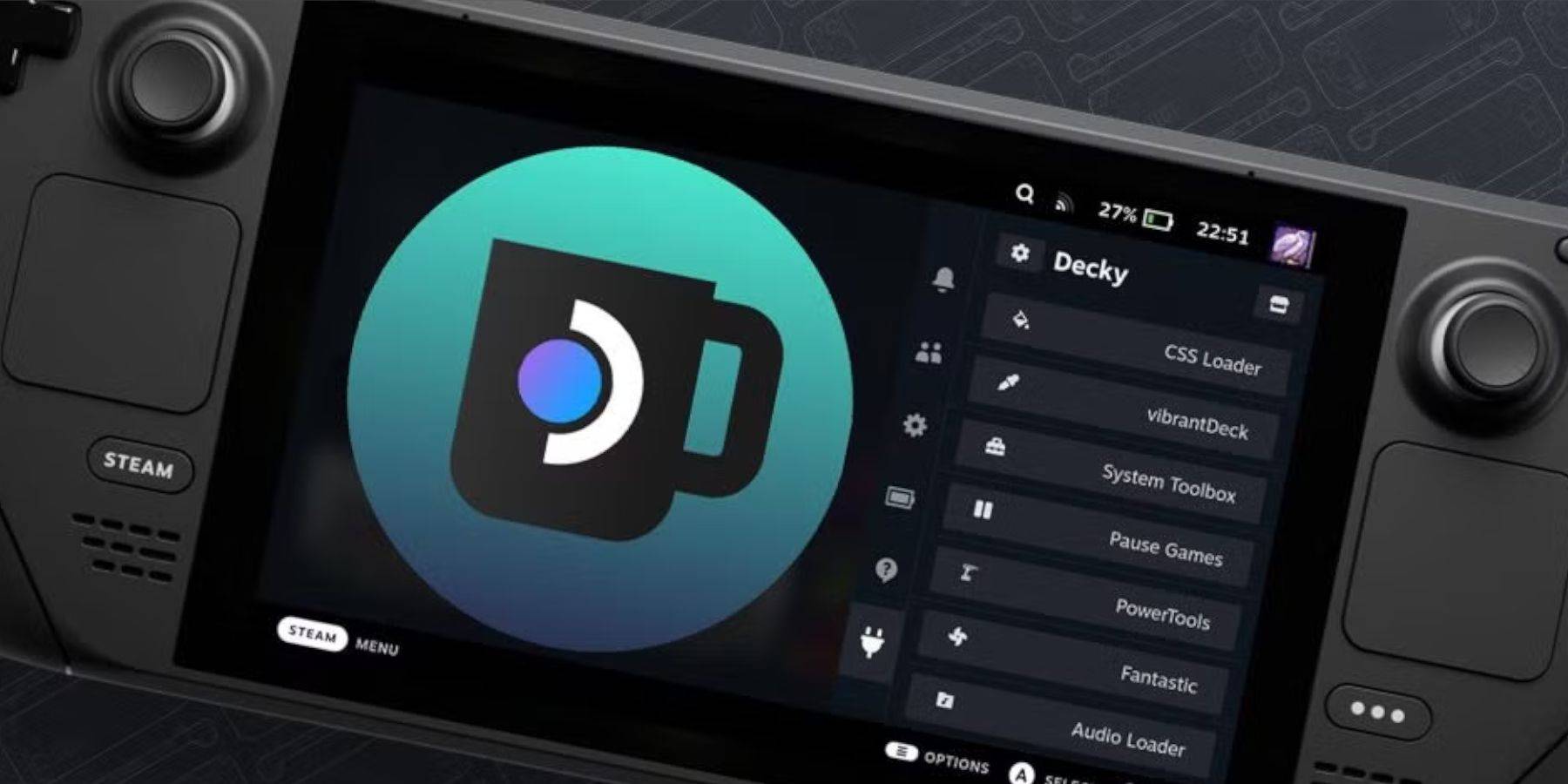 Steam Deck updates may break Decky Loader. To restore:
- Re-enter Desktop Mode.
- Re-download Decky Loader from its GitHub page.
- Execute the installer.
- Re-enter your pseudo password (if you have one).
- Restart in Gaming Mode.
Enjoy your enhanced Game Boy experience on your Steam Deck!