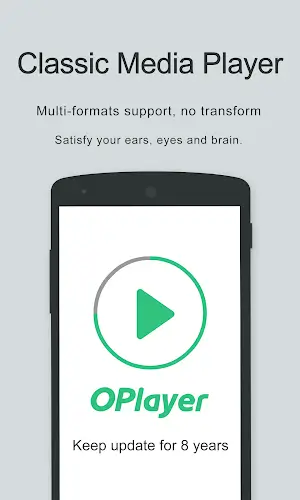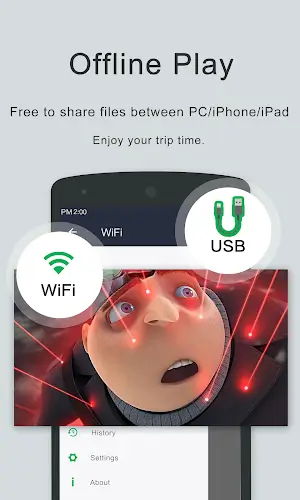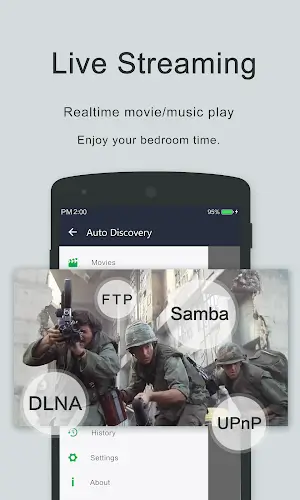
OPlayer is a sophisticated media playback application designed specifically for Android devices, celebrated for its versatility and advanced functionality. As one of the top HD video players for Android tablets and smartphones, OPlayer excels in its broad format compatibility, supporting MKV, MP4, M4V, AVI, MOV, 3GP, FLV, WMV, RMVB, TS, and many others. In addition to smooth playback, the application emphasizes user privacy with its unique Gesture Unlock feature while delivering an exceptional viewing experience with Ultra HD video playback and hardware acceleration. Offering multitasking capabilities, Chromecast integration, and comprehensive file management, OPlayer serves as a multifaceted platform that also functions as a high-quality music player, establishing new benchmarks in the Android media player ecosystem.
Advanced Gesture Unlock Security
Among Android media players, OPlayer stands out for its impressive sophistication, particularly through its Gesture Unlock Video Security feature. In an era where digital privacy is crucial, OPlayer leads by allowing users to protect their videos with a personalized gesture-based lock. This innovation enhances both the app’s appeal and its practicality for users who prioritize security for sensitive or private content. While OPlayer offers other premium features like Chromecast integration, multitasking support, and broad format compatibility, the Gesture Unlock option truly differentiates it, demonstrating OPlayer’s dedication to user privacy and cementing its status as a top Android media player.
Extensive Format Compatibility
OPlayer excels as a premier media playback tool thanks to its outstanding support for a vast range of formats. The app supports popular video formats such as MKV, MP4, M4V, AVI, MOV, 3GP, FLV, WMV, RMVB, TS, and many more, surpassing typical industry standards to let users enjoy their favorite media without needing to convert files. This focus on compatibility ensures users never struggle with playback issues and highlights OPlayer's dedication to a seamless, all-inclusive media experience, allowing effortless enjoyment of diverse video content.
Additional Premium Features
- Ultra HD video playback: OPlayer enhances video quality with Ultra HD support, delivering smooth 4K playback. The app uses hardware acceleration for a captivating, crystal-clear viewing experience.
- Chromecast integration: OPlayer enables users to stream videos directly to their TV via Chromecast. This creates a seamless bridge to larger screens, perfect for home theater entertainment.
- Subtitle downloader and more: The app includes a built-in subtitle downloader and other convenient features, catering to viewers who prefer subtitles and enhancing overall usability.
- Multitasking capabilities: With a pop-up window, split-screen mode, and background video playback, OPlayer allows users to watch videos while using other apps or listen to video content like music.
- Night mode, quick mute & playback speed control: OPlayer offers customizable viewing options such as night mode, instant mute, and adjustable playback speed, so users can adapt playback to their preferences and environment.
- Comprehensive file management: More than a media player, OPlayer includes a full-featured file manager, letting users easily organize, move, cut, paste, and share video files from within the app.
- Audio playback excellence: OPlayer doubles as a high-performance music player, compatible with numerous audio formats including WMA, FLAC, MP3, OGG, MIDI, AMR, AAC, DTS, and M4A.
- User-friendly interface: OPlayer’s intuitive design gives users direct control: swipe on the screen to adjust volume, brightness, or playback progress quickly and easily.
Final Thoughts
OPlayer represents the advancement of media playback on Android devices. Its focus on versatility, security, and user-centered functionality makes it an essential app for anyone seeking a rich and convenient multimedia experience. Whether you’re enjoying videos, music, or organizing your media files, OPlayer raises the bar for excellence among Android media players.