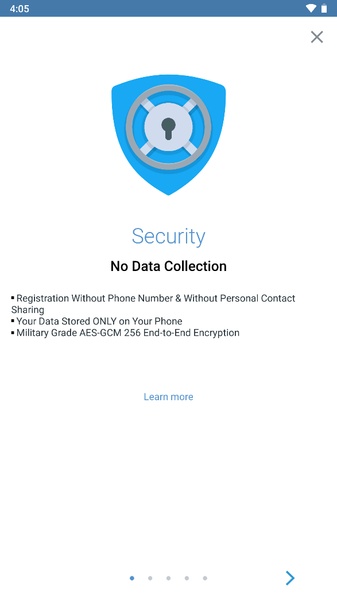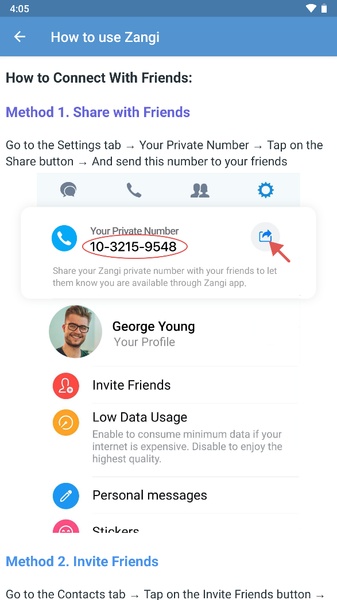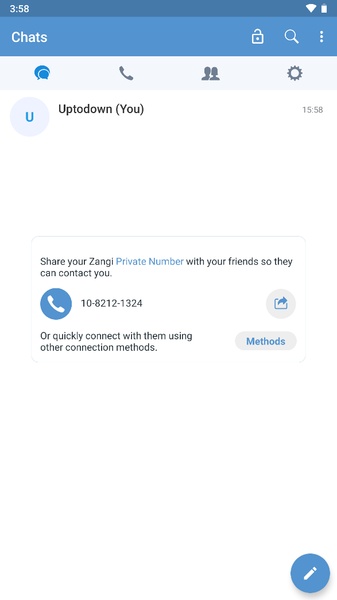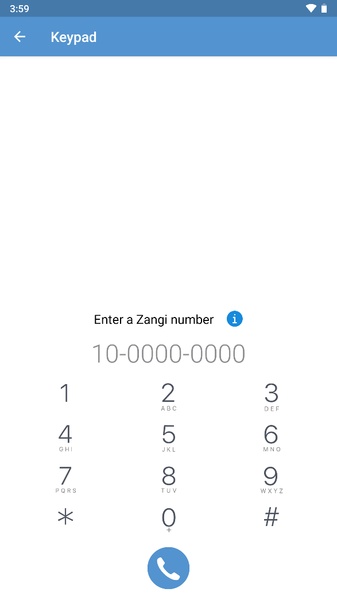
If you're looking for a reliable and free messaging service, download Zangi Messenger now. This app offers high-quality video calls and text messages, making it an excellent choice for staying connected with loved ones.
Today, staying in touch is more important than ever. A good messaging service is crucial for seamless communication, and Zangi Messenger delivers with its crystal-clear HD video calls at no extra cost.
Using Zangi Messenger is simple. Just open your contact list within the app and make a call. Zangi Messenger is optimized for battery efficiency, so you can chat for longer without worrying about draining your phone. It even offers roaming services, allowing you to stay connected with loved ones even when you're traveling abroad.
To sign up for Zangi Messenger, you'll need to use your phone number. This ensures seamless connections when someone calls you on the app.
Enjoy smooth video calls with high-quality images and stay connected with your loved ones anytime, anywhere. Download the Zangi Messenger APK today and experience the difference.
Requirements (Latest version)
- Android 5.0 or higher required
Frequently Asked Questions
- Is Zangi Messenger safe?
Yes, Zangi Messenger is a safe app. As confirmed by the VirusTotal report, it's free from malware. However, it's always recommended to have a robust security system and avoid storing sensitive data on the cloud. - Is Zangi Messenger a free app?
Yes, Zangi Messenger is completely free. There are no installation fees, no charges for using its features, and no ads. While a subscription service offers additional features, a comprehensive free version is available. - Does Zangi Messenger work in China?
Yes, Zangi Messenger operates in China without any restrictions. - Does Zangi Messenger consume a lot of data?
No, Zangi Messenger is designed for low data consumption during calls. To ensure this, simply go to Settings and activate the low data consumption mode.