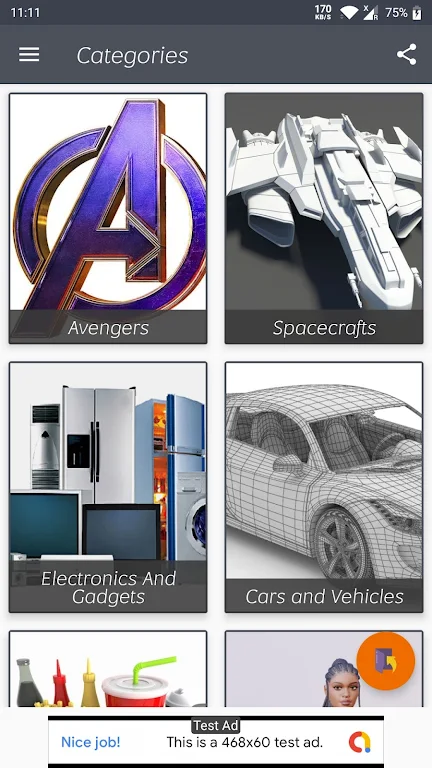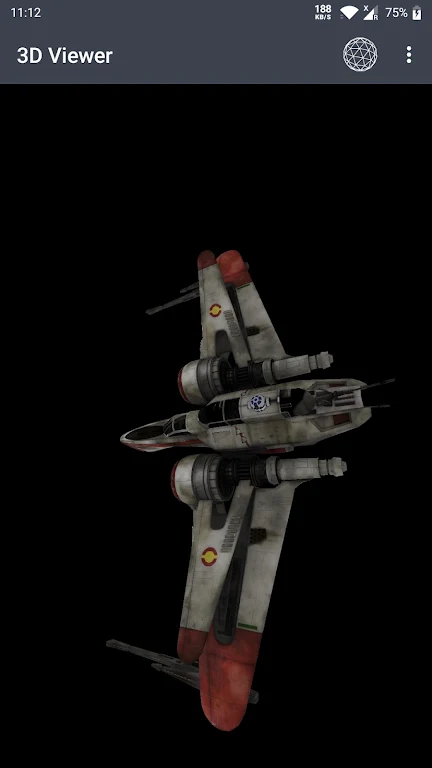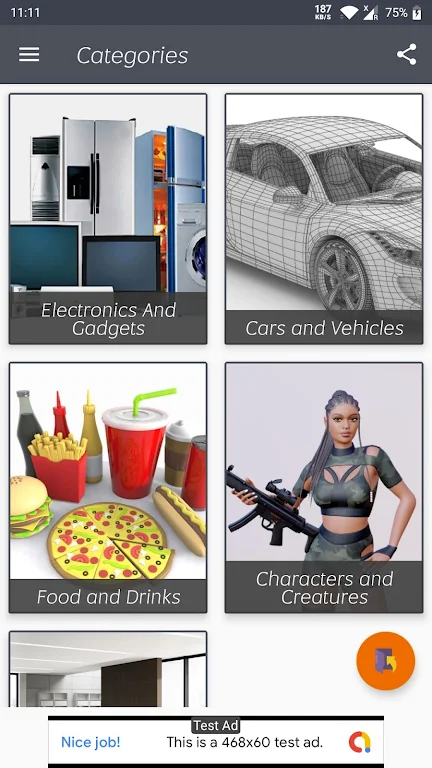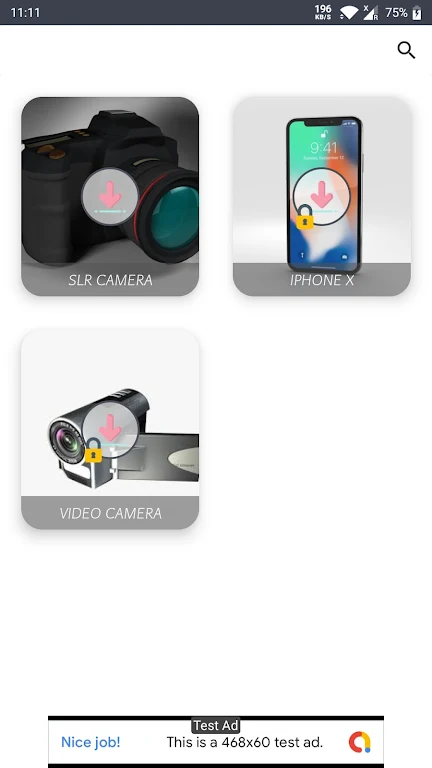
The 3D Model Viewer - OBJ/STL/DAE is a powerful and efficient platform that allows you to explore and interact with 3D models directly on your mobile device. Its fast loading speed and seamless performance are optimized to provide you with the best possible experience. You can view 3D files like OBJ, STL, and DAE, and manipulate and customize the models to your liking. From scaling and rotating to applying colors, textures, and lighting effects, the app offers a wide range of features to enhance your 3D viewing experience. With its user-friendly interface and advanced functionalities like camera support, object selection, and even skeletal animations, this app truly brings your 3D models to life. Whether you're a designer, architect, or simply an enthusiast, this high-performance mobile 3D viewer is a must-have tool for exploring and showcasing your creations.
Features of 3D Model Viewer - OBJ/STL/DAE:
- Compatibility with various file formats: The app supports popular 3D file formats including OBJ, STL, and DAE, making it easy for users to view their 3D models regardless of the file type.
- Fast and seamless loading: Users can enjoy a smooth experience as the app loads files quickly and without any issues. This ensures that users can start exploring their 3D models without any delays or frustrations.
- Optimized for mobile devices: The viewer app is specifically optimized for mobile devices, ensuring the best possible user experience while exploring 3D models. Whether you are using a smartphone or tablet, the app provides a seamless and intuitive interface.
- Extensive features for model manipulation: Users can apply various transformative operations to their 3D models such as scaling, rotation, and translation. This allows for precise adjustments and positioning, giving users full control over their models.
- Visually appealing experience: The app offers vibrant colors, textures, and lighting options to enhance the visual appeal of the 3D models. Users can enjoy a realistic and immersive viewing experience with the ability to switch between wireframe, points mode, and bounding box drawing.
- Intuitive controls: The app provides easy-to-use controls for object selection, camera movement, and zooming. Whether it's tapping to select objects, dragging to move the camera, or using gestures for rotation and zoom, the controls make it effortless to navigate and interact with the 3D models.
Conclusion:
The app's extensive features for model manipulation, visually appealing visuals, and intuitive controls further enhance the user experience. Download the 3D Model Viewer - OBJ/STL/DAE now to enjoy a high-performance and immersive mobile 3D viewing experience.