If you're looking to transform your audio files with ease, Audio Converter is your go-to Android app. Designed for simplicity and efficiency, it allows you to effortlessly convert and cut audio files in just a few taps. Whether you're converting MP3, AAC, WMA, OPUS, OGG, FLAC, M4A, or any other format, this tool makes the process smooth and fast.
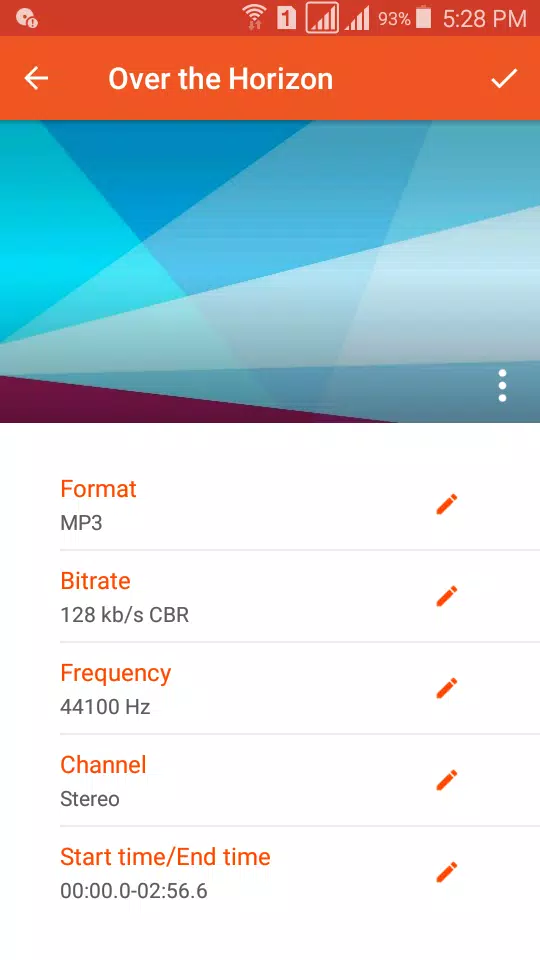
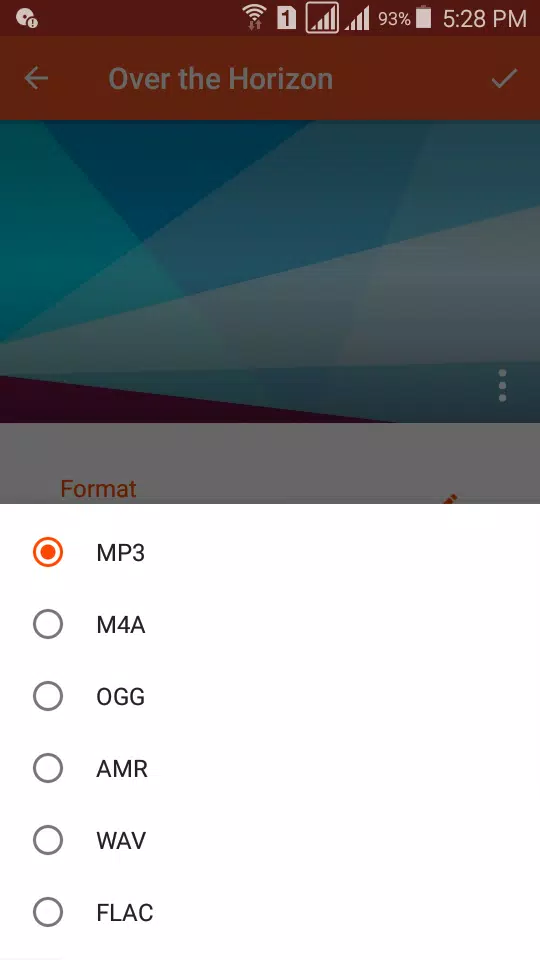
With Audio Converter, you can convert your music to popular formats like MP3, AAC, M4A, OGG, AMR (NB/WB), WAV, FLAC, WMA, AC3, and more—all without any limitations or hidden fees. You can also adjust settings such as bitrate, frequency, and channels, giving you full control over the quality of your conversions. Choose from a range of bitrates—8 kbps to 320 kbps—and enjoy options like VBR, CBR, and ABR for optimal flexibility.
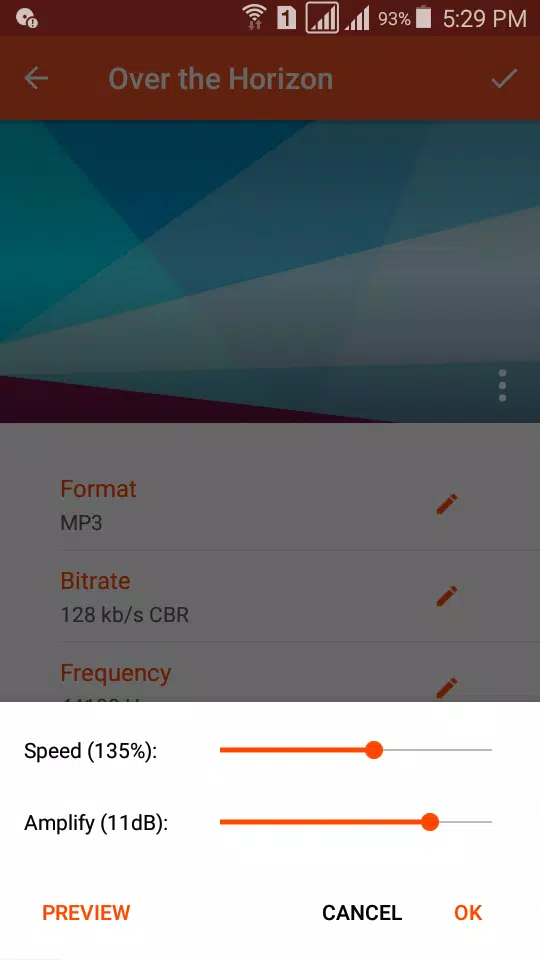
Need a custom ringtone or a snippet of a track? Audio Converter lets you trim, amplify, and change the playback speed of your audio before converting. Add covers, edit tags (like Title, Artist, and Album), and even upload your finished tracks to platforms like Google Drive, Dropbox, or Soundcloud. Plus, share your creations directly via WhatsApp, Facebook, Soundcloud, or other social media platforms.
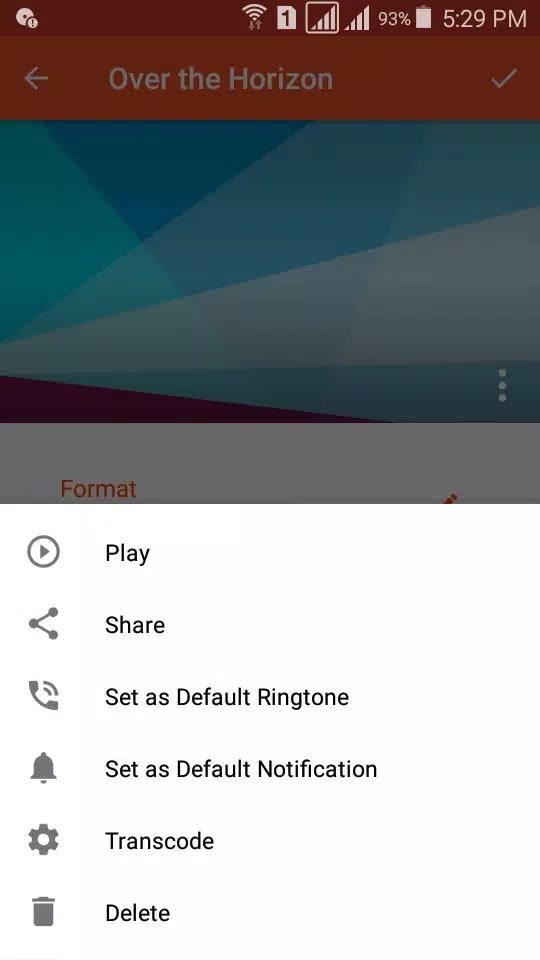
For those who prefer precise editing, the built-in audio cutter ensures quick and accurate trimming. Set clips as alarms, notifications, ringtones, or default tones for incoming calls—all without worrying about format restrictions.
Audio Converter is not just powerful—it’s user-friendly, fast, and completely free. Dive into its features and elevate your audio game today!
Key Features:
- Convert any audio format to MP3, AAC, M4A, OGG, AMR, WAV, FLAC, WMA, AC3, etc.
- Cut, trim, and extract clips with precision.
- Adjust bitrate, frequency, and channels for tailored outputs.
- Add covers and edit metadata effortlessly.
- Share files across social media or cloud storage platforms.
- Set clips as ringtones, alarms, or notification tones.
- Unlimited audio duration for seamless processing.
Ready to enhance your audio library? Download Audio Converter now and enjoy hassle-free audio management! For any queries or feedback, reach out to us at [email protected].