Application Description
Inkpad Notepad & To do list: A Comprehensive Note-Taking and Organization App
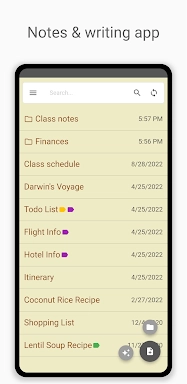
Inkpad Notepad & To do list is a user-friendly and intuitive app designed to streamline note-taking and to-do list management. It boasts several key features that enhance productivity and convenience:
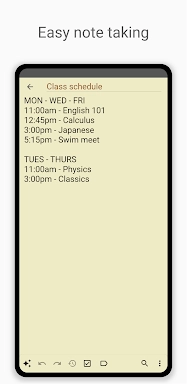
- Autosave Notes: Ensures that your notes are automatically saved, preventing the loss of valuable content.
- Checklists/To-do-list Notes: Allows you to create checklists and to-do lists within notes, providing a structured way to track tasks.
- Search Notes: Facilitates efficient searching through your notes, making it easy to locate specific information.
- Sync Notes Across Devices: Seamlessly syncs your notes across Android and iOS devices, ensuring that your notes are always accessible.
- Secure Online Backup/Restore: Provides secure online backup and restore functionality, safeguarding your notes from data loss.
- AI Chat Assistant: Integrates an AI chat assistant that assists with note editing, brainstorming, and learning, enhancing productivity.
How to Use Inkpad Notepad & To do list:
- Download and Install: Obtain the app from your device's app store.
- Open the App: Launch Inkpad and familiarize yourself with its interface.
- Create a New Note: Tap the add button to create a new note or to-do item.
- Use the AI Assistant: Engage with the AI chat assistant for smart editing and brainstorming.
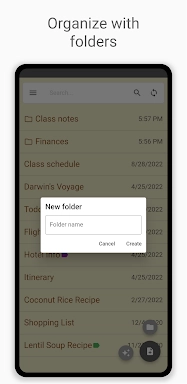
- Organize with Checklists: Convert notes into checklists to track tasks effectively.
- Search Notes: Utilize the search function to quickly find notes.
- Sync Across Devices: Establish an account to sync notes between your devices.
- Secure Backup: Utilize the secure online backup feature to prevent data loss.
- Access from Browser: Access your notes through the InkpadNotepad.com web browser.
- Upgrade to Premium: Consider the premium upgrade for additional features such as PIN Code and Note History.
Screenshot