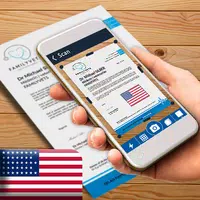
This incredible app transforms your smartphone or tablet into a powerful, portable scanner! Forget cumbersome scanning machines – Document Scanner - PDF Scanner offers unparalleled convenience. Instantly convert images into crisp PDF or JPEG files with a single tap. Effortlessly digitize receipts, notes, documents, and more. Annotate, extract text, and securely share your files. Batch scanning and quick search make this a must-have for students and professionals. Download Document Scanner - PDF Scanner for FREE today!
Key Features of Document Scanner - PDF Scanner:
-
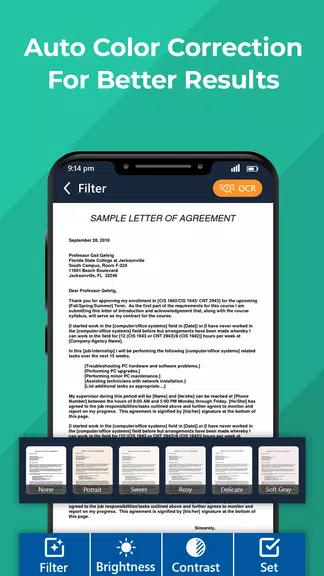
Superior Scan Quality: Benefit from smart auto-cropping and enhancement for clear, sharp text and graphics with vibrant colors and high resolution.
-
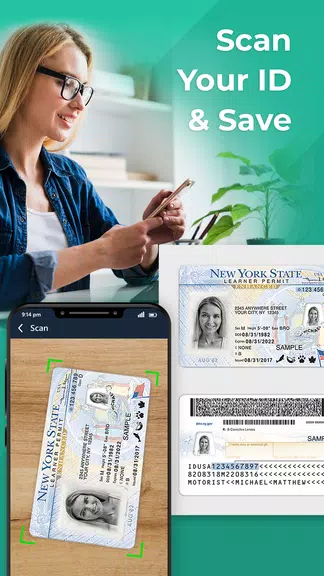
Rapid Digitization: Quickly scan various documents, including receipts, notes, invoices, whiteboard content, business cards, and certificates using the integrated camera scanner.
-
Advanced Document Editing: Easily add annotations and use comprehensive editing tools to personalize your documents. Add custom watermarks for added security.
-
OCR Text Extraction: Utilize the OCR feature to extract text from scanned images, perfect for searching, editing, or sharing.
-
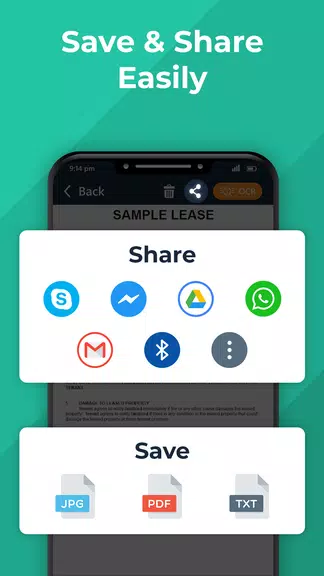
Effortless File Sharing: Share PDFs and JPEGs easily via email, social media, or other sharing platforms.
Pro Tips:
- Use the OCR feature for quick searches within your scanned documents.
- Batch scan multiple documents simultaneously – ideal for busy students and offices.
- Protect sensitive information by password-protecting your documents before sharing.
In Short:
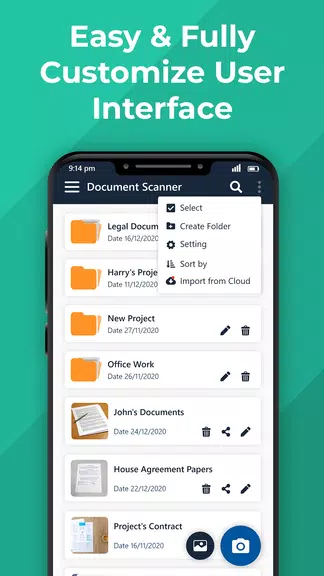
Document Scanner - PDF Scanner is a comprehensive app providing optimized scan quality, versatile editing tools, text extraction capabilities, and secure sharing options. Its user-friendly design makes managing and digitizing documents simple and efficient. Download Document Scanner - PDF Scanner – it's FREE!