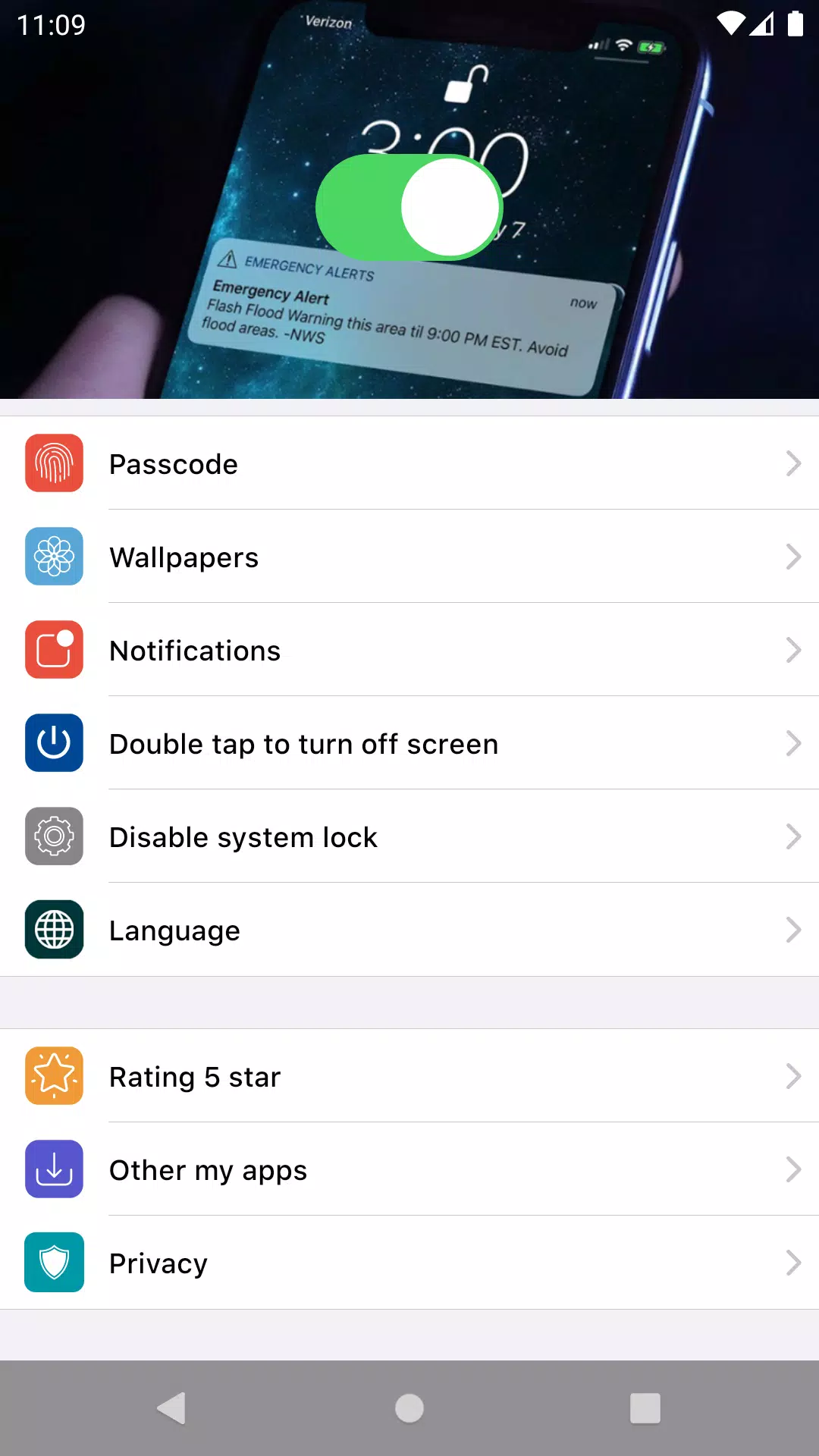
Transform your Android device into a seamless and stylish experience with the Lock Screen OS, designed to mimic the elegant interface of a premium phone. This application allows you to enjoy the functionality and aesthetics of a high-end phone's lock screen directly on your device.
Accessing your notifications has never been easier. With Lock Screen OS, you can quickly view your latest notifications right from the lock screen as soon as you turn on your phone. Here's how you can manage your notifications:
- Tap on a single notification or a group of notifications to expand and see all notifications from that particular app.
- Swipe over notifications to manage, view, or dismiss them as needed.
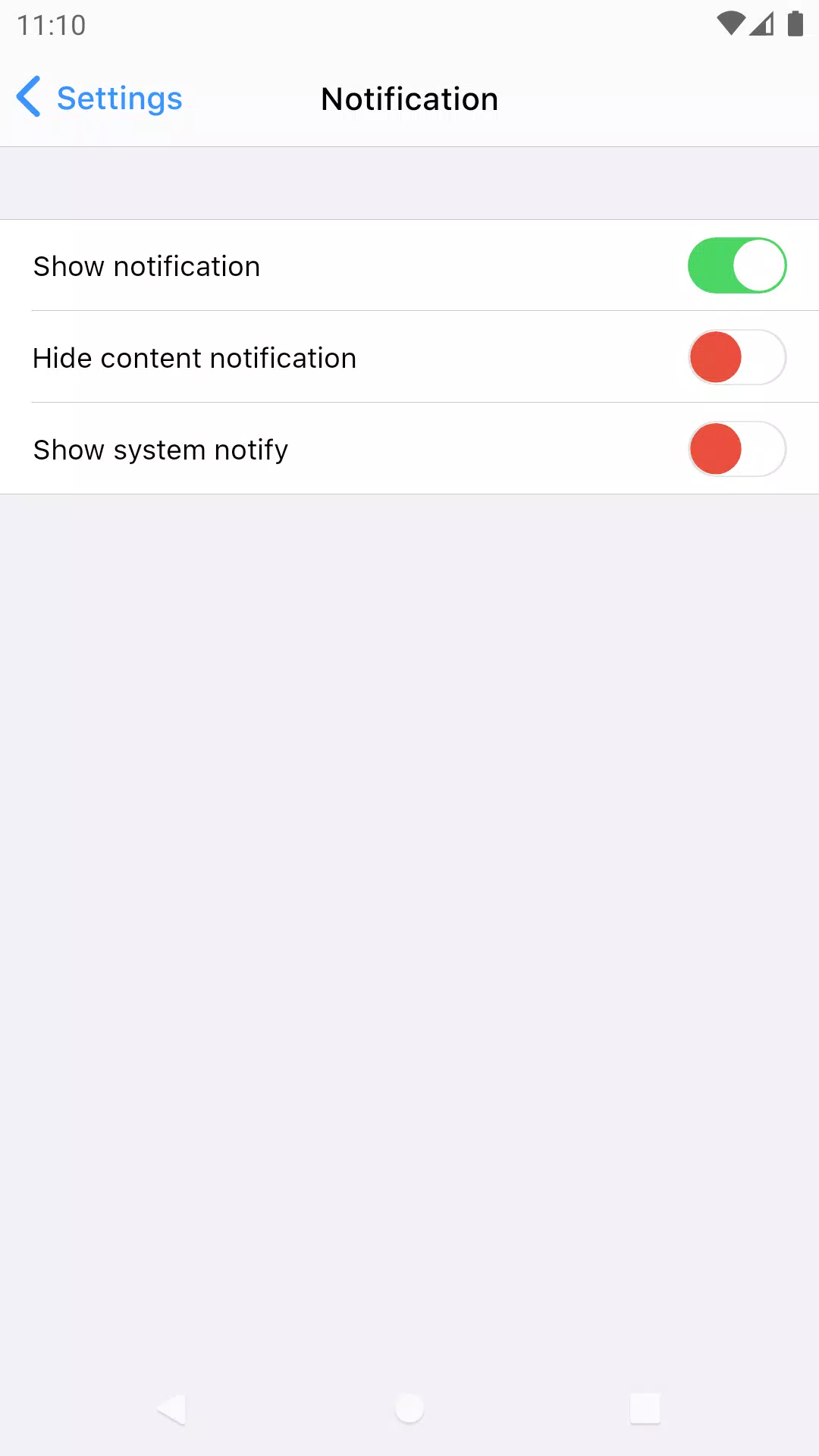
- Easily manage notifications for specific applications to keep your lock screen organized and clutter-free.
To ensure that Lock Screen OS functions flawlessly, you will need to grant certain permissions. Here's why they are necessary:
- CAMERA: This permission allows you to access your camera directly from the lock screen for quick and convenient photo-taking.
- READ_PHONE_STATE: This enables the lock screen to deactivate during calls, ensuring a smooth user experience.
- NOTIFICATION ACCESS: This permission is crucial for displaying your notifications on the lock screen.
- READ/WRITE_EXTERNAL_STORAGE: This allows you to download and set new wallpapers, enhancing your device's look.
- DRAW OVER SCREEN: This permission ensures that the Lock Screen & Notification interface appears on top of other apps.
- BIND_ACCESSIBILITY_SERVICE: This is used to enable the app to draw on your home screen and status bar, with your consent. The app does not use this permission for any other purpose.
We take your privacy seriously. We never publicly disclose any personal or sensitive user data related to financial or payment activities, government identification numbers, photos, contacts, and more.
NOTE: This app utilizes the ACCESSIBILITY SERVICE to enable features like "Double tap to turn screen off." This service is solely used to allow the app to draw on your phone's home screen and status bar.
Experience the elegance and functionality of a premium phone interface with Lock Screen OS. Install now and elevate your Android experience to a whole new level!
What's New in the Latest Version 1.64
Last updated on Jul 30, 2024
Lock Screen Phone OS Pro Style