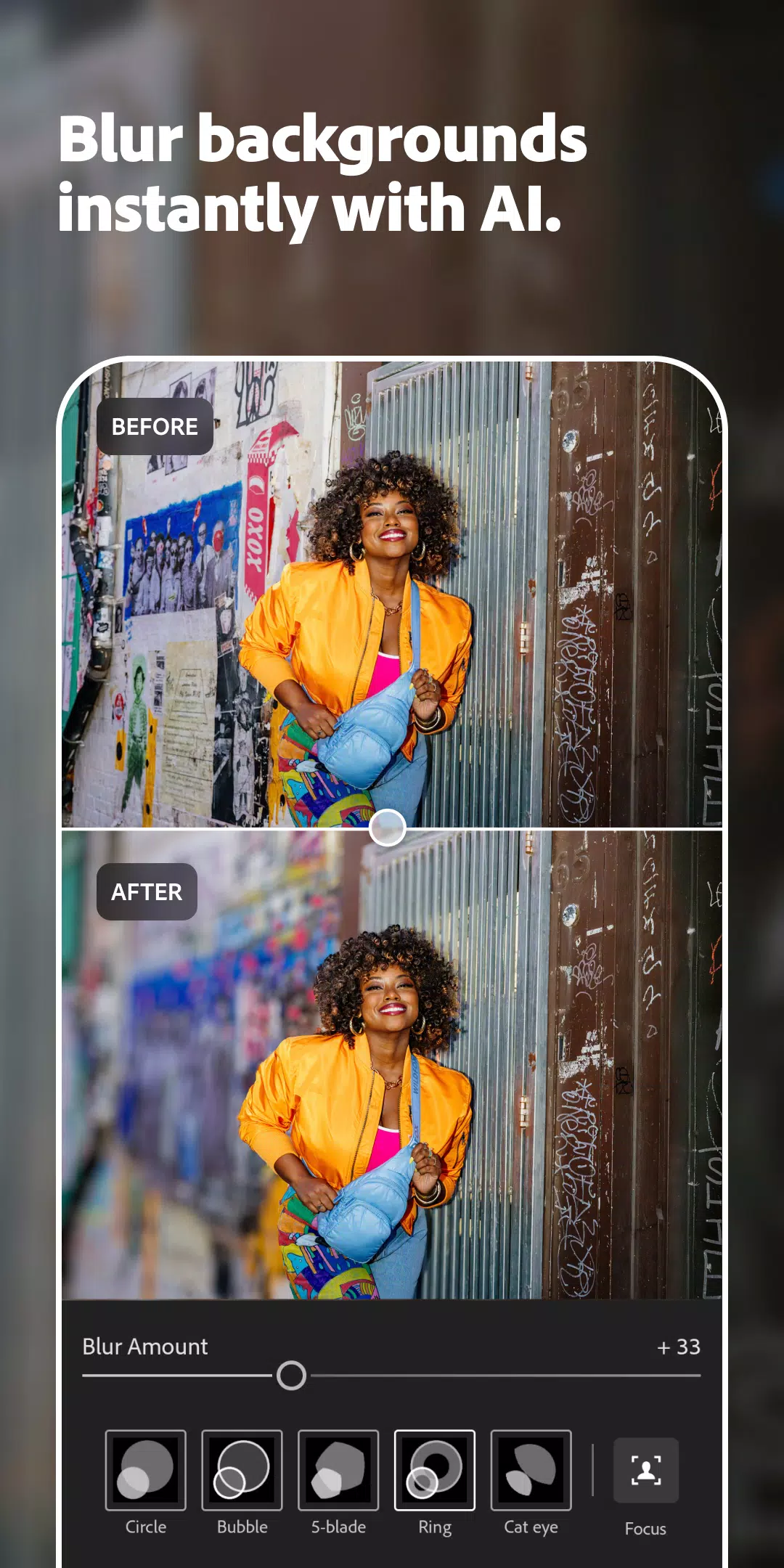
Adobe Photoshop Lightroom is renowned for its robust capabilities in photo and video editing, making it an essential tool for both amateur and professional photographers. With the latest update, Lightroom has introduced new AI-powered features that significantly enhance the user experience and streamline the editing process.
Key Features of Lightroom:
Extensive Library of Presets and Filters: Lightroom boasts over 200 exclusive Premium Presets crafted by professional photographers, enabling users to effortlessly enhance their photos. The app's AI adaptive preset suggests the most suitable presets for your images, ensuring optimal results. Additionally, users can create and save their own presets for consistent edits across their work.
Advanced Photo Editing and Camera Tools: The auto photo editor in Lightroom instantly enhances your photos, while precision sliders allow for detailed adjustments to light settings such as contrast, exposure, highlights, and shadows. The app also includes advanced editing tools like the color mixer, color grading tools, curves photo editor, and exposure timer, giving users complete control over their image's final look.
Powerful Video Editor: Lightroom's video editing capabilities are equally impressive, allowing users to apply presets, edit, trim, retouch, and crop videos. Precision sliders enable fine-tuning of video elements like contrast, highlights, and vibrance. Premium members enjoy access to advanced tools such as the Healing Brush, masking, geometry, and cloud storage, further elevating their editing experience.
What's New in the Latest Version 10.0.2
Last updated on Oct 24, 2024
- [Early access] Get suggested edits with Quick Actions, leveraging AI to provide tailored editing recommendations.
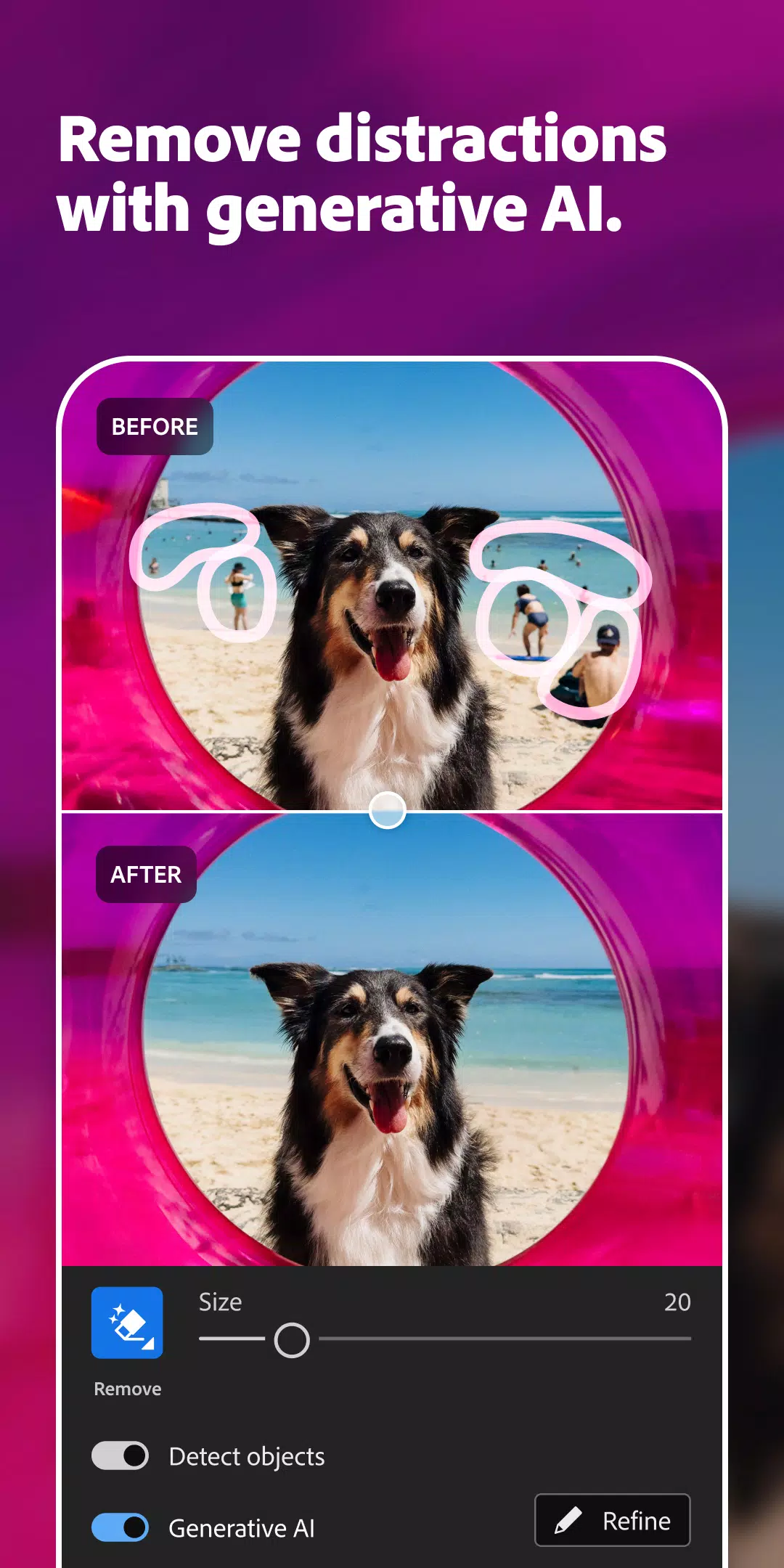
- Detect objects in Generative Remove, an AI-powered feature that accurately identifies and removes unwanted elements from your photos.
- 7 new adaptive presets that use AI to automatically adjust settings for the best results.
- Edit in HDR on Pixel 9, offering enhanced dynamic range for your images.
- New camera & lens support (adobe.com/go/cameras), ensuring compatibility with the latest photography equipment.
- [Early access] Choose to attach your digital signature when exporting JPEGs, part of the Content Authenticity Initiative, to verify the authenticity of your work.
- Bug fixes & stability improvements to enhance overall performance and user experience.
With these new AI-powered features, Adobe Photoshop Lightroom continues to lead the way in advanced image and video editing, providing users with innovative tools to bring their creative visions to life.