[Key features]
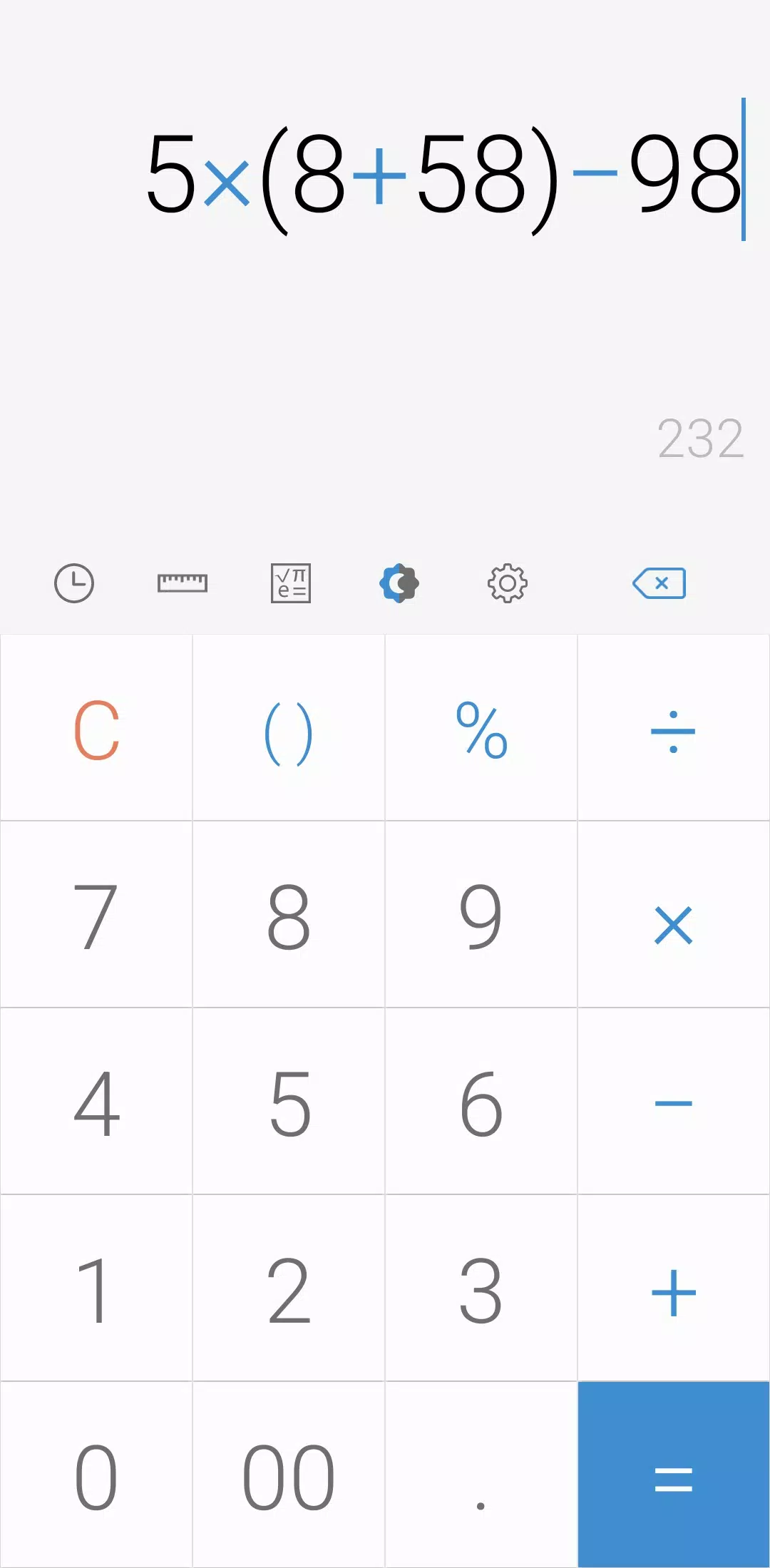
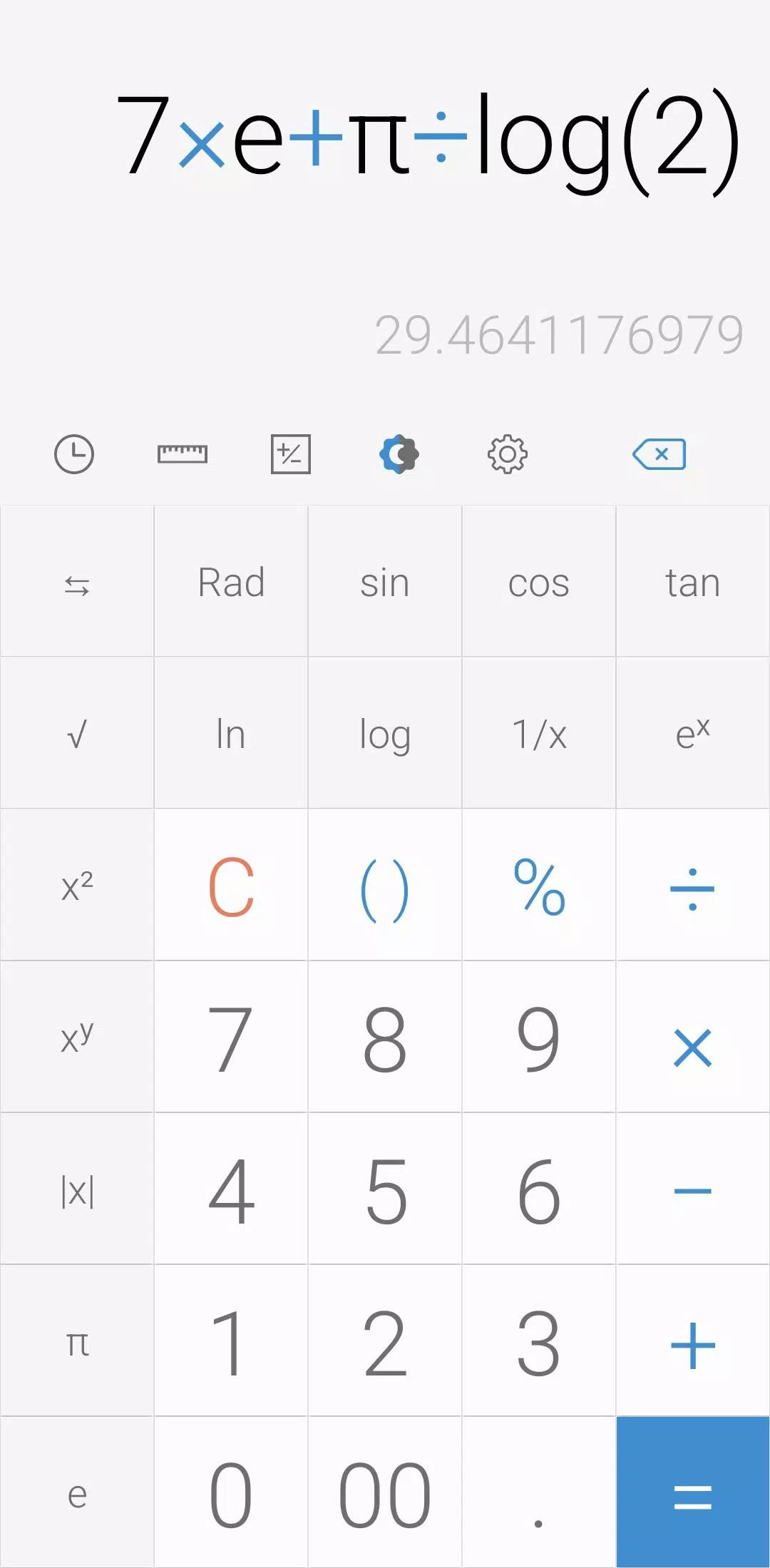
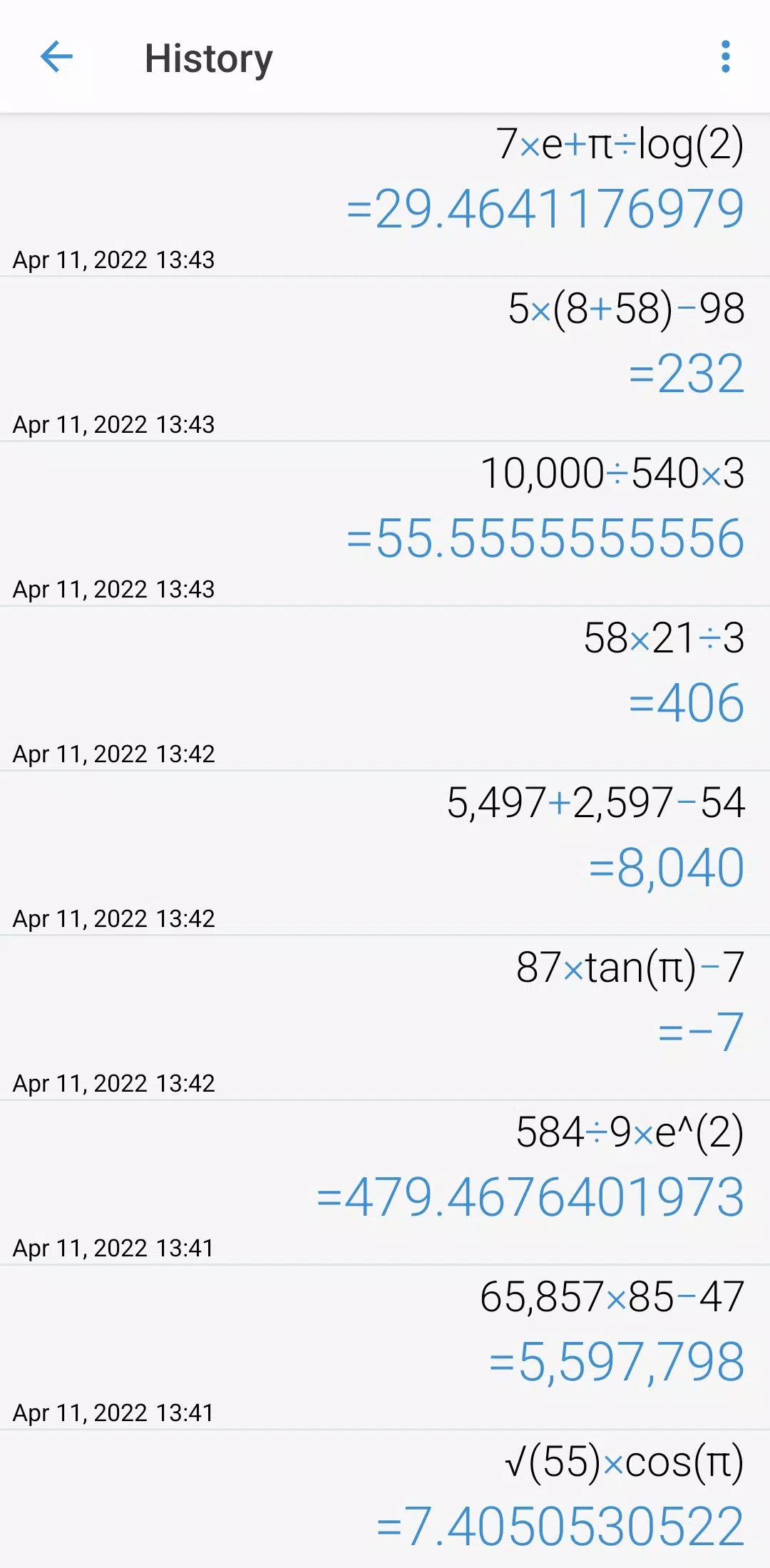
Perform four fundamental operations and engineering calculations effortlessly with our user-friendly calculator. To access the engineering calculator, simply tap the engineering calculator icon. Review your calculation history by tapping the dedicated icon, where you can also reuse previously entered formulas by selecting the one you need.
[Additional features]
For unit conversions, tap the unit calculator button. Seamlessly convert a wide range of measurements including:
- Currency
- Area
- Length
- Temperature
- Volume
- Mass
- Data
- Speed
- Time
- Date
- BMI
- Discount
- Age
- Numeral System
- GST
- Split bill
- Frequency
- Fuel
- Angle
- Pressure
- Force
- Power
- Loan
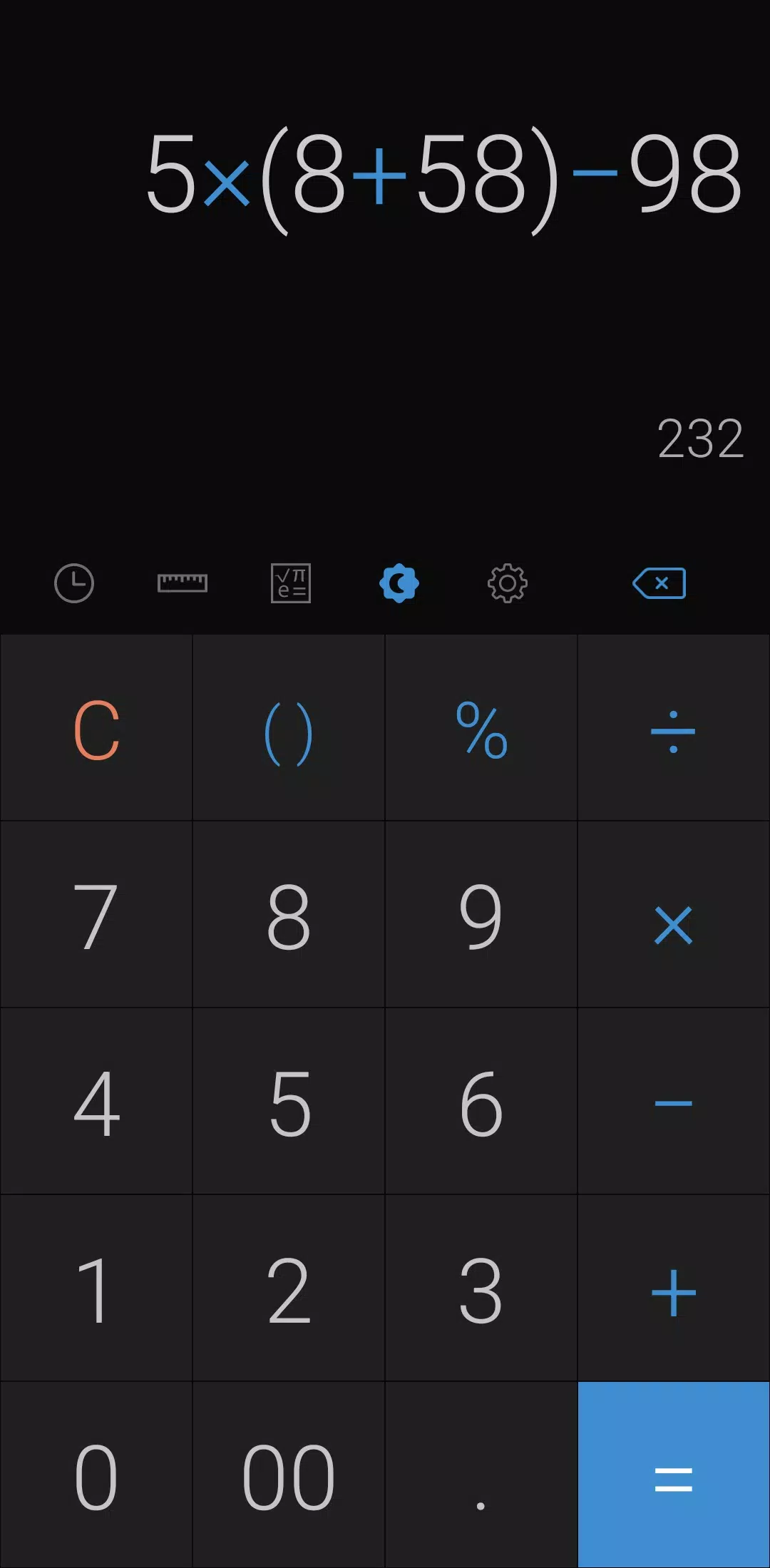
Customize your experience with ease. Switch to night mode by tapping the night mode icon, and set specific times for this mode in the settings. Choose your preferred color scheme from the settings menu. To clear a calculation from your history, long press on the entry on the history page. Change the app's language to your preference through the settings. Enable sounds or vibrations for button presses in the settings as well.
Further personalize your calculator by selecting your preferred numeral system and number format in the settings. Adjust the number of decimal places displayed after the comma to suit your needs. Toggle full-screen mode on or off from the settings. Opt to keep a record of your calculations and keep the screen on by enabling these options in the settings. If you wish to hide certain icons, you can do so through the settings menu.
*****
Last but not least, all these features are packed into a compact app that's completely free to use.