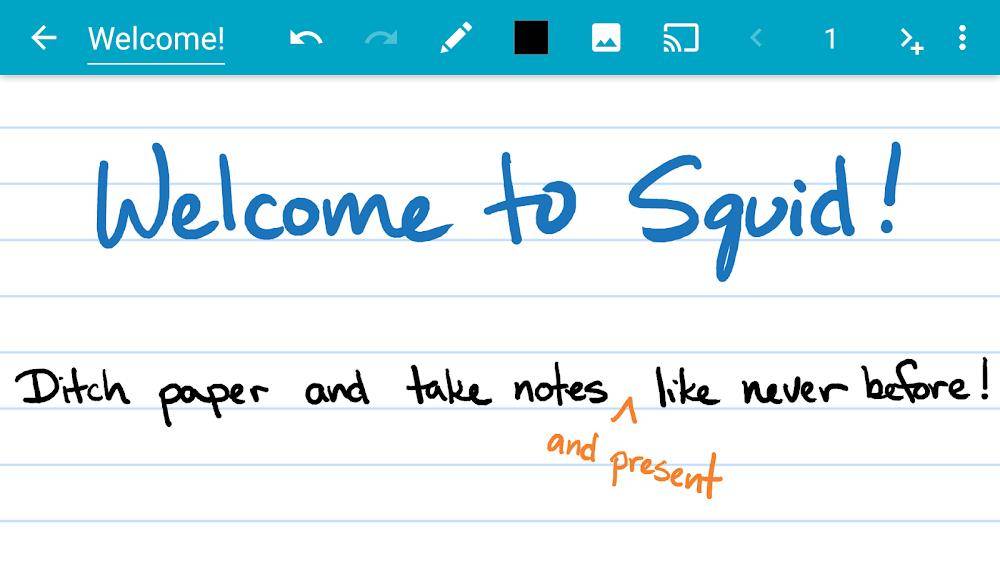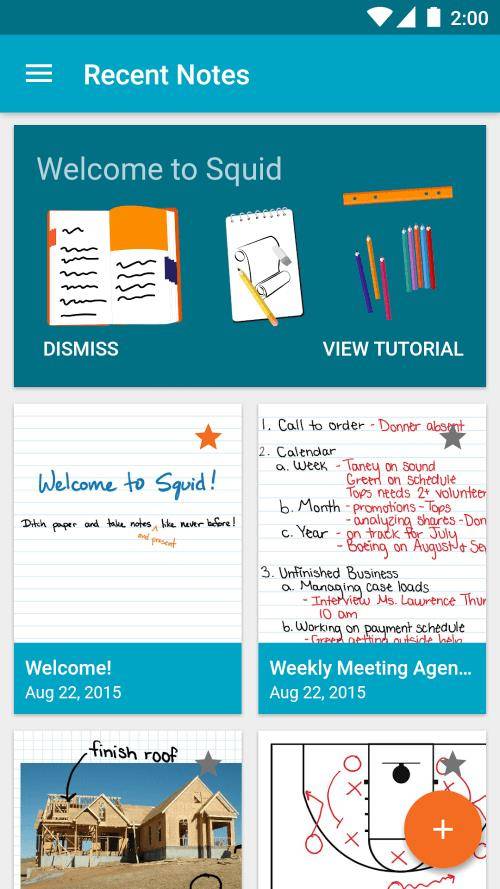
Experience superior note-taking with Squid: Take Notes, Markup PDFs! This versatile app lets you write naturally on your Android tablet, phone, or Chromebook, just like pen on paper. Enjoy features such as low-latency ink for smooth writing, private note storage, robust PDF markup tools, and effortless organization, presentation, and export options. Squid is the ultimate digital note-taking solution. Upgrade to Squid Premium for extra paper backgrounds, PDF import capabilities, and expanded customization tools. Embrace a more eco-friendly and efficient note-taking experience – ditch the paper notebooks and try Squid!
Key Features of Squid: Take Notes, Markup PDFs:
- Natural Writing Feel: Write and erase seamlessly, replicating the experience of writing on paper for intuitive note-taking.
- Secure and Private: Your notes remain on your device, ensuring privacy without needing an account or login. You can also back up your notes for added security.
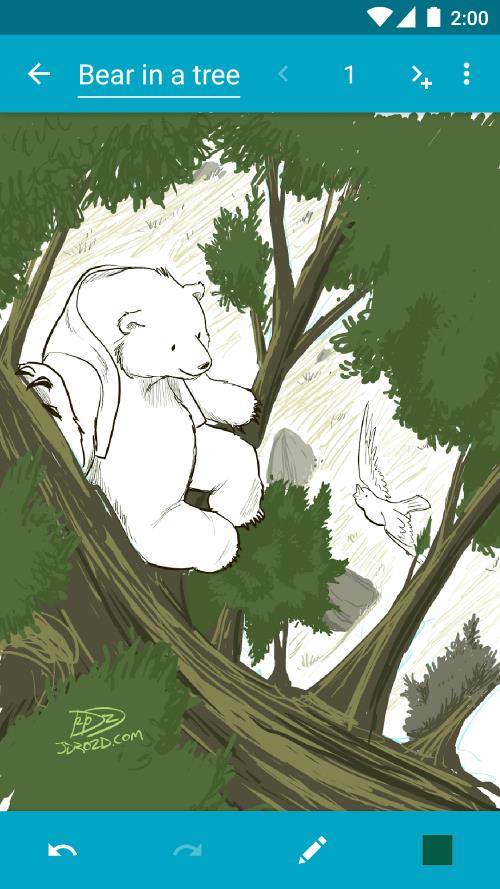
- Comprehensive Tools: A wide range of colors, highlighters, shapes, and text options provide everything you need for visually appealing and well-organized notes.
- PDF Annotation and Export: Easily annotate PDFs, complete forms, and sign documents. Export notes as PDFs, images, or in Squid Note format for sharing or cloud storage.
User Tips:
- Utilize the low-latency ink for a responsive and smooth writing experience.
- Organize notes efficiently using folders and copy/paste between pages.
- Transform your device into a virtual whiteboard using Squid's presentation feature to share notes.
- Experiment with various paper backgrounds and sizes to personalize your note-taking.
In Conclusion:
Squid: Take Notes, Markup PDFs is the leading digital note-taking app, offering a natural writing experience, versatile tools, and secure storage for all your notes. With PDF markup, presentation capabilities, and cloud storage options, Squid is a must-have for boosting productivity and unleashing creativity. Download the FREE version of Squid today and transform your note-taking!