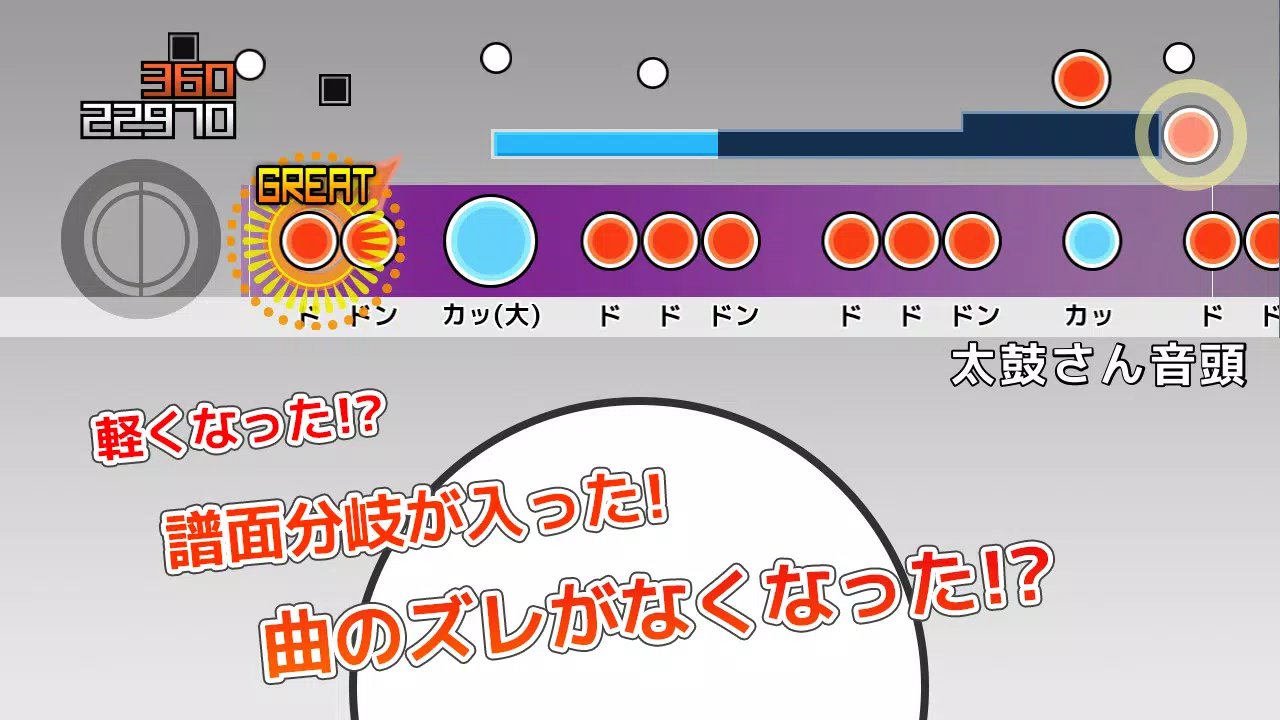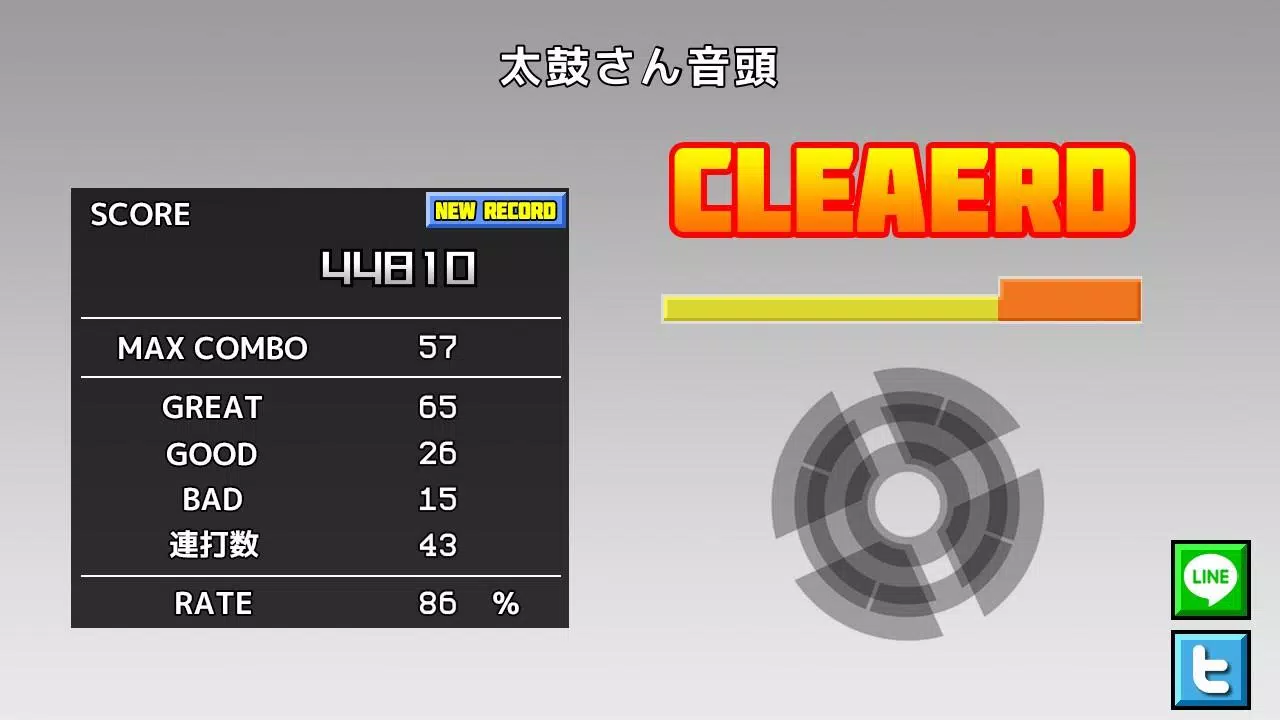
Introducing an exciting application designed for fans of "Taiko-san Jiro 2"! This app enables you to enjoy tja files directly from the beloved PC software "Taiko Sanjiro 2" on your mobile device. Please note that due to the vast array of Android devices, we are unable to test on all models. We apologize, but we cannot offer support for devices that fail to launch the app.
We kindly request that you refrain from asking about obtaining TJA files or skins, as we do not provide assistance in these areas. Thank you for your understanding.
How to Add a Song
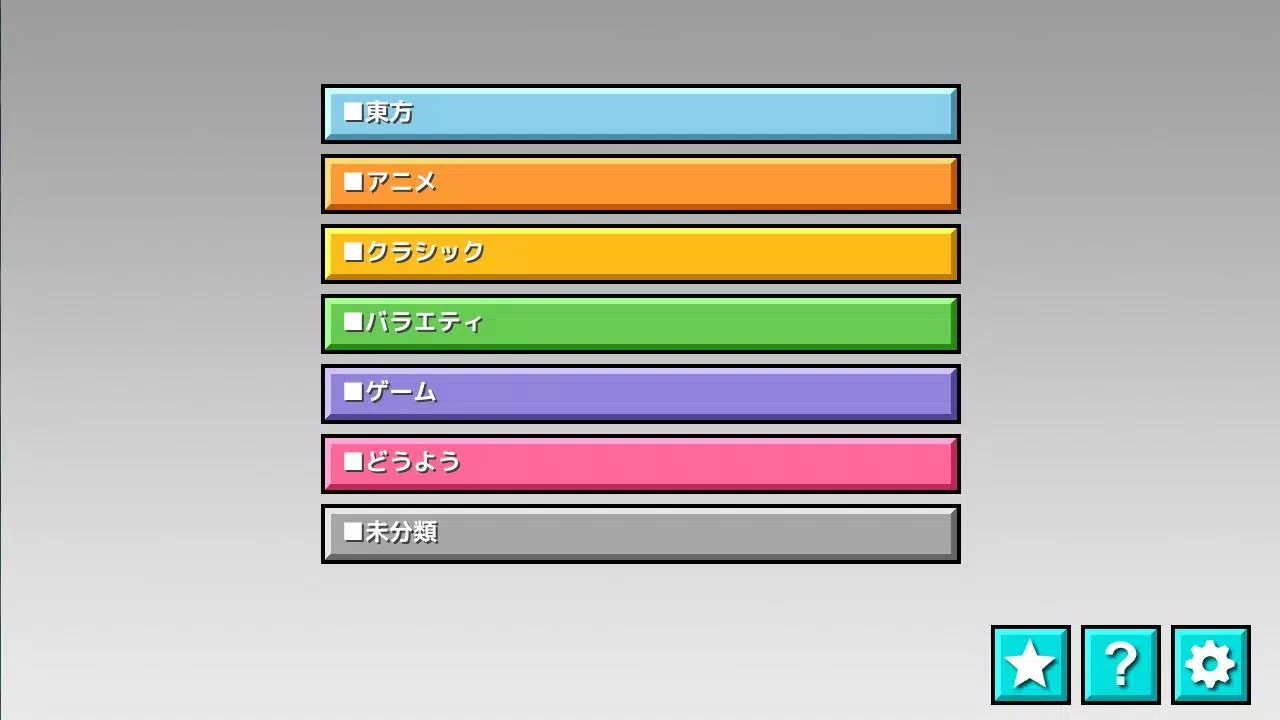
When you first launch the app, a "TJA" folder is automatically created in the root directory of your device's storage or SD card. To add a song, follow these steps:
- Create a genre folder within the "TJA" folder.
- Place your TJA file inside this genre folder.
- If there is no genre.ini file in the genre folder, the genre will default to "Uncategorized".
- Please be aware that on Android 4.4 and later versions, you may not be able to save high scores.
- A new "record location" setting has been added. Please select your preferred package.
How to Add a Skin
The skins in this app are compatible with the skin data from "Taiko Sanjiro 2", though some features may not be fully implemented. Note that skins from the original "Taiko-san Jiro" are not supported. To use a skin, read the theme-default/default.csv file. Keep in mind that performance may vary depending on your device model and the complexity of the skin data.
Contents of genre.ini
For a folder to be recognized as a genre folder, it must contain a genre.ini file with the following content:
\[Genre\]
GenreName=Name of the genre
GenreColor=#66cc66
FontColor=#ffffffff
For further assistance, please visit our help page at http://chaos3.iruka.us/daijiro_help/ja/.
What's New in the Latest Version 1.4.4
Last updated on Jun 29, 2023
- Due to enhanced Android security measures, access to folders outside of app-specific directories is no longer permitted. If you have updated the app, please use a file management application to copy the default "/TJA" folder to "Android/data/com.daijiro.taiko2/files/TJA".
- Bug fixes have been implemented to enhance your experience.