Discover unparalleled privacy with Vault, the ultimate app locker designed to safeguard your personal photos and videos. With over 100 million users worldwide, Vault has become the go-to solution for those seeking to protect their mobile privacy. Enjoy a suite of features, including App Lock, Private Bookmark, Incognito Browser, and Cloud Backup, all completely free! Experience the peace of mind that comes with Vault's comprehensive privacy protection tools and join the global community today!
Top Features
☆ Hide and Protect Photos & Videos: Secure your personal photos and videos with Vault. Access is granted only after entering the correct password, ensuring your privacy remains intact. Additionally, utilize Cloud Space to back up your media for enhanced security.
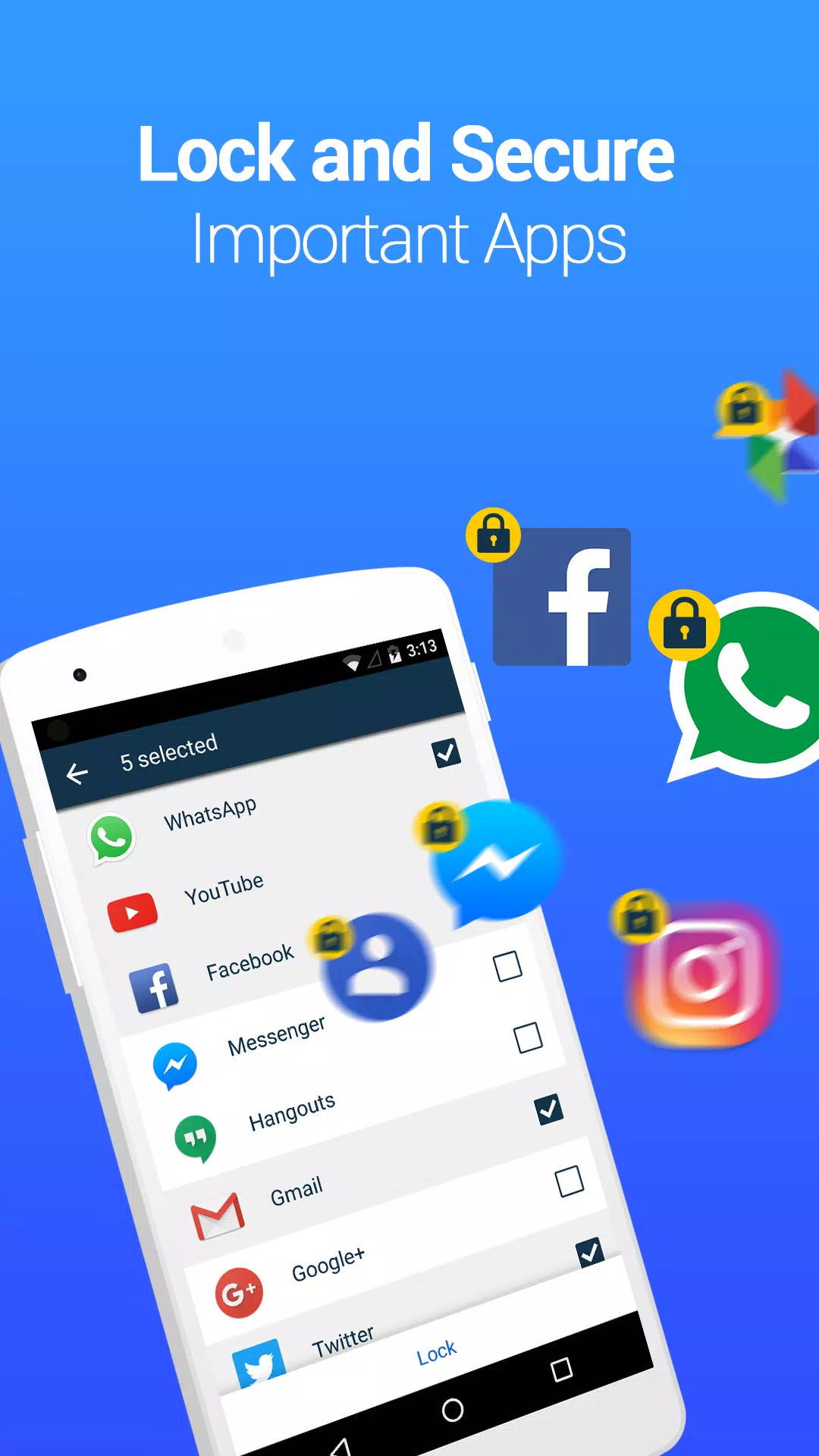
☆ App Lock (Privacy Protection): Safeguard your social media, photo galleries, call logs, and telephone apps with App Lock, preventing unauthorized access and privacy breaches.
☆ Private Browser: Surf the internet without leaving a trace using Vault's Private Browser. Enjoy the added convenience of Private Bookmarking for seamless browsing.
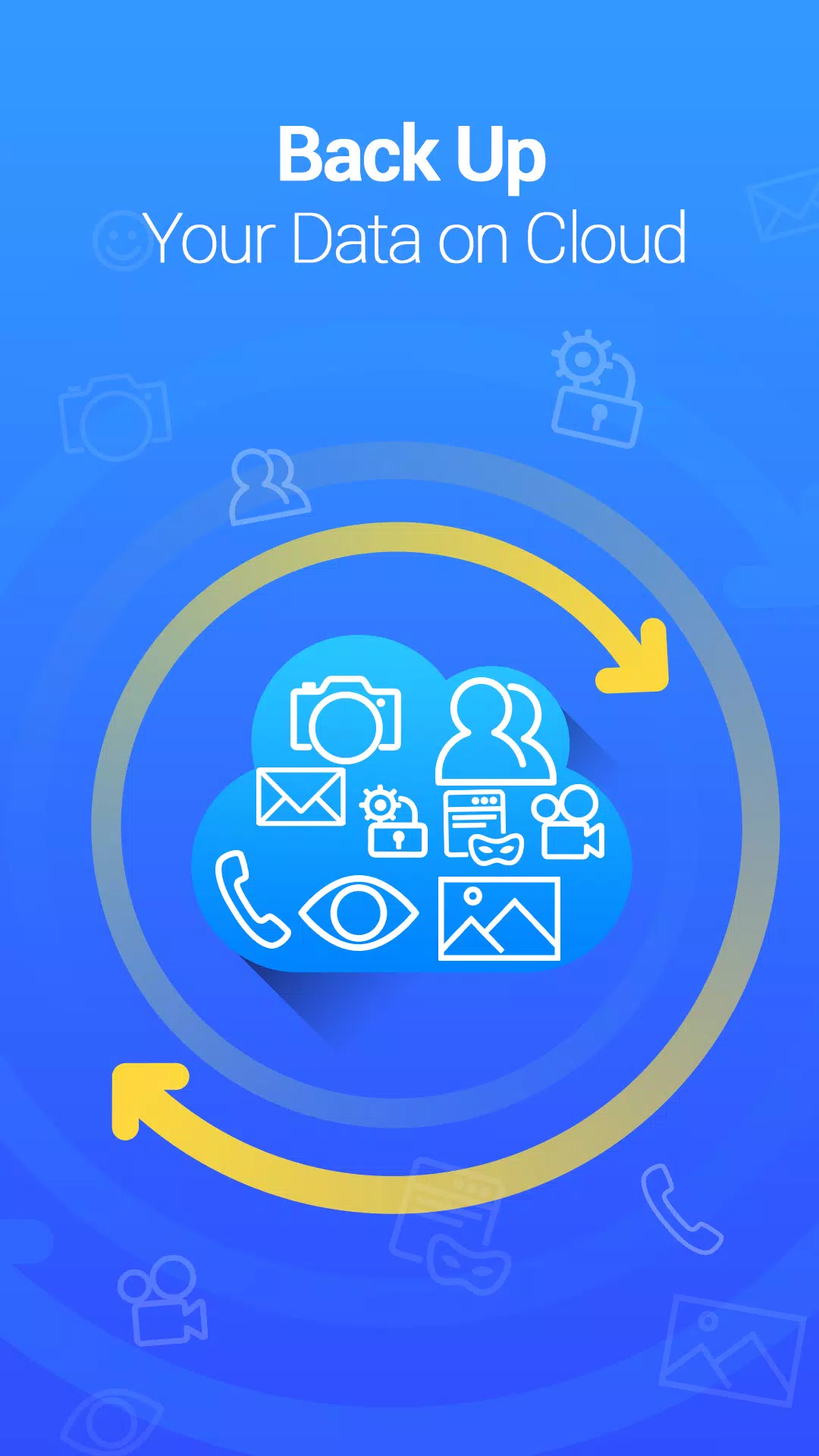
☆ Cloud Backup: Never lose your cherished memories again. Back up your photos and videos to the Cloud, ensuring they are safe and accessible whenever you need them.
☆ Data Transfer: Seamlessly transfer your data to a new device with Vault's Cloud Backup feature, which supports cross-device synchronization for effortless data management.
☆ Password Recovery: Don't worry about forgetting your password. Set up a security email in Vault to easily retrieve your password when needed.
Advanced Features
► Multiple Vault & Fake Vault: Create different vaults with unique passwords to categorize your photos and videos. One vault can serve as a decoy, enhancing your privacy further.
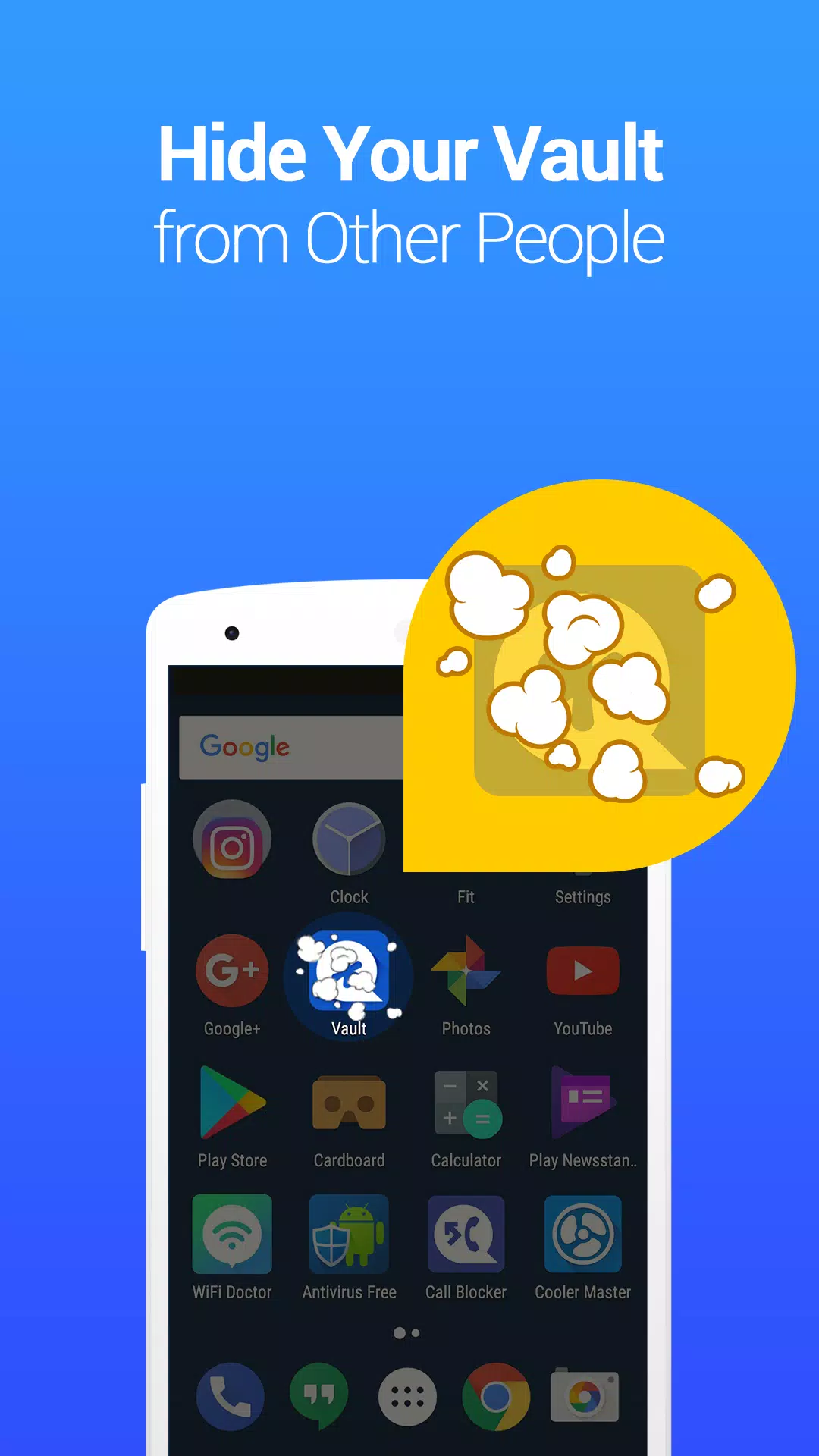
► Stealth Mode: Keep Vault hidden from prying eyes by removing its icon from your home screen. Access it only with the correct password, ensuring its existence remains a secret.
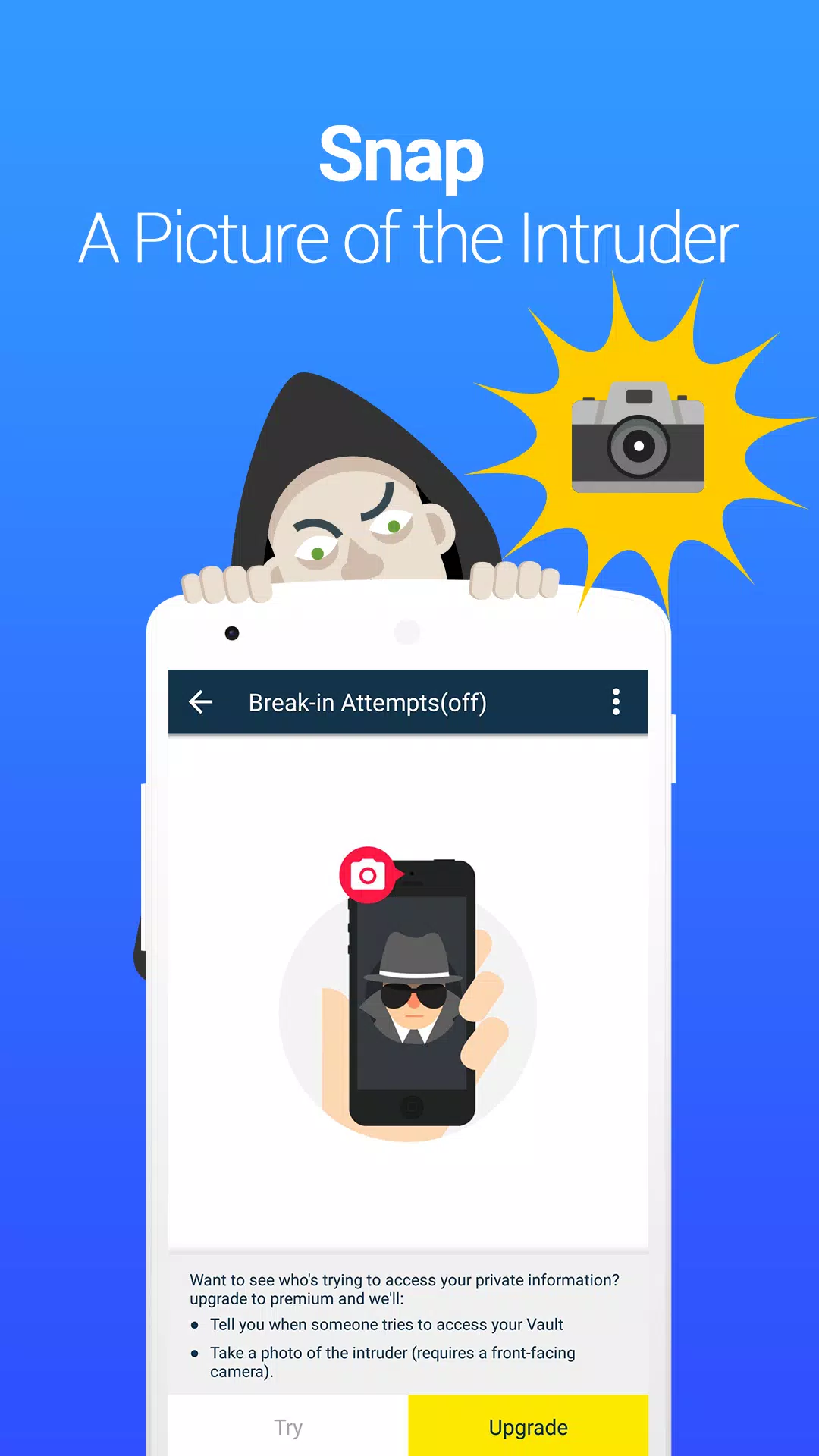
► Break-in Alerts: Vault captures a photo, timestamp, and the entered PIN code of anyone who attempts to access it with an incorrect password, providing you with evidence of potential intruders.
Support:
► Q&A:
1. What if I forgot my password?
If you've set up a security email, you can reset your password by selecting the "Forgot Password" option after entering an incorrect password. Follow the prompts to regain access.
If you haven't set up a security email but have backed up your data to the cloud, you can recover your data by reinstalling the Vault app.
2. How do I enter Vault in stealth mode?
To access Vault in stealth mode, you can either add a Vault widget to your home screen and enter your password once it appears, or download "NQ Calculator" from Google Play, open it, and input your correct password before tapping "=".
3. Why are my photos/videos lost?
Some cleaning or storage management apps may inadvertently delete Vault's data folder, which contains your pictures and videos. Avoid selecting Vault's data folder (mnt/sdcard/SystemAndroid) for deletion when using such apps. To prevent data loss, use Vault's "Cloud Backup" feature available on the premium page.
This app utilizes the Device Administrator permission for enhanced security.
What's New in the Latest Version 6.9.11.90.22
Last updated on Oct 12, 2024
Adapted for Android 14 with general fixes and stability improvements for a smoother user experience.