Home Apps Tools control screen rotation
control screen rotation

control screen rotation

4.9
Application Description

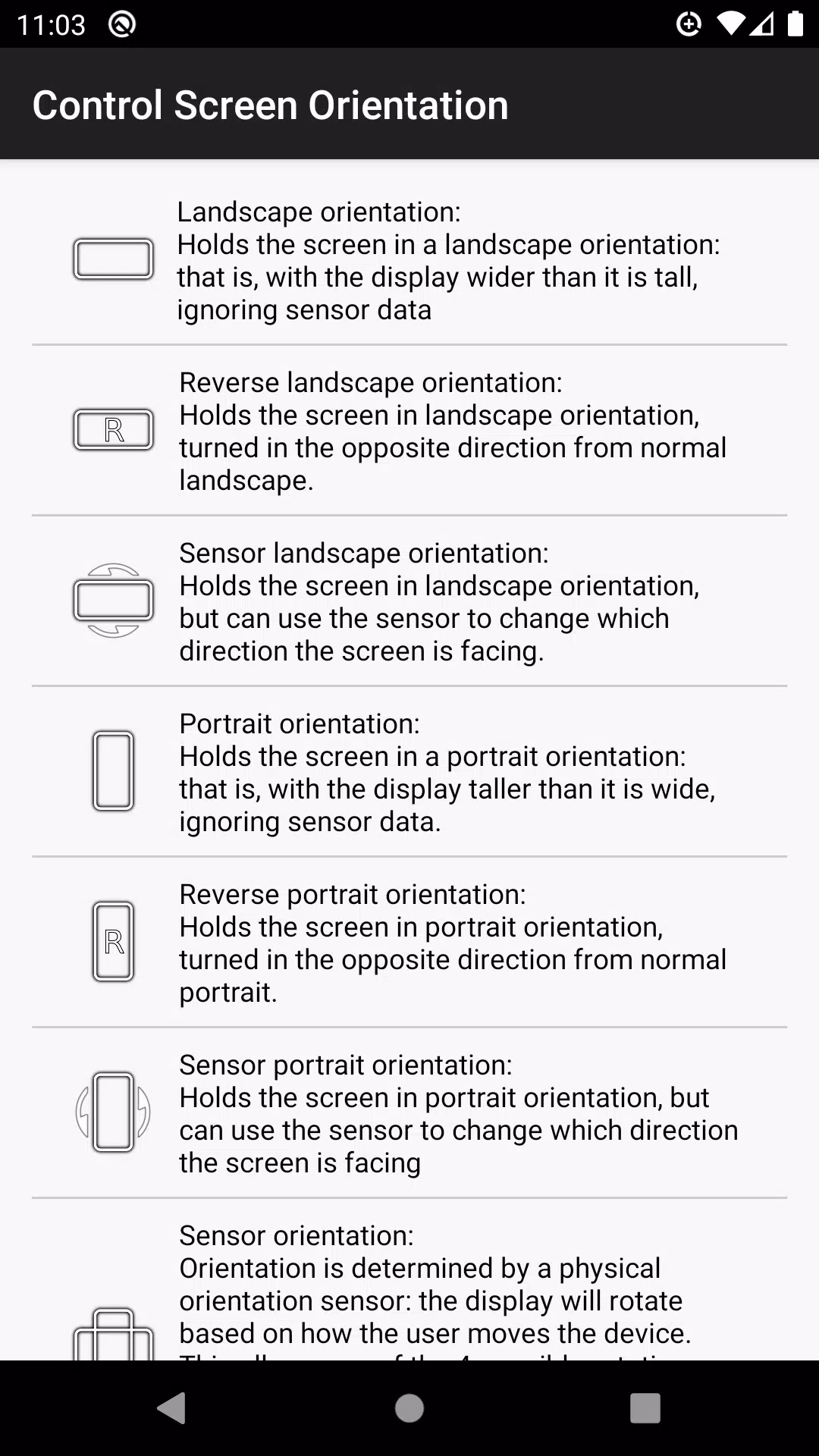
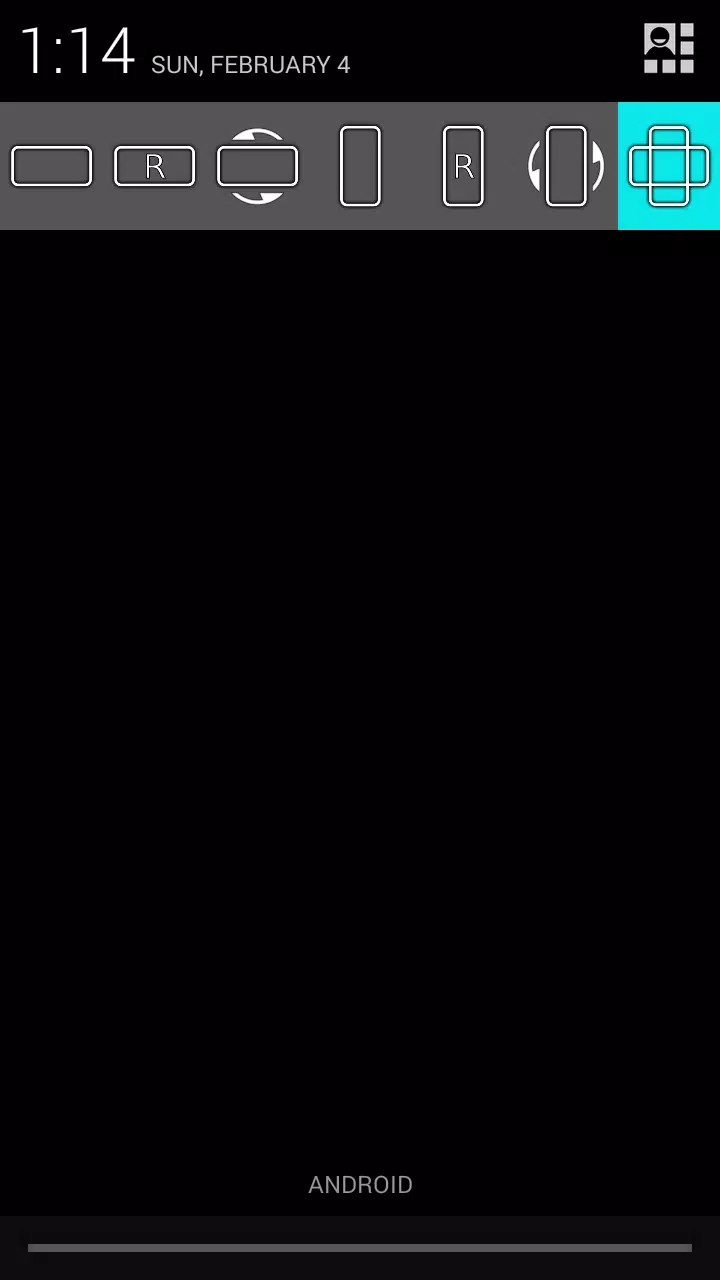
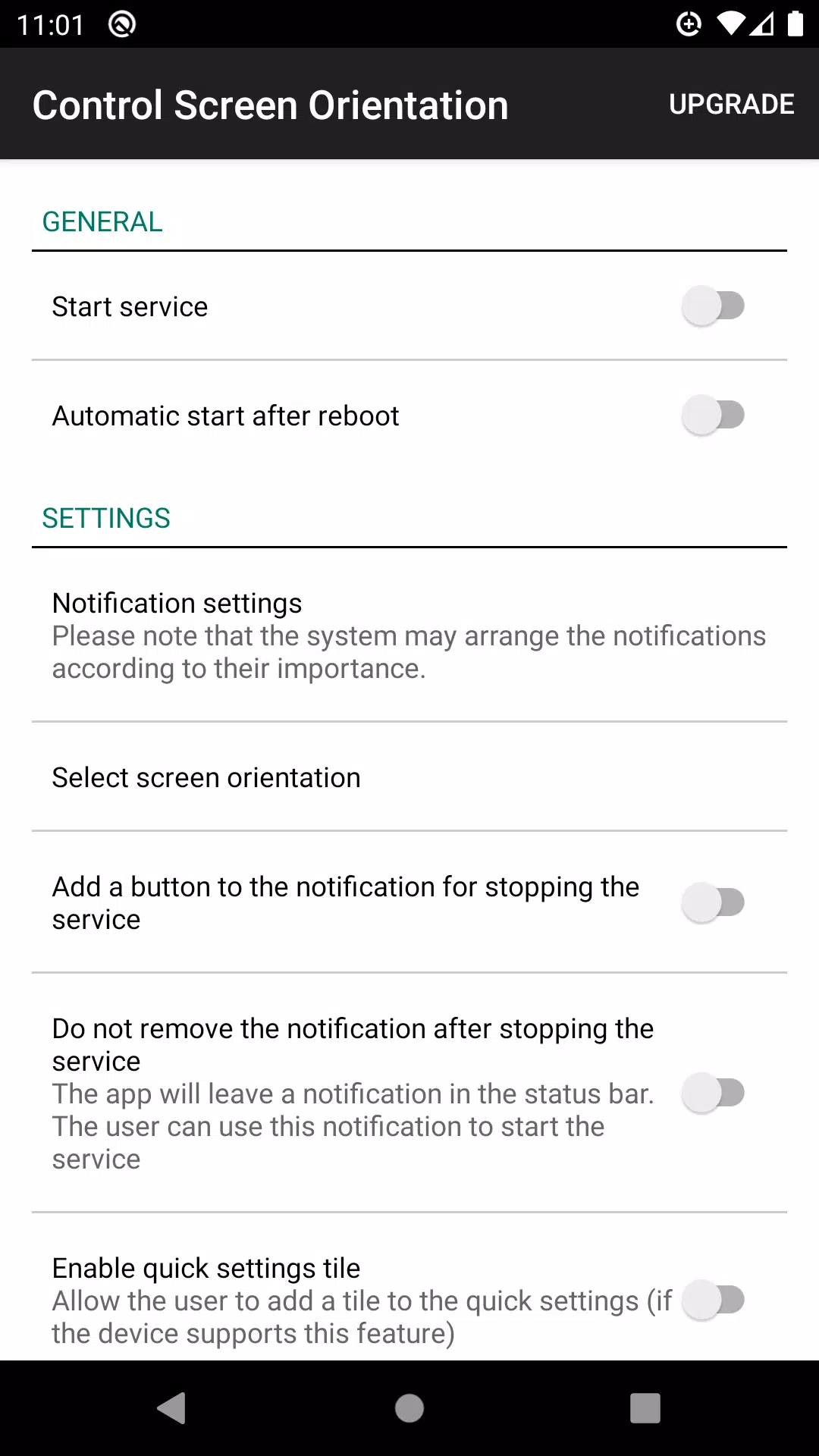
Effortlessly manage your screen orientation directly from your device's notification bar. With our app, you can easily prevent your screen from auto-rotating and select your preferred screen orientation for any application. Whether you're working, gaming, or browsing, you can customize your viewing experience to suit your needs.

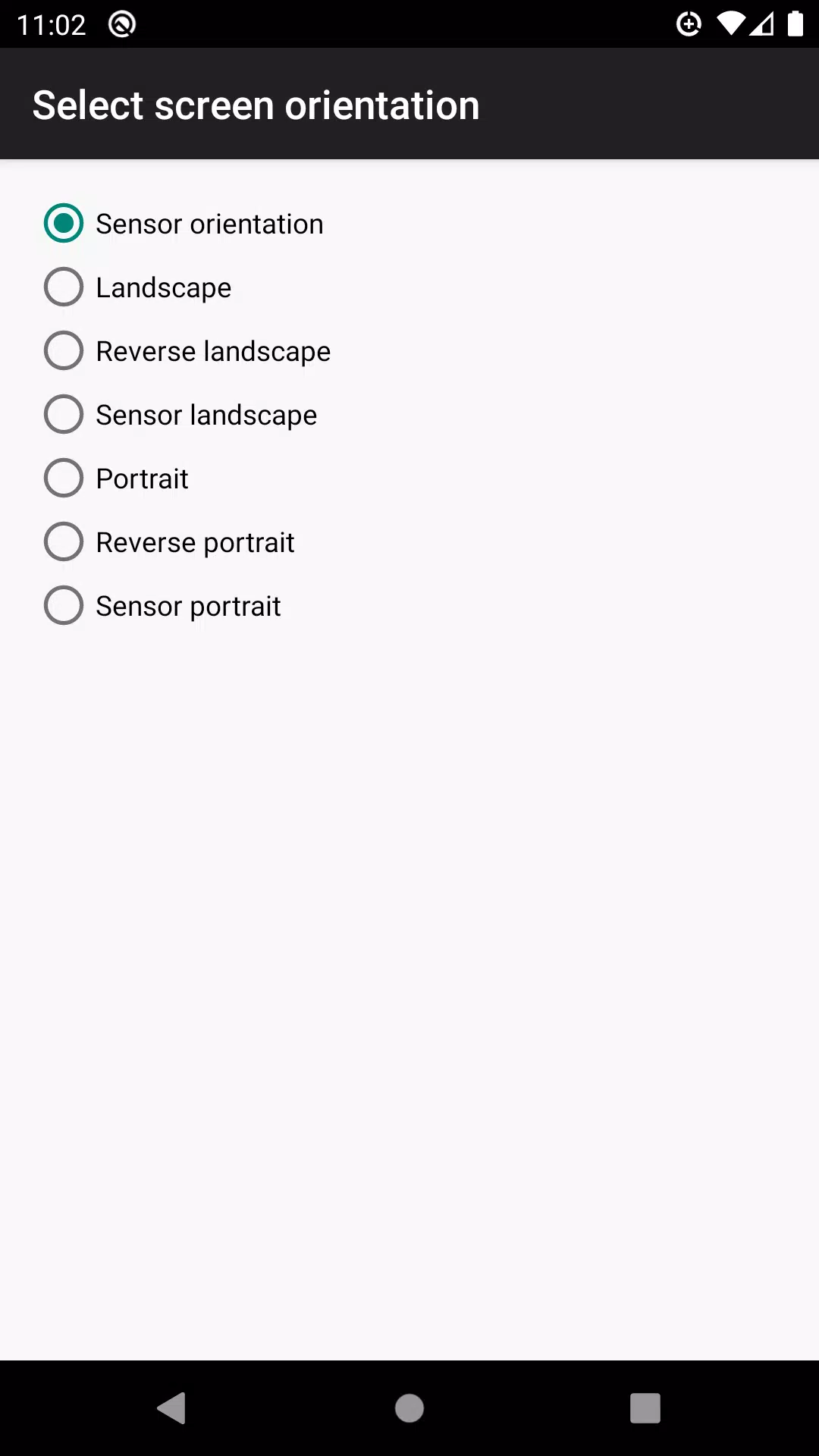
Choose from a variety of available orientations, including:

  • Landscape
  • Reverse landscape
  • Sensor landscape
  • Portrait
  • Reverse portrait
  • Sensor portrait
  • Sensor orientation (auto rotation)

Please note that some screen orientations may not be available on all devices.

What's New in the Latest Version 4.1

Last updated on Apr 30, 2024

Bug fixes have been implemented to enhance your experience and ensure smoother functionality.

Screenshot
  • control screen rotation Screenshot 0
  • control screen rotation Screenshot 1
  • control screen rotation Screenshot 2
  • control screen rotation Screenshot 3
Reviews Post Comments
Latest Articles
  • Townsfolk Adds Northsmen Faction in Update

    ​Townsfolk, the 4X strategy game from Short Circuit Studios, is receiving a new content update.The formidable Northsmen arrive, bringing their own unique tactics and distinct visual style.Experience a comprehensive tech tree, a new turn-based mode, an

    by Aiden Dec 15,2025

  • Roblox School Time: Kit Tier List & Item Guide

    ​Conquering Roblox School Time Chapter 1 requires mastering level mechanics, optimizing your item loadout, and understanding effective survival strategies. Let me share battle-tested approaches for every stage, plus essential item and kit recommendati

    by Simon Dec 14,2025

Latest Apps
Shack TV

Video Players & Editors  /  v1.5.1  /  74.24M

Download
Termux

Lifestyle  /  v0.119.1  /  107.23M

Download
MyJohnMuirHealth

Lifestyle  /  v1.0  /  34.32M

Download
BP Fatár

Maps & Navigation  /  1.5.2  /  3.6 MB

Download