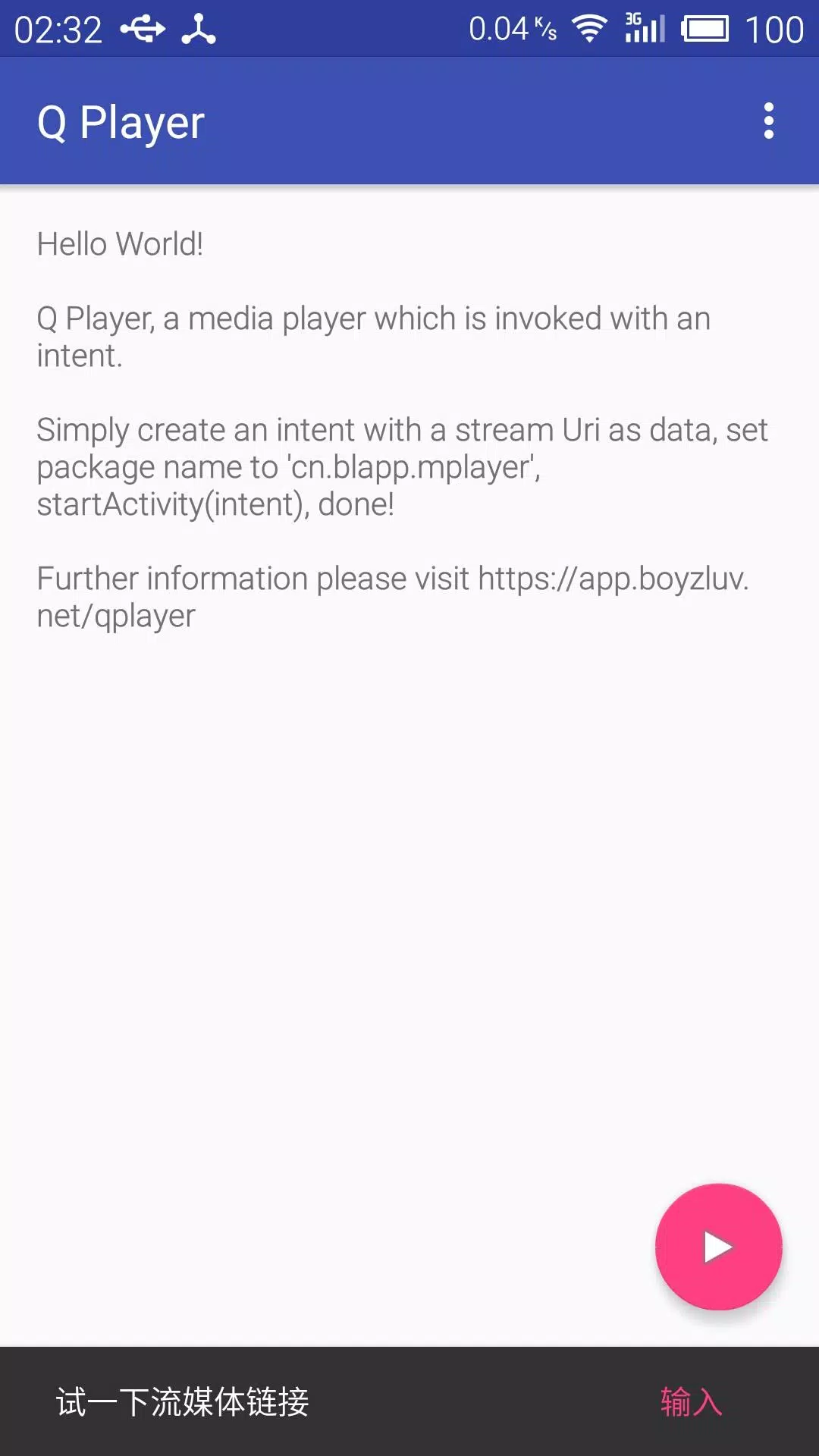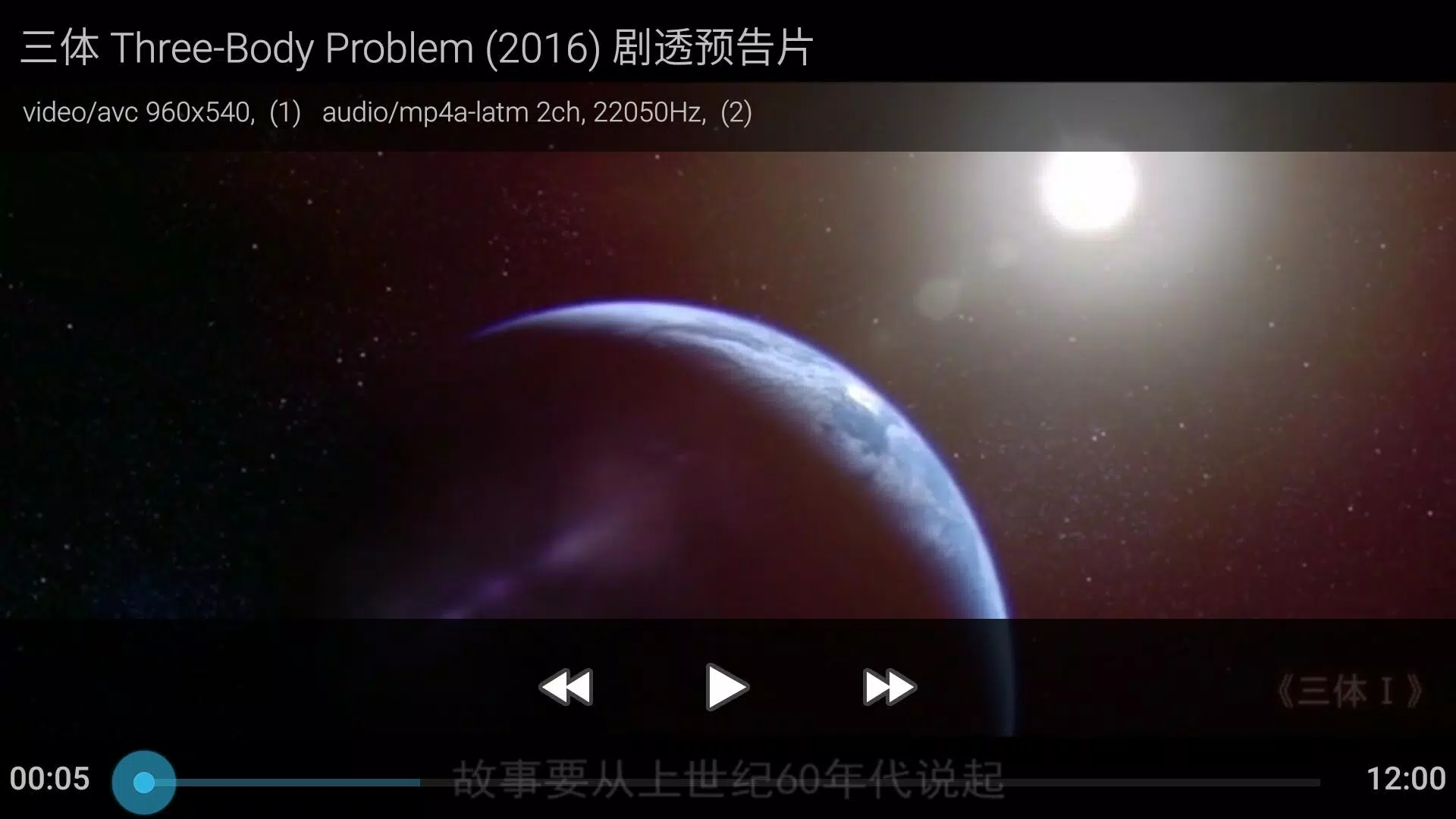
This is a versatile portable media player that also functions as a UPnP DLNA DMR (Digital Media Renderer). It's designed to enhance your viewing experience with support for a wide range of file formats and features.
The player supports UPnP DLNA, allowing seamless streaming and playback as a DMR. Files can be accessed through the Storage Access Framework (SAF), giving users full control over their media storage and access.
One of the standout features is its support for full-featured SSA/ASS subtitles. Users have the flexibility to add and manage their own font files. SSA/ASS subtitles can be dimmed to match the higher contrast and brightness of HDR and Dolby Vision (DV) playback, and the font size is adjustable for a personalized viewing experience.
Additionally, the player supports subtitles in SUP (Blu-ray) and VobSub (DVD) formats starting from version 5.1. Subtitles can be embedded in MKV files or loaded separately, and users can select single subtitle files or packages in Zip/7Z/RAR formats during playback.
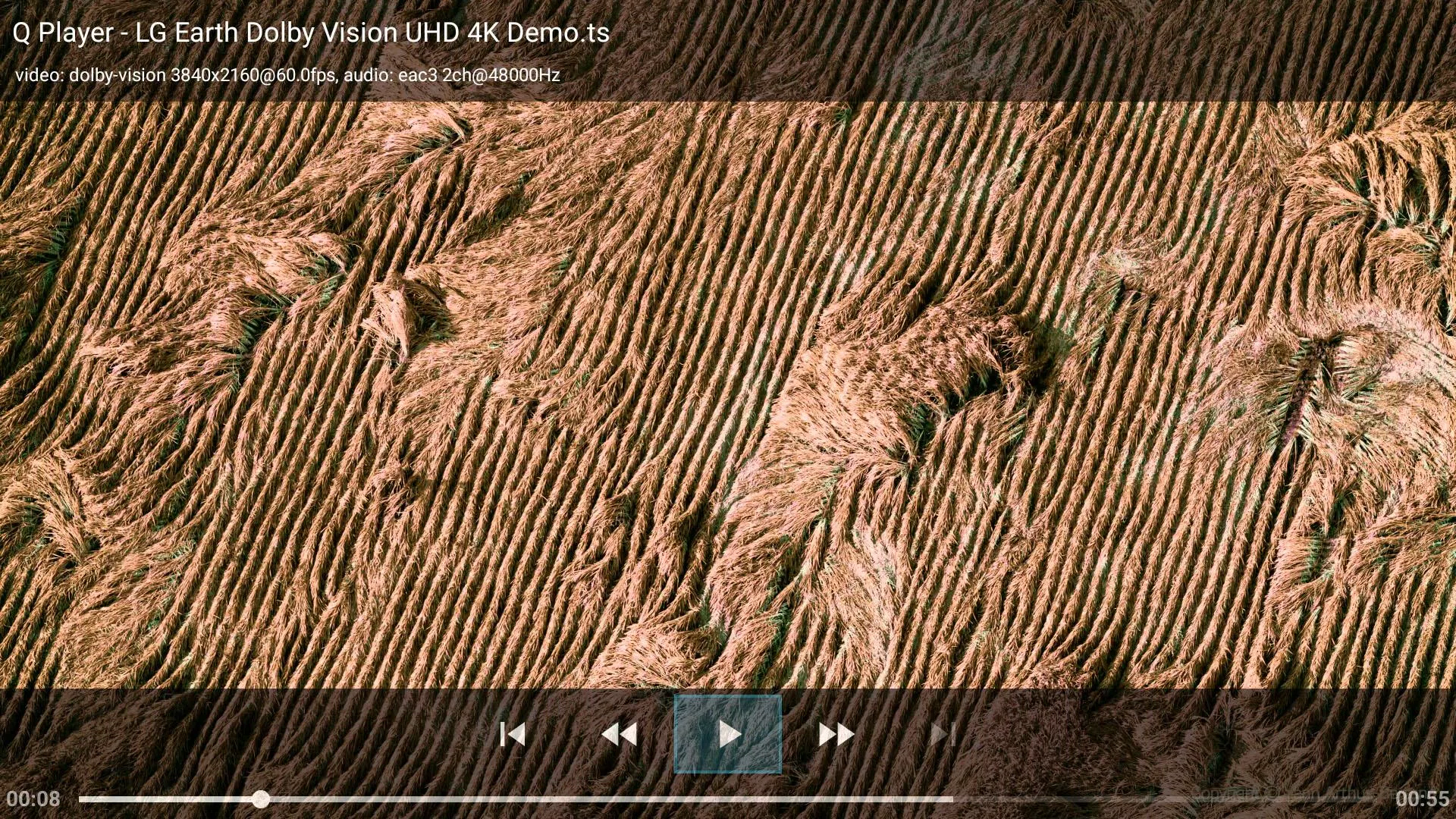
For an optimal viewing experience, the player supports HDR/DV content, digital audio passthrough, MKV chapter navigation, frame-by-frame stepping, audio track selection with delay options, and subtitle selection with time offset. It also displays the frame rate and automatically adjusts the refresh rate.
Successful Dolby Vision playback has been confirmed on the NVIDIA Shield TV 2019. Users can rotate videos on demand and utilize full-screen zooming with pinch gestures.
Originally designed for segmented files playback, the player supports m3u8 (HLS media list) format files, which were initially meant for TS files but now include mp4 and flv formats.
What's New in the Latest Version 4.3.1
Last updated on Feb 26, 2023
Please be noticed:
This app must run in the foreground before DLNA projecting on some Android systems.
- Fixes for subtitles auto-selection, the first chapter starting at 0:00 issue, and new system adaptation.
- Option to set the default language for subtitles in the selection box.
- Ability to select a subtitle file directly from the Storage Access Framework content page, which can include local storage, Samba/Windows sharing, or WebDAV clients provided by SAF-compatible apps.
- Attempt to fix a crash bug in the DMR service.