Configure and purchase your Polestar, schedule service appointments, remotely control vehicle functions, and much more.
Control Your Polestar
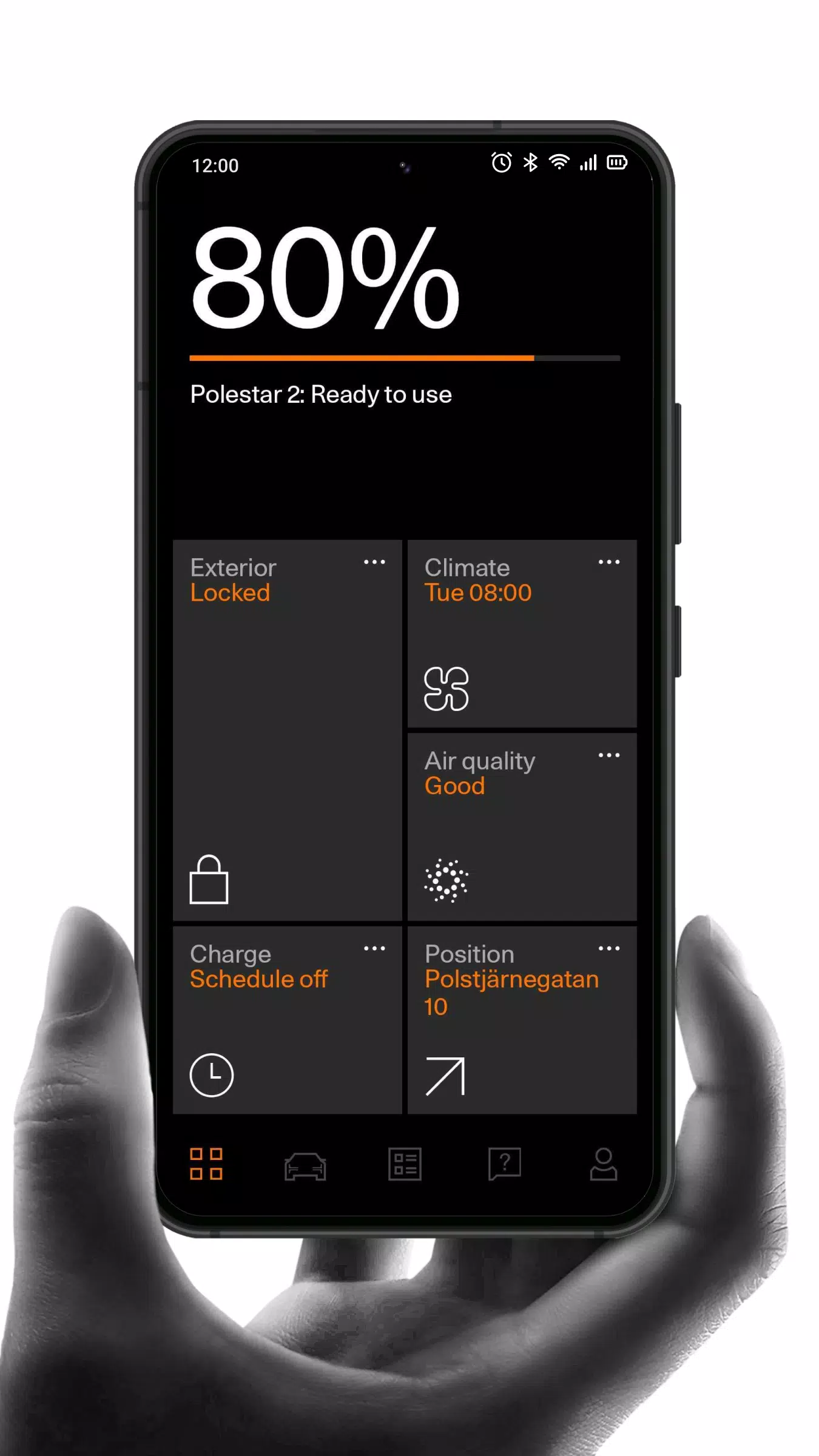
Use the app to manage your vehicle's climate control, lock and unlock doors, locate your parked car, monitor battery levels and charging status, and track software updates.
Manage Your Polestar
Access a comprehensive overview of your vehicle. Read the owner's manual, connect to your car, manage user profiles, and conveniently book service appointments.
Stay Informed
Receive regular updates about your Polestar and its software, or explore the latest news and insights from the Polestar world through our articles.
Always Supported
Connect with our dedicated support team, engage in live chat with our experts, or consult our frequently asked questions (FAQ) section for quick assistance.
Personalize Your Experience
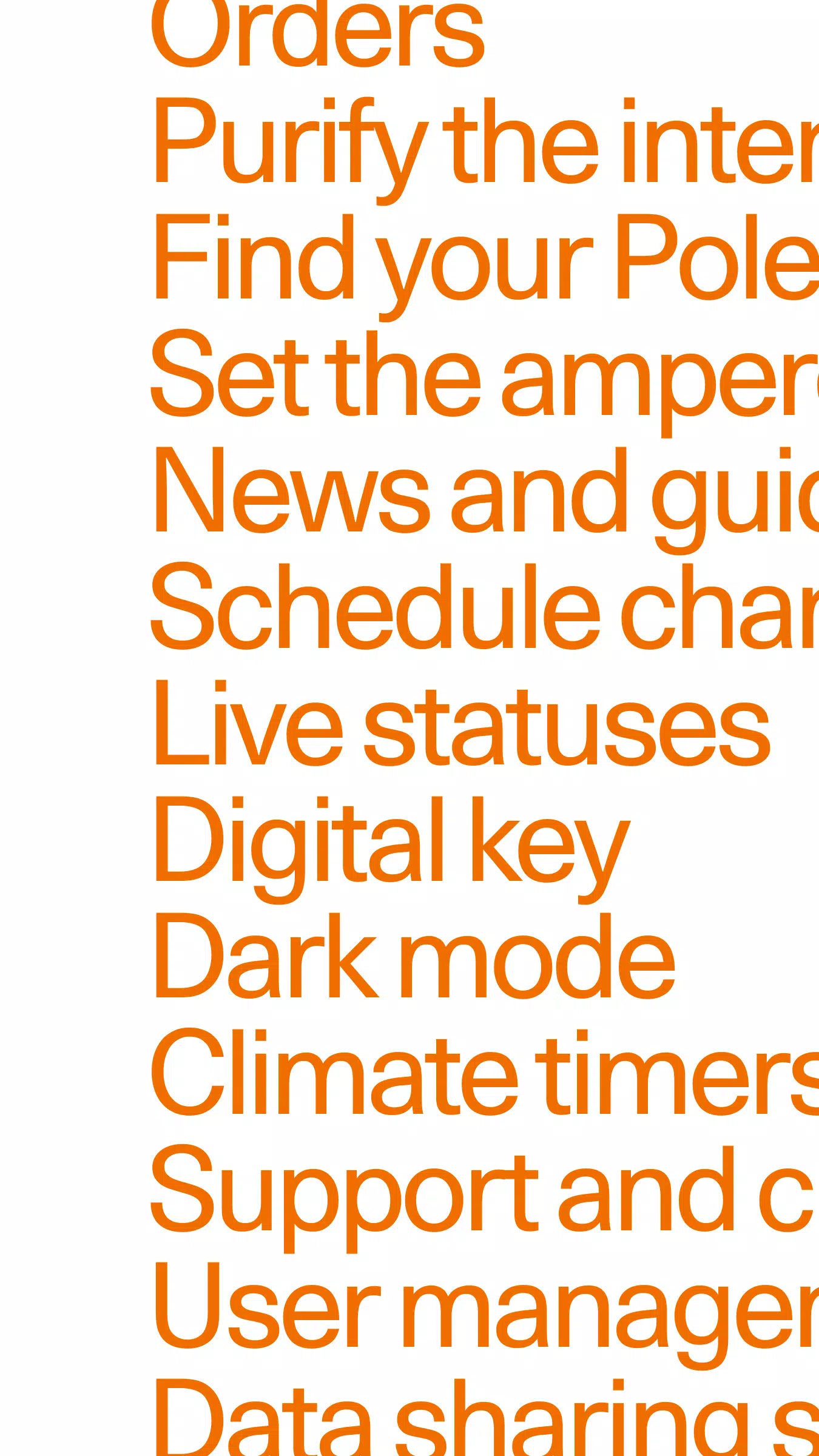
View and manage your orders and Polestar ID, access the car configurator and extras shop, and customize your app settings.
What's New in Version 4.14.0
Last updated October 22, 2024
This update focuses on enhancing the performance and stability of the Polestar app. It also includes several subtle improvements and bug fixes for a smoother, more enjoyable user experience.