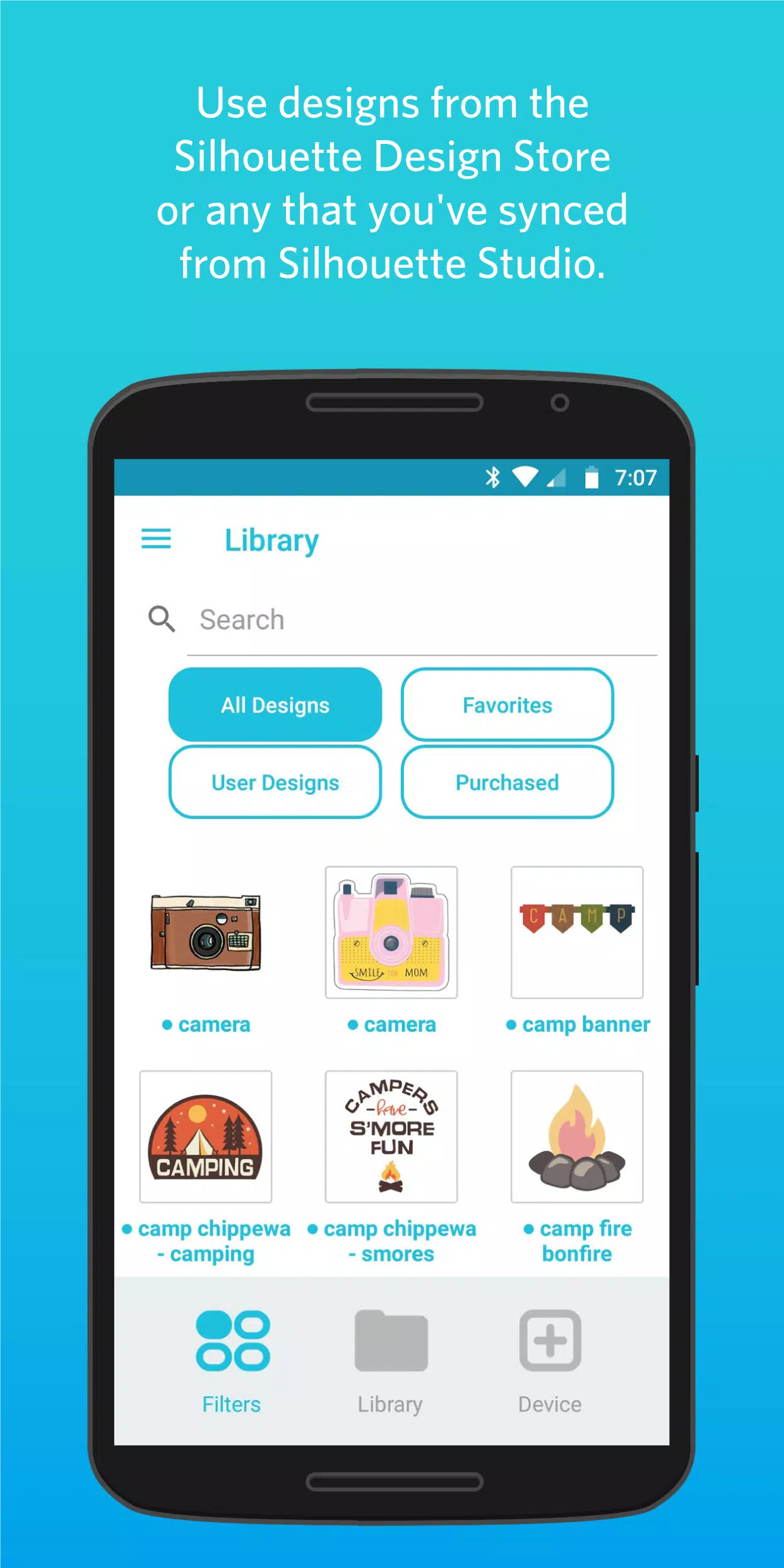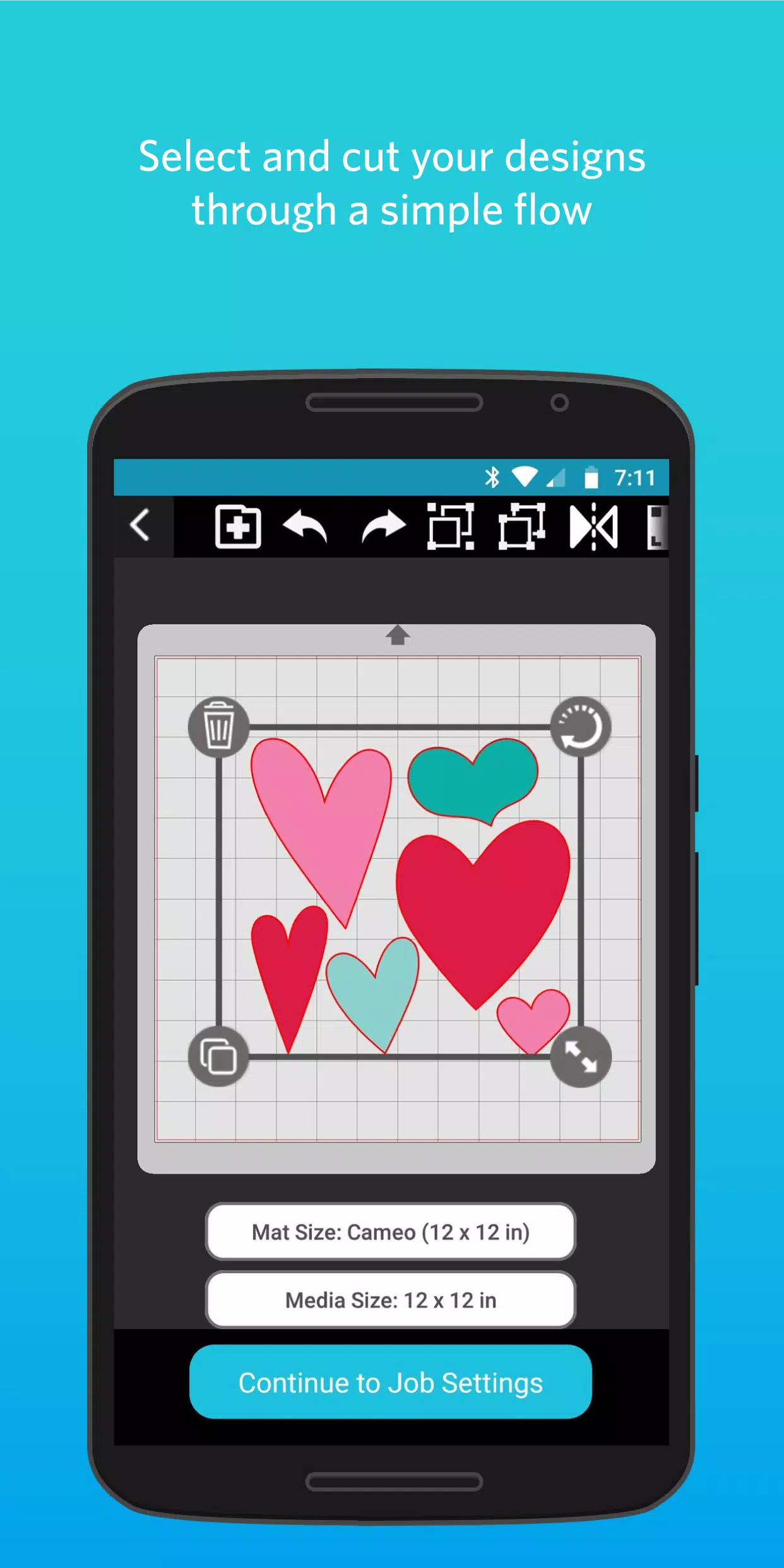
Unleash your creativity anywhere with Silhouette Go, the ultimate tool for sending your Silhouette designs to Bluetooth-enabled Silhouette machines on-the-go! With Silhouette Go, you can take your Silhouette cutting machine with you, whether you're moving from room to room or venturing out. Simply use your mobile device to quickly and easily select designs from your Silhouette Library and send them to your cutting machine via a seamless Bluetooth connection.
● SIMPLE FLOW
Silhouette Go streamlines the process of selecting and cutting your projects, guiding you through each step with ease. Just launch the app on your mobile device, choose your design, set your cut settings, and send the job directly to your Silhouette machine. It's that simple!
● ACCESS YOUR LIBRARY
All your designs downloaded from the Silhouette Design Store or synced from Silhouette Studio are readily available for use within the app. No need to worry about transferring files; everything is at your fingertips.
● OPEN SVG FILES
Silhouette Go also offers the flexibility to open your own SVG files directly from your phone's storage into the app, making it easier than ever to work with your custom designs.
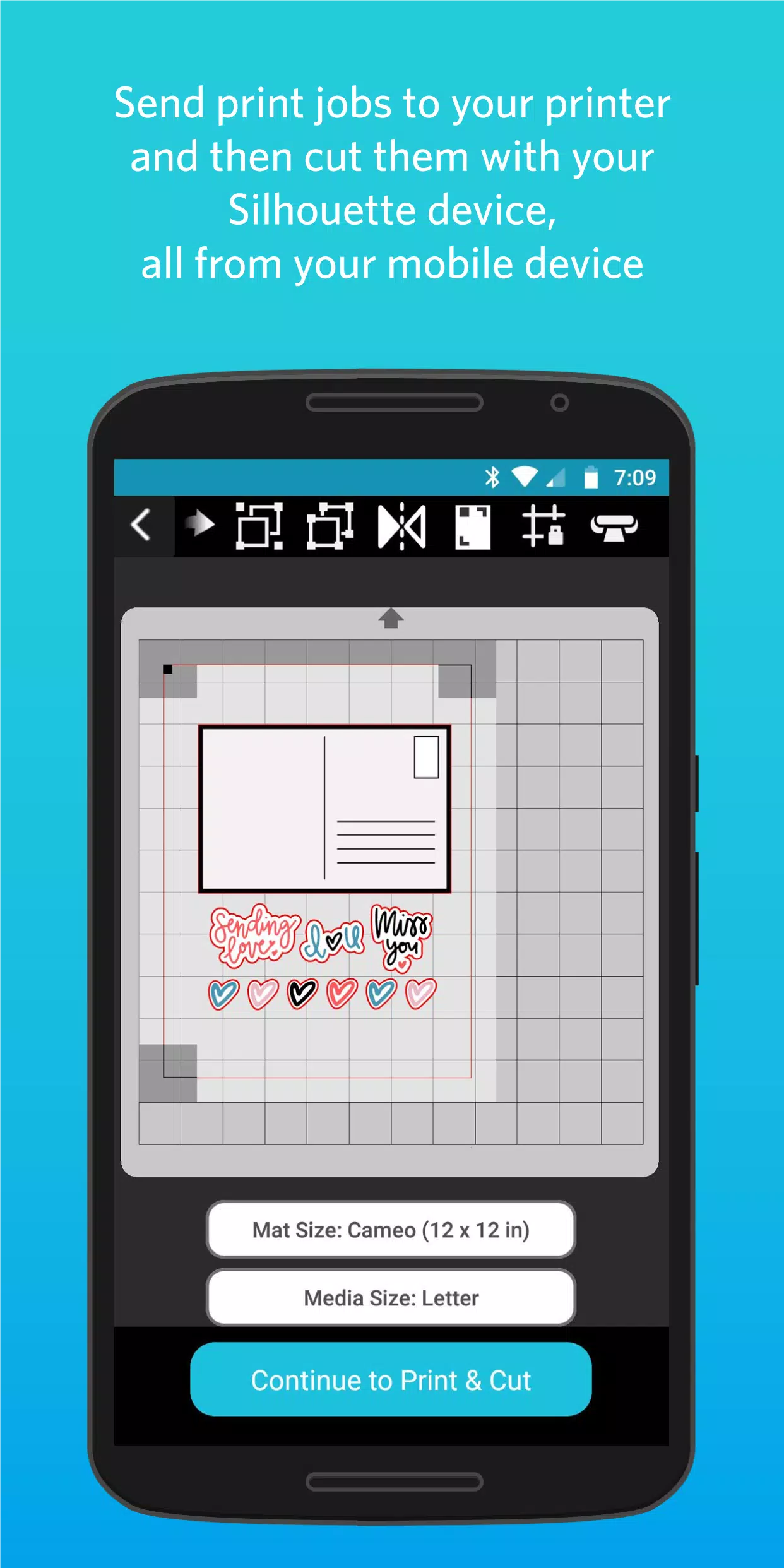
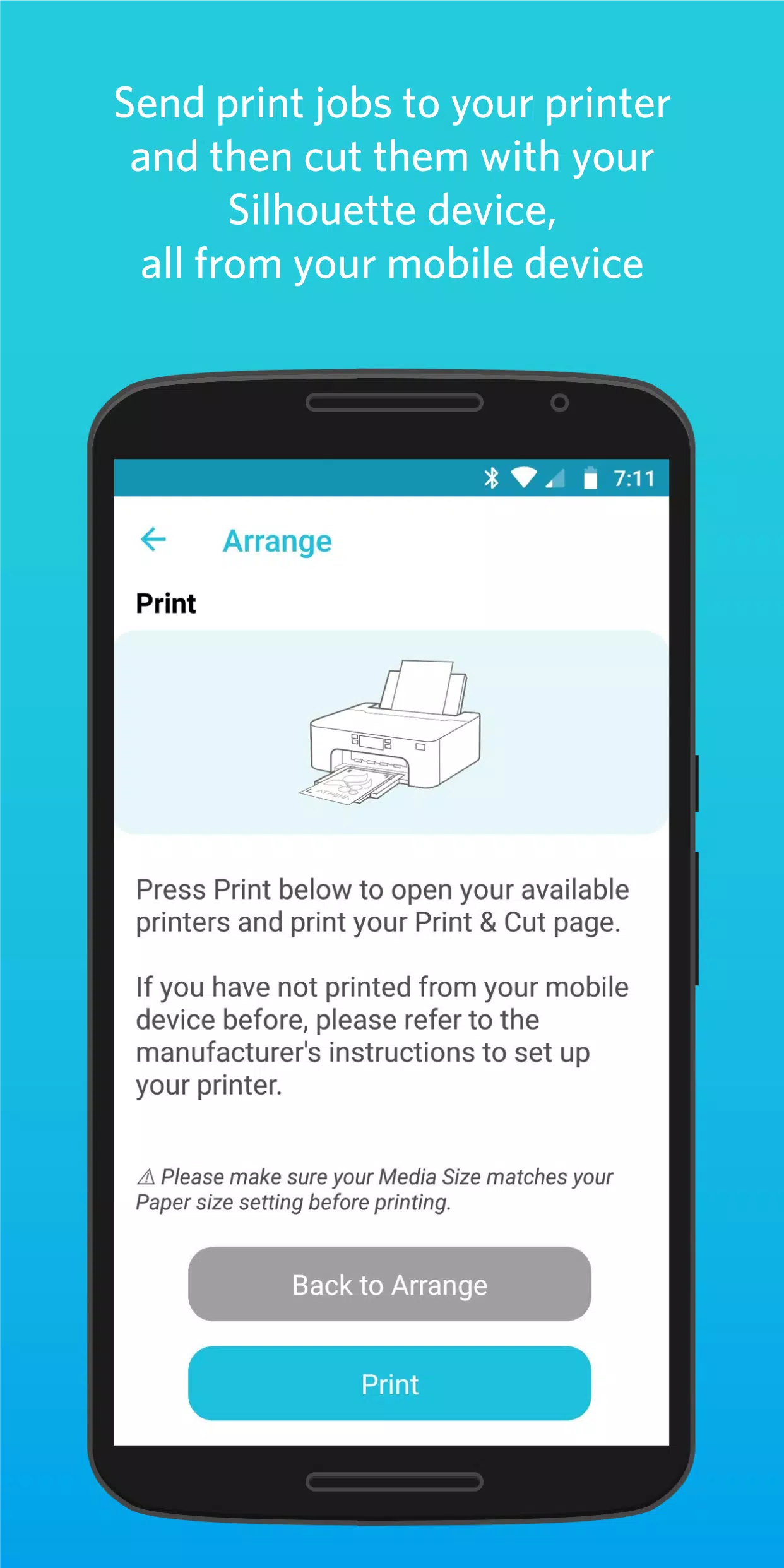
● PRINT & CUT
Take your projects to the next level with the print and cut feature. Send print jobs to your printer and then use your Silhouette cutting machine to precisely cut them out, all managed from your mobile device.
What's New in the Latest Version 1.1.076
Last updated on Nov 5, 2024
Changes since 1.1.072:
- Updated Cameo Pro MK-II support
- Added IPT support for Cameo Pro MK-II
- Added Auto Cross Cut for all Vinyl materials
- Improved experience sending from Web to Go
- Fixed a crash in Material Settings
- Fixed Custom Media max width values
- Fixed display of 15 and 24 inch mats
- Translation updates