Gboard, the evolution of Google Keyboard, offers an array of features designed to enhance your typing experience across devices. Whether you're typing on your phone, tablet, or even your smartwatch, Gboard ensures speed, reliability, and a host of innovative functionalities.
Key Features:
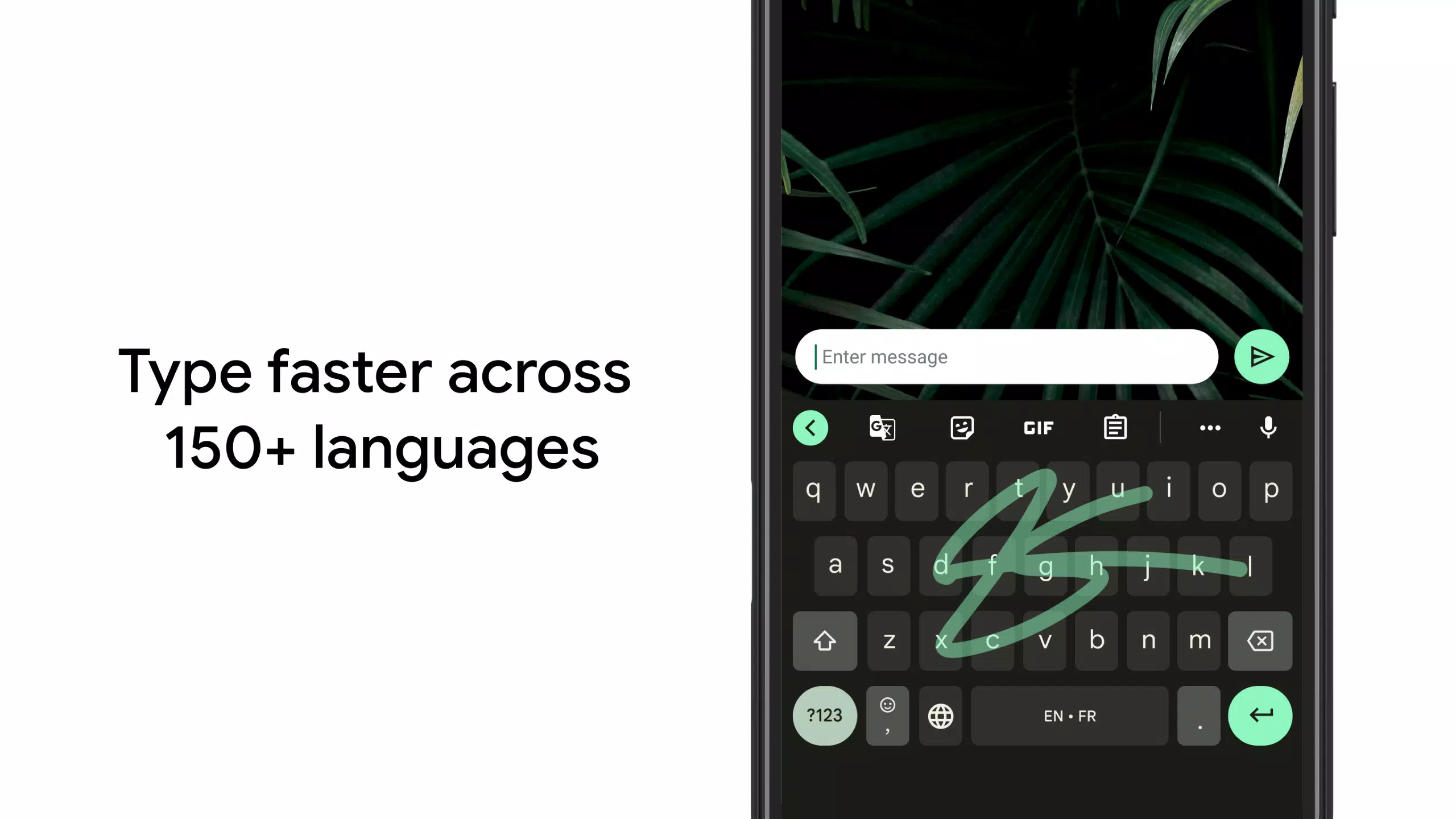
Glide Typing: Streamline your typing by effortlessly gliding your finger from one letter to another, significantly boosting your typing speed.
Voice Typing: Dictate text hands-free, perfect for multitasking or when you're on the move.
Handwriting: Enjoy the flexibility of writing in both cursive and printed letters, making typing more natural and intuitive. (Not available on Android Go devices)
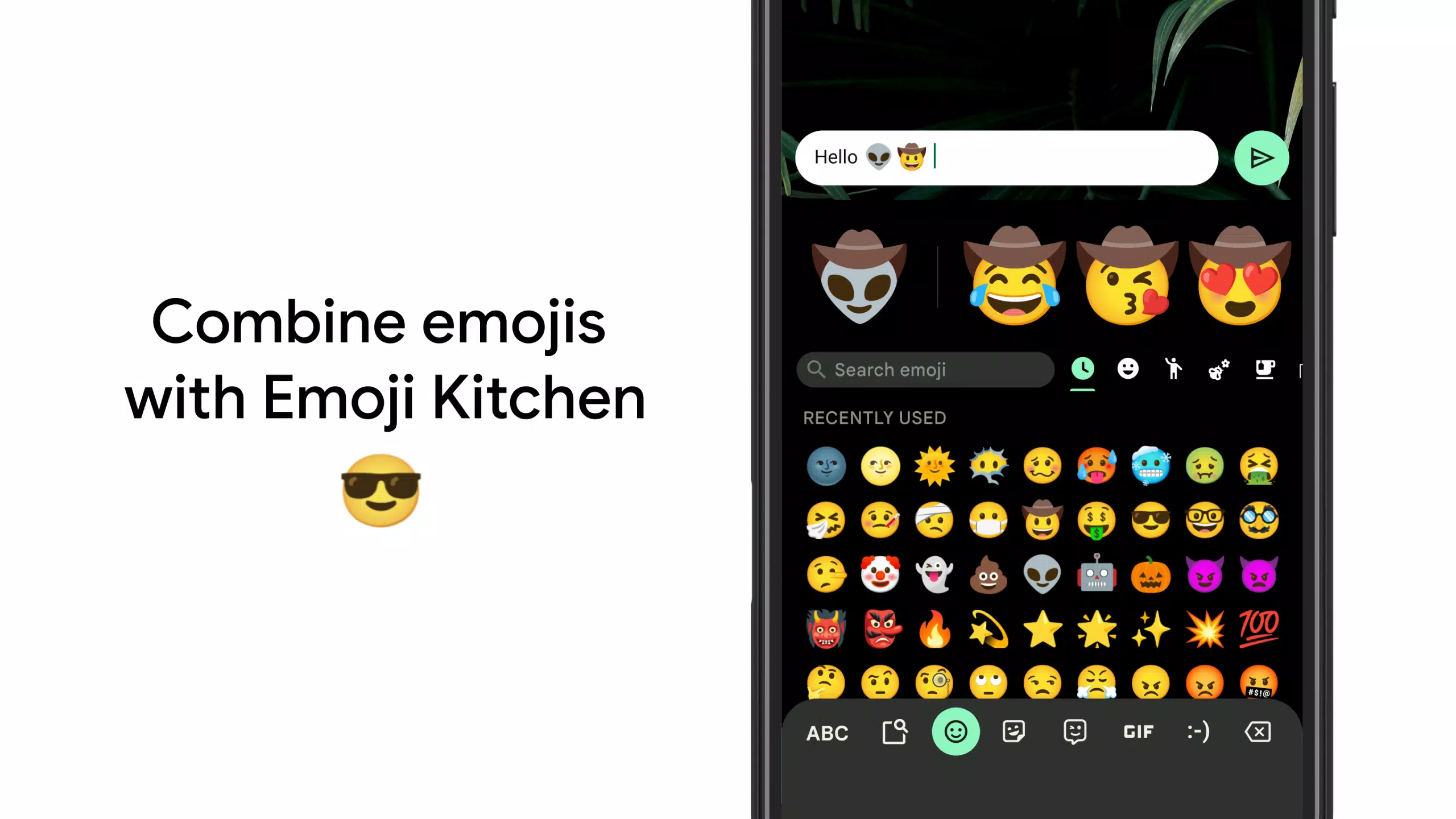
Emoji Search: Quickly locate the perfect emoji to express your mood or reaction. (Not available on Android Go devices)
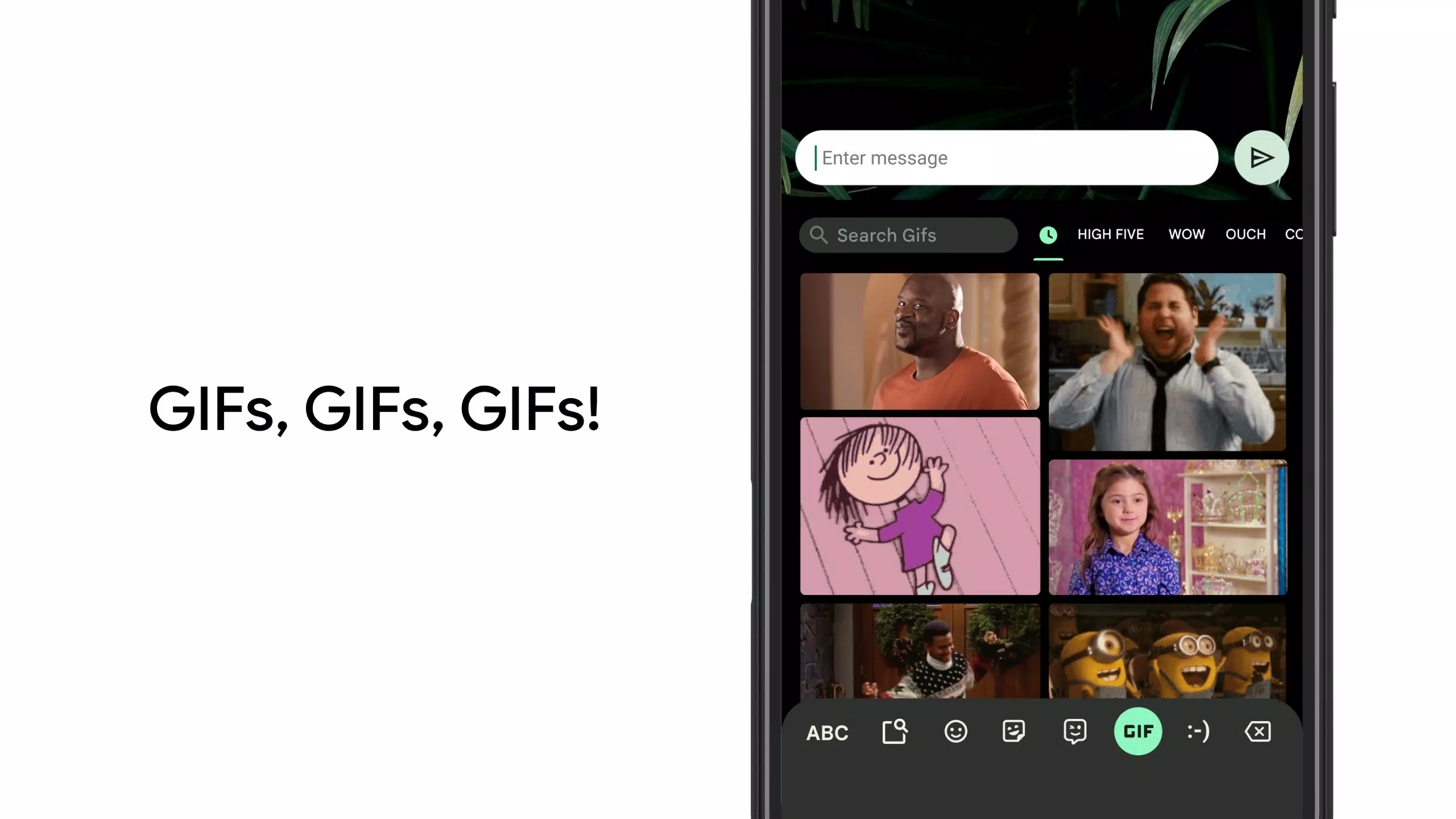
GIFs: Add a touch of fun to your conversations with a vast selection of GIFs, perfect for any occasion. (Not available on Android Go devices)
Multilingual Typing: Seamlessly type in multiple languages without the hassle of switching between them. Gboard intelligently autocorrects and suggests words from all your enabled languages.
Google Translate: Break language barriers by translating text directly from the keyboard as you type.
Supported Languages:
Gboard supports a comprehensive list of languages, catering to a global audience. From Afrikaans to Zulu, and including major languages like Chinese, English, Spanish, and many more, Gboard ensures you can communicate in your preferred language. For the full list of supported languages, visit https://goo.gl/fMQ85U.
Wear OS Support:
For those on the go, Gboard extends its functionality to Wear OS devices, bringing the power of Glide Typing, Voice Typing, and Emoji Typing right to your wrist. Supported languages on Wear OS include a wide range, from Chinese and English to Vietnamese and beyond.
Pro Tips for Enhanced Typing:
Gesture Cursor Control: Effortlessly move the cursor by sliding your finger across the space bar.
Gesture Delete: Quickly delete multiple words by sliding left from the delete key.
Number Row: Make the number row always accessible by enabling it in Settings → Preferences → Number Row.
Symbols Hints: Access symbols more easily with quick hints on your keys, enabled through Settings → Preferences → Long press for symbols.
One Handed Mode: Optimize your typing experience on larger screen phones by pinning the keyboard to either side of the screen.
Themes: Personalize your typing experience with a variety of themes, with or without key borders.
With Gboard, your typing experience is not just functional but also fun and tailored to your needs, whether you're communicating in one language or many, on a phone or a smartwatch.