Easily resize your photos with the Shrink photos beautifully app. This app doesn't just shrink images; it does so beautifully, preserving image quality while allowing for precise image cutouts. Perfect for sharing on social media, emailing, or viewing on older devices, this app is a game-changer for anyone frustrated with low-quality resized images. It even includes a mosaic feature for hiding faces and batch resizing for maximum efficiency. Importantly, your original images remain untouched. Explore EXIF data, GPS locations, and more with ease, and quickly share your perfectly resized images.
Features of Shrink photos beautifully:
- High-Quality Resizing: Resizes photos while maintaining exceptional clarity and detail.
- Batch Processing: Resize multiple images simultaneously, saving you valuable time.
- Text Preservation: Keeps printed text legible even after significant size reduction.
- Privacy Protection: Removes EXIF data to protect your privacy.
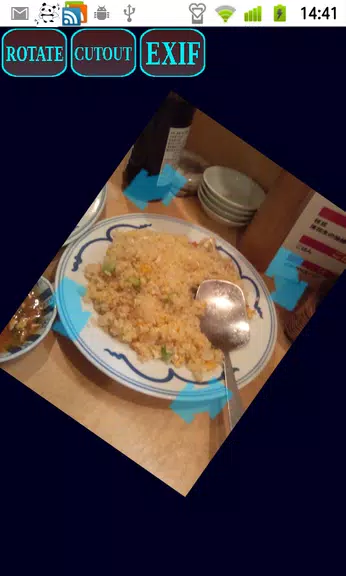
- Mosaic Face Hiding: Easily hide faces using a mosaic effect.
- Dedicated Output Folder: Resized images are stored separately, leaving your originals untouched.
Tips for Users:
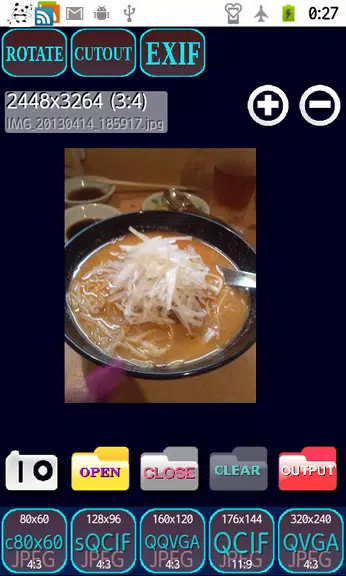
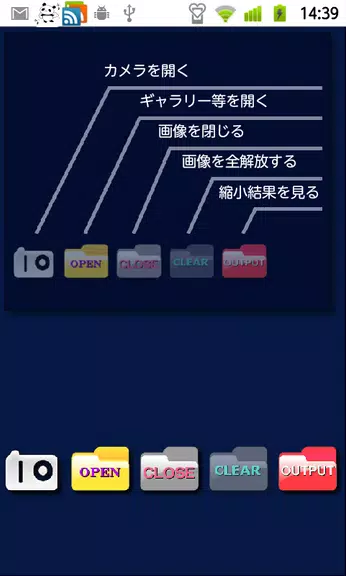
- Use the intuitive touch icons on the home screen for easy navigation.
- Select the appropriate icon for your desired level of size reduction.
- The output display screen allows for easy sharing or deletion of resized images.
- Use pinch-to-zoom and drag functionality for detailed viewing and rotation.
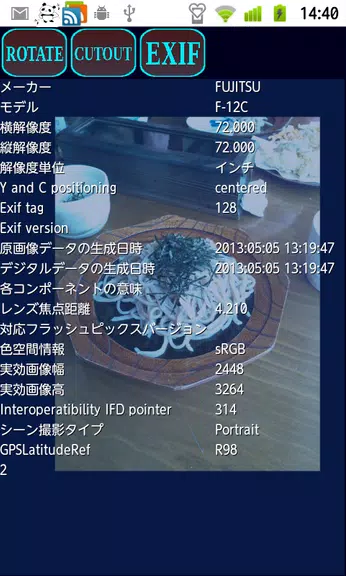
- Access additional image information via the EXIF and GPS buttons.
Conclusion:
Shrink Photos Beautifully makes resizing and sharing images incredibly easy. Whether you're emailing photos or posting to social media, this app delivers high-quality results with efficient batch processing. Features like mosaic face hiding and EXIF data removal add extra layers of privacy and control. Enjoy beautifully resized photos without the frustration of image distortion.