Application Description
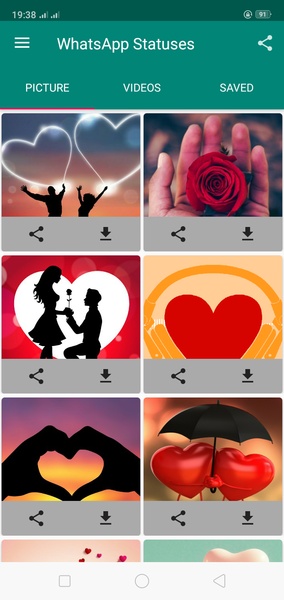
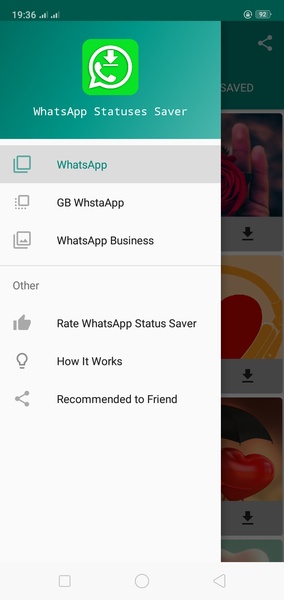
Status Saver for Whatsapp is a user-friendly app designed for Android devices that simplifies the process of saving WhatsApp statuses. To utilize this app effectively, follow these straightforward steps:
- Open WhatsApp: Launch the WhatsApp application on your Android device.
- Access Statuses: Navigate to the "Statuses" tab within WhatsApp.
- View Desired Status: Select and open the specific status you wish to save. This step is crucial, as you cannot save a status without first viewing it.
- Open Status Saver for Whatsapp: After viewing the status, open the Status Saver for Whatsapp app.
- Select and Save: Within the Status Saver for Whatsapp app, you will find a list of previously viewed statuses. Simply choose the status you want to save and it will be stored on your device.
Status Saver for Whatsapp provides a convenient solution for preserving WhatsApp statuses on your Android device, allowing you to enjoy them at any time.
Requirements (Latest Version):
Android 5.0 or higher is required.
Screenshot