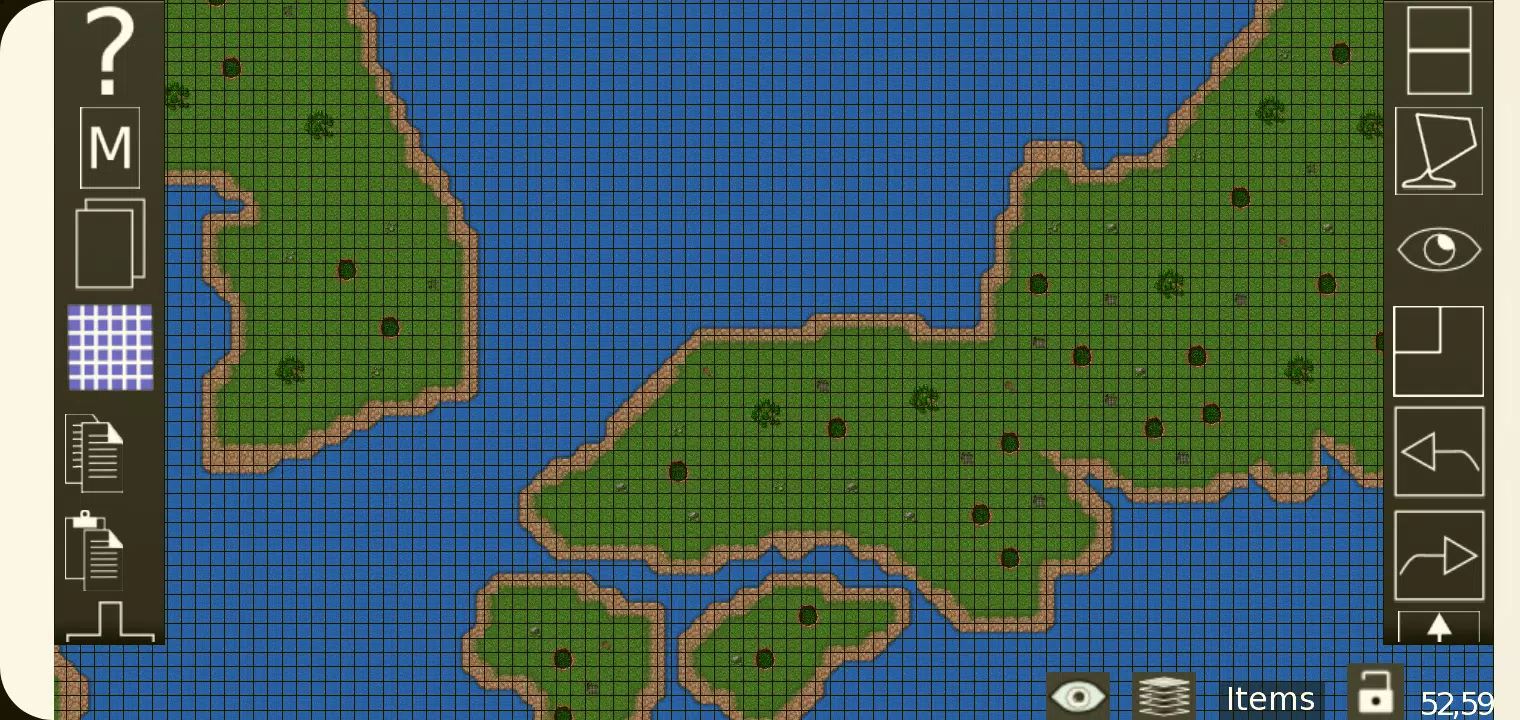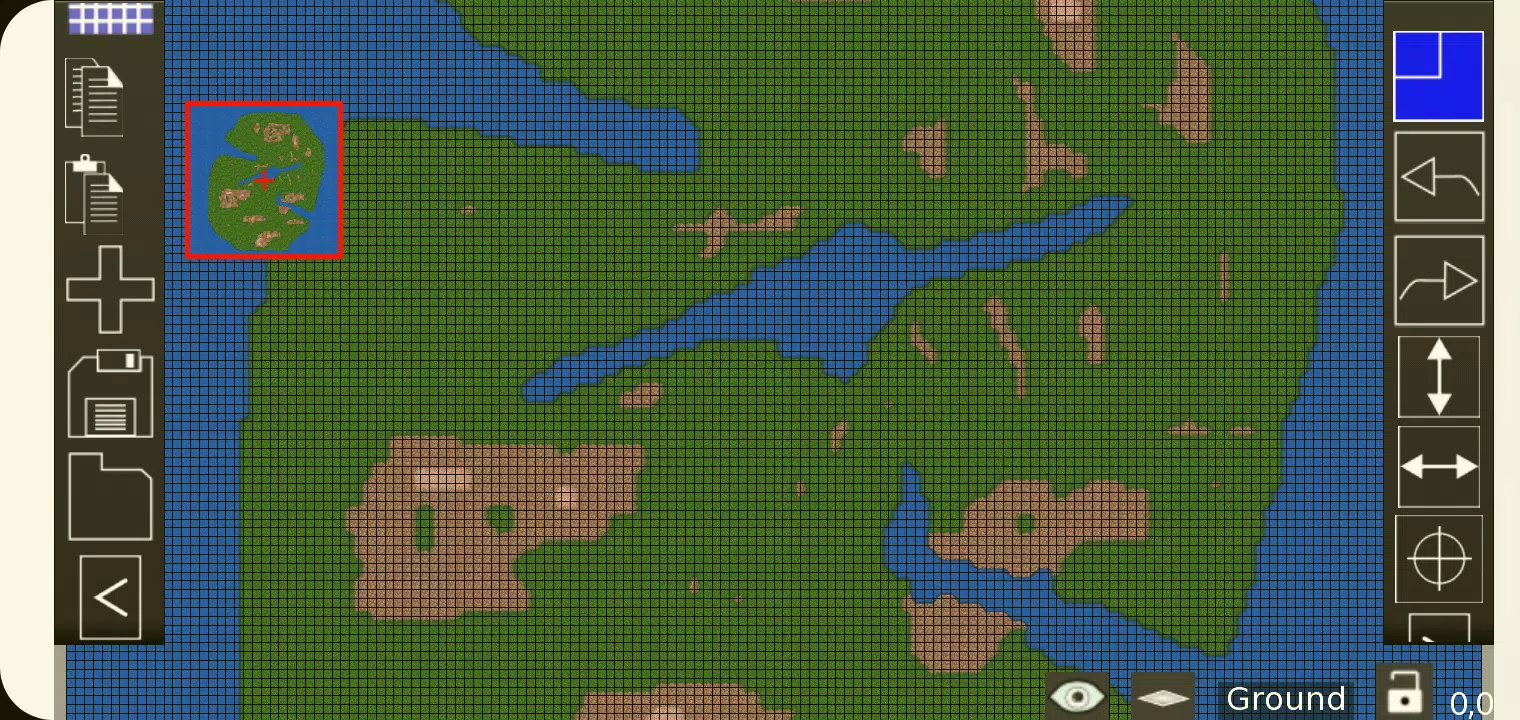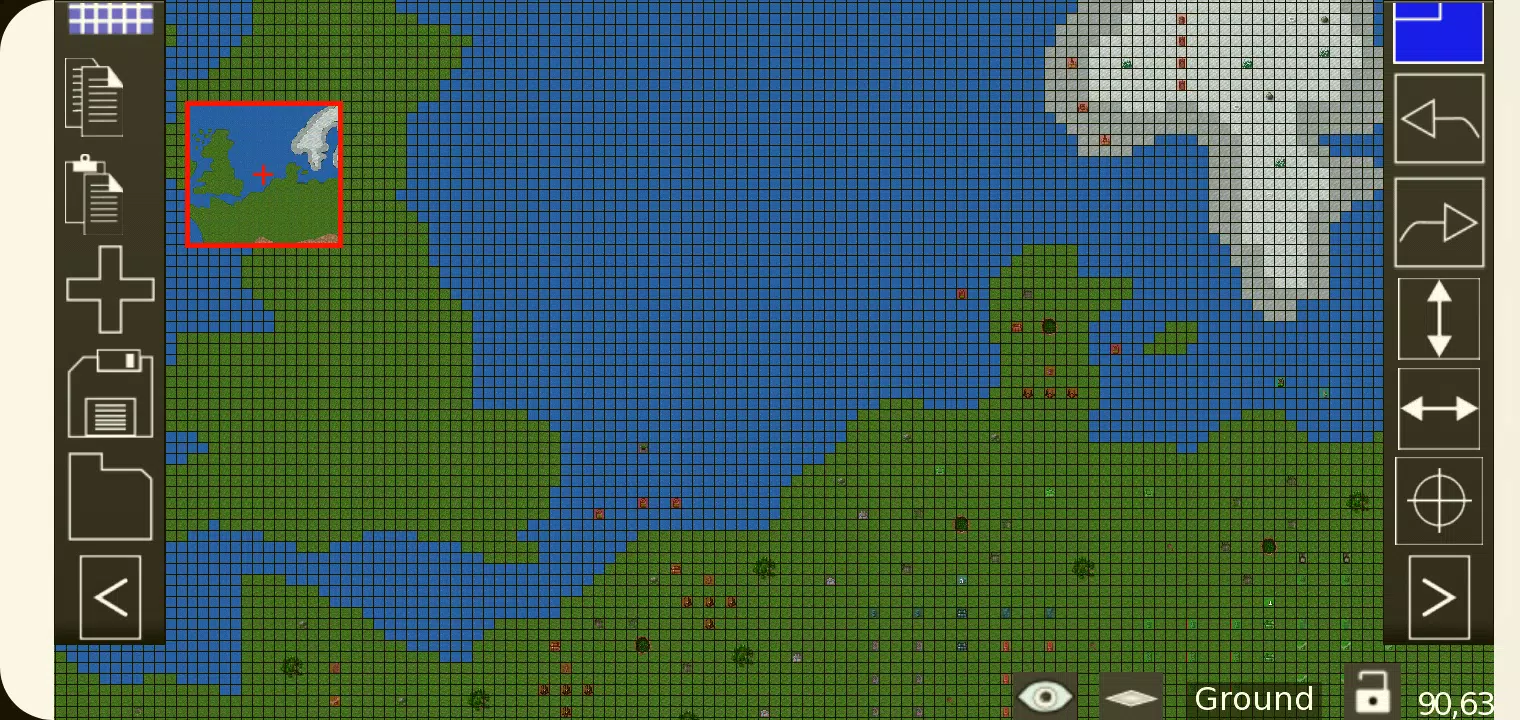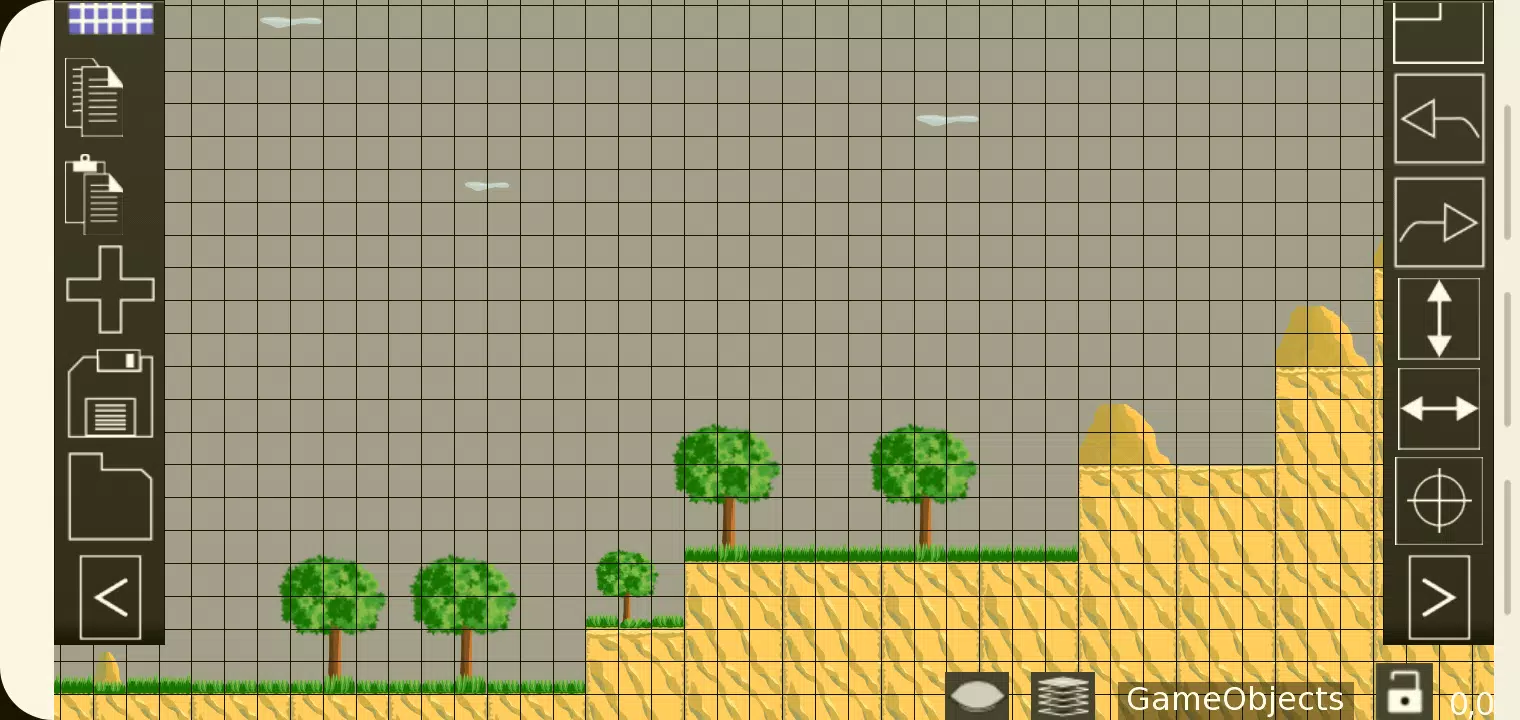
For developers and game designers crafting 2D games, TMEditor emerges as a pivotal tool for effortlessly creating map layouts. This versatile software not only facilitates the design of landscapes but also enables the specification of more abstract elements, such as collision areas, enemy spawn points, and power-up locations. All these intricate details are seamlessly saved in the standardized .tmx format, ensuring easy integration into your game development process.
How Does TMEditor Work?
The process of map creation with TMEditor is straightforward yet powerful, designed to streamline your workflow:
Select Your Map Size and Base Tile Size: Start by defining the dimensions and scale of your game world.
Add Tilesets from Images: Import your visual assets to create a rich palette for your map design.
Place Tilesets on the Map: Utilize your tilesets to build the environment, layer by layer.
Incorporate Additional Objects: Add objects to represent abstract concepts like collision zones or interactive elements.
Save Your Map as a .tmx File: Once your map is complete, save it in the universally compatible .tmx format.
Import and Interpret in Your Game: Load the .tmx file into your game engine to bring your designed world to life.
Features
TMEditor is equipped with a robust set of features to enhance your map creation experience:
Orientation Options: Supports both Orthogonal and Isometric orientations to fit various game styles.
Multiple Tilesets: Use as many tilesets as needed to achieve the desired look and feel.
Object Layers: Create multiple layers of objects for complex interactions and detailed environments.
Multi-Layer Editing: With up to eight layers, you can add depth and detail to your maps.
Custom Properties: Assign custom attributes to maps, layers, and objects for enhanced game logic.
Editing Tools: Includes tools like Stamp, Rectangle, and Copy Paste for efficient design work.
Tile Flip: Easily flip tiles to add variation and dynamism to your maps.
Undo/Redo Functionality: Supports undo and redo actions for tile and object placement, ensuring flexibility in your creative process.
Object Types: Offers a variety of object types including Rectangle, Ellipse, Point, Polygon, Polyline, Text, and Image.
Isometric Map Objects: Specifically designed to handle objects on isometric maps.
Background Image: Add a background image to your map for a more immersive design experience.
Export Options: Export your maps in various formats including XML, CSV, Base64, Base64-Gzip, Base64-Zlib, PNG, and Replica Island (level.bin).
What's New in the Latest Version 1.0.27
Last updated on Oct 4, 2024, TMEditor version 1.0.27 focuses on enhancing user experience with crucial bug fixes, ensuring a smoother and more reliable map creation process.